



What Is It
What is FARBA's AI Video Generator?
FARBA's AI Video Generator transforms your photos into captivating short videos. From cinematic eye zooms to angel wings effects, liquid chrome transformations, and trending visual effects — create scroll-stopping video content. For still cinematic portraits, try the AI Cinematic Photo Generator. Want multi-panel storytelling? See the AI Storyboard Generator.
Why Choose FARBA
Why It Stands Out
Video content dominates social media. FARBA lets you create trending video effects and cinematic clips from a single photo — no filming, editing, or video skills required. Perfect for TikTok, Instagram Reels, and Stories.
Showcase
See the Results
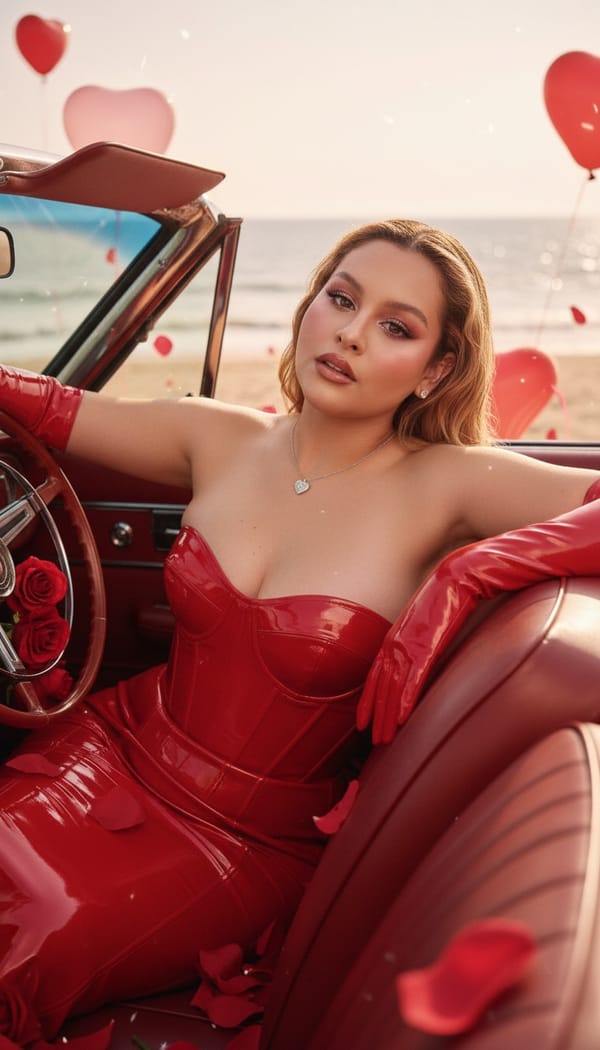
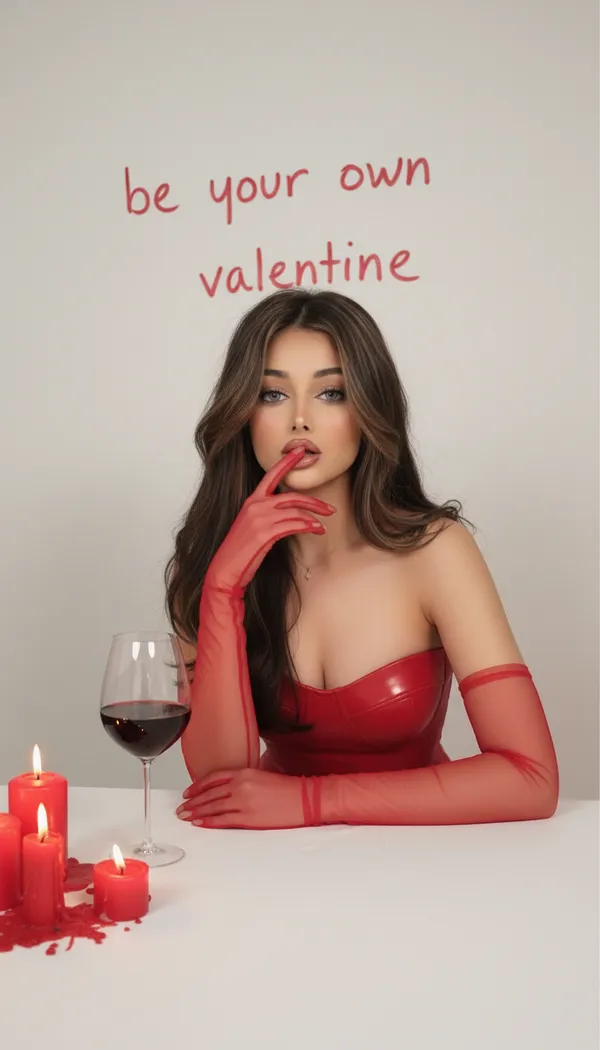
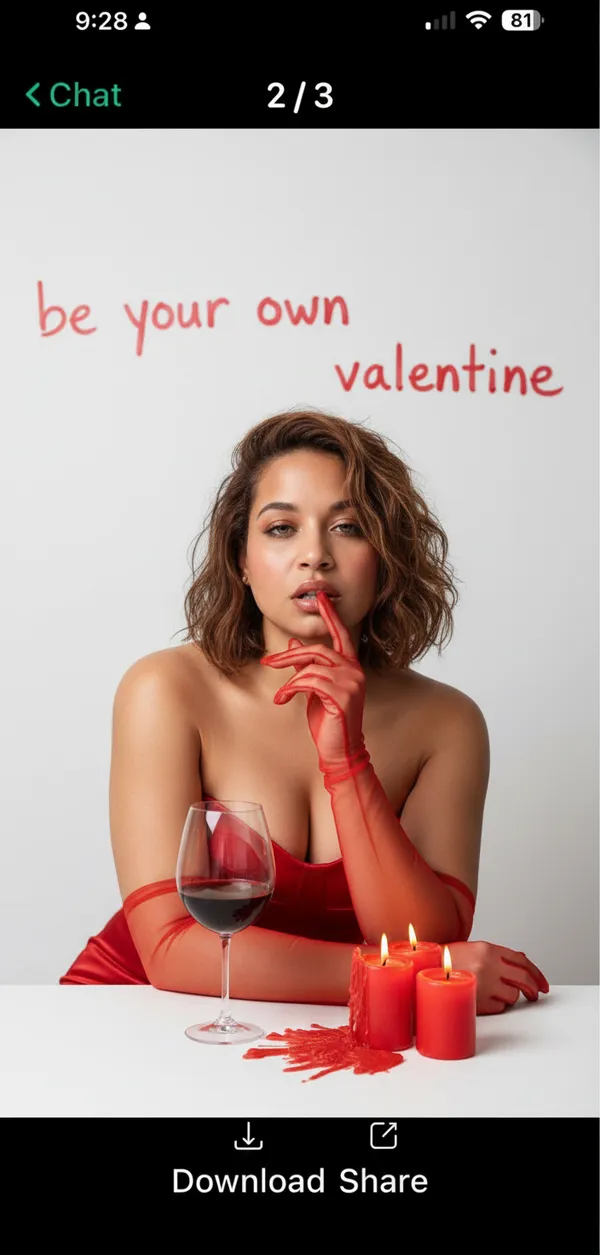
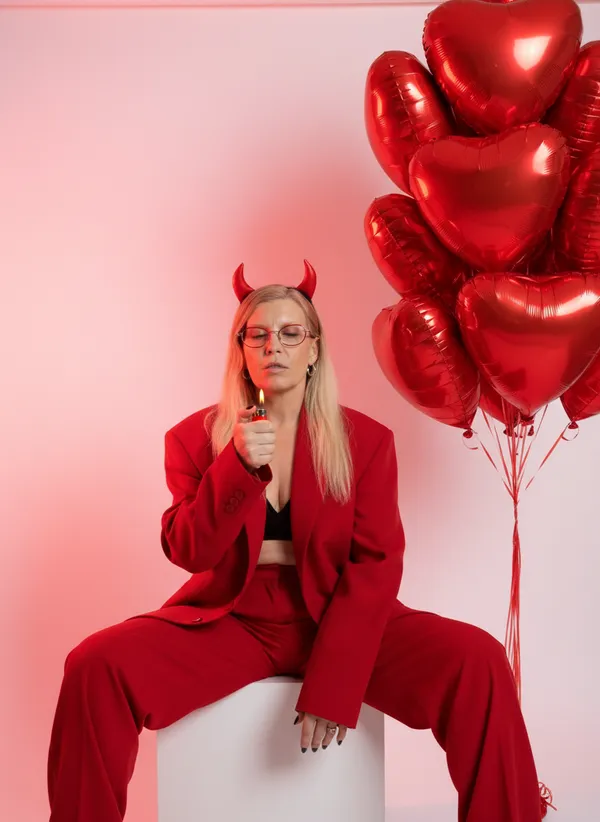
Every image is generated by our AI from a single photo.


How It Works
Create AI Video Generator in 3 Steps
Upload a photo and select a video effect. Our AI animates your still image into a smooth, cinematic video clip with professional-quality motion, transitions, and visual effects.
Upload Your Photo
Take a quick selfie or choose a photo from your gallery. One photo is all you need.
Choose Your Style
Browse ai video generator styles and pick the one that matches your vision.
Get Your Result
AI generates stunning results in seconds. Download, share, or post directly to social media.
Reviews
Loved by Creators
Rated 4.4 out of 5 from 900 ratings on the US App Store.
"I prefer this app over similar alternatives mostly because of the high quality results, the several art styles to choose from and because generation is very fast."
Zaka 67 mari
App Store review · United States · Jun 2023
"This is a very good app that does really clear lifelike images…"
Ste684
App Store review · United Kingdom · Jan 2025
"Está muy bien tiene muy buenos detalles en las fotos"
Translation: It’s really good, the photos have great detail.
Fanyerick
App Store review · Mexico · Jul 2026
FAQ
AI Video Generator FAQ
What video effects are available?
FARBA offers eye zoom, glossy pink, angel wings, explosion, liquid chrome, cherry blossom, underwater, and many more trending AI video effects.
How long are the generated videos?
AI-generated videos are typically 3-5 seconds — perfect for social media reels, stories, and short-form content.
Can I share the videos directly?
Yes! FARBA exports videos in formats optimized for all major social media platforms including TikTok, Instagram, and Snapchat. For still photo content, check out the AI Cinematic Photo Generator.
How do I use the AI Video Generator?
Download FARBA, upload a photo, choose a video effect like Liquid Chrome or Cherry Blossom, and tap generate. Your AI video clip is created in seconds.
Is the AI Video Generator free?
FARBA is free to download and includes some free video effects. Premium cinematic effects and trending styles are available through an in-app subscription.
Do I need video editing skills to use it?
No editing skills needed at all. FARBA handles all animation, transitions, and effects automatically. Just upload a photo, pick a style, and your video is ready to share.
What photos work best for AI video generation?
A clear, well-lit photo with your face visible produces the best video results. Simple backgrounds help the AI create smoother animations and more dramatic visual effects.
Do I need an account to use the AI Video Generator?
Just download FARBA from the App Store and start generating AI videos right away. No separate sign-up or account registration is required.
Ready to Create?
Download FARBA and start generating stunning ai video generator results today. Free to try.
Free download. In-app purchases available.