
What Is It
What is FARBA's AI LinkedIn Photo Generator?
The FARBA AI LinkedIn Photo Generator builds a profile photo for how LinkedIn actually crops and renders your face, not how a studio photographer would frame a print. LinkedIn displays your photo as a 400x400 circle on your profile, a 48x48 circle in recruiter search results, and a 72x72 circle in InMail previews. The same photo has to read cleanly at all three sizes. Need a broader set of corporate looks beyond LinkedIn? Also see the AI Headshot Generator. And if the profile you are polishing is a dating one, the dating profile photo generator applies the same one-selfie workflow to Hinge, Tinder, and Bumble.
Why Choose FARBA
Why It Stands Out
LinkedIn's own data shows profiles with a photo get 14 times more profile views and 9 times more connection requests than profiles without one. That stat is specific to LinkedIn: it reflects how the feed, search, and InMail surfaces hide photo-less profiles. An AI photo that is tuned for the 400x400 circle and the 48x48 thumbnail captures that lift at $0 per variation, which matters if you are A/B testing your profile during a job search or a rebrand.
Showcase
See the Results
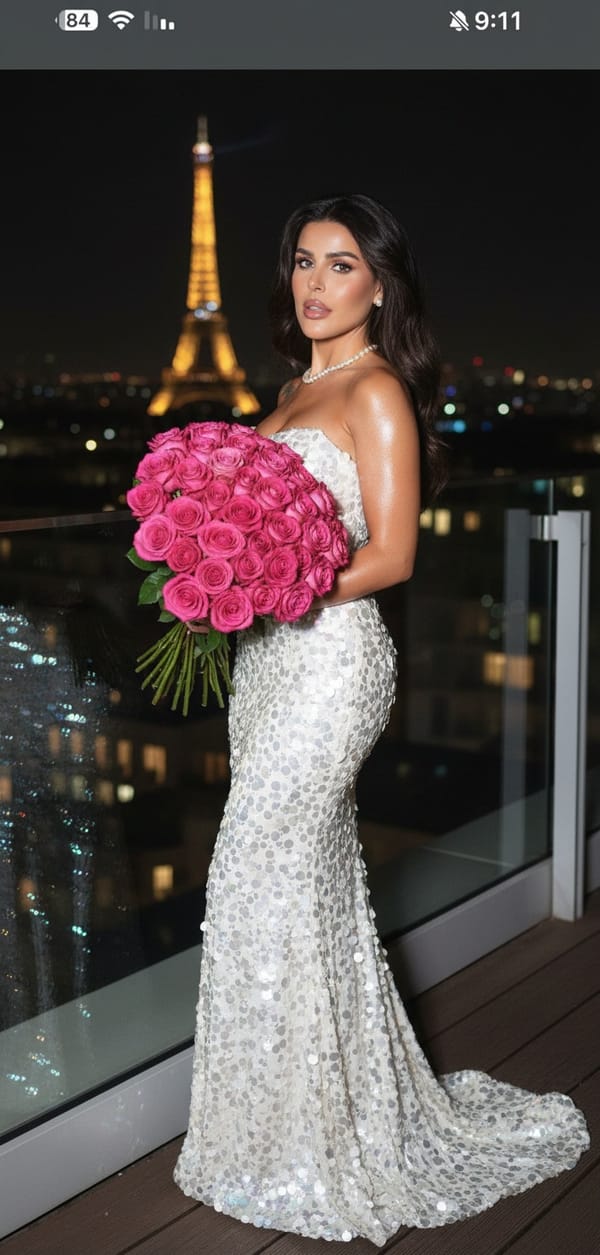
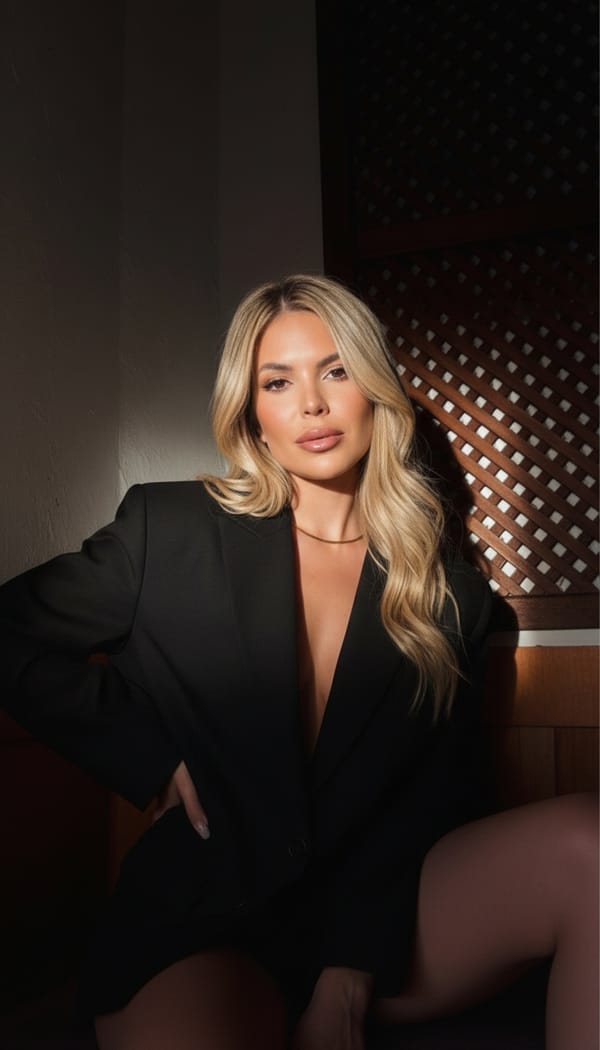
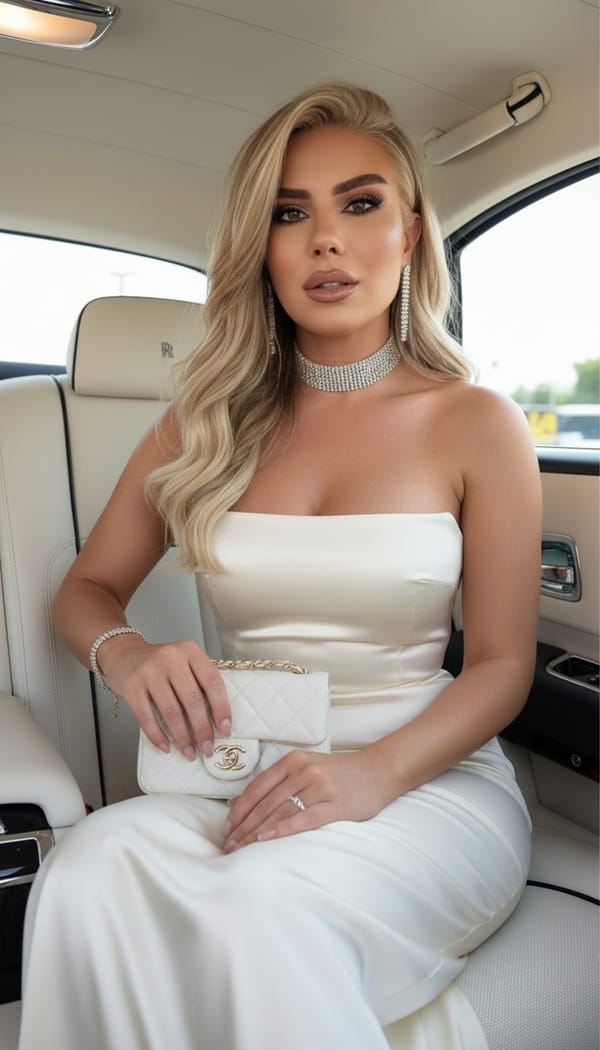
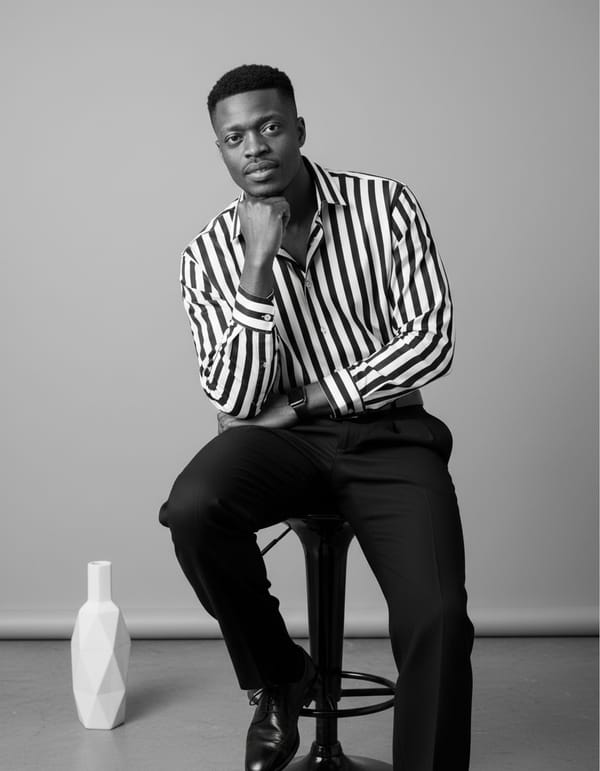
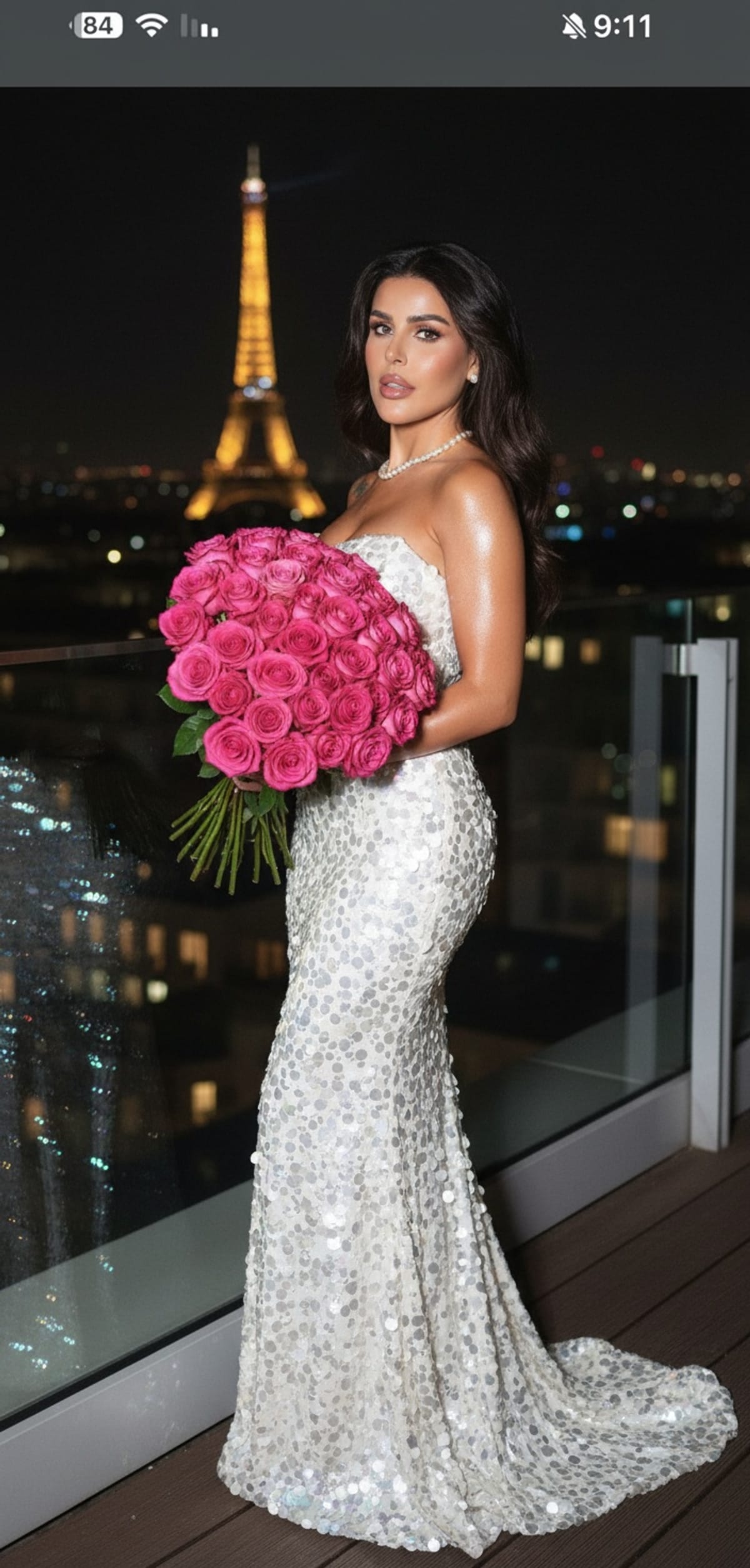
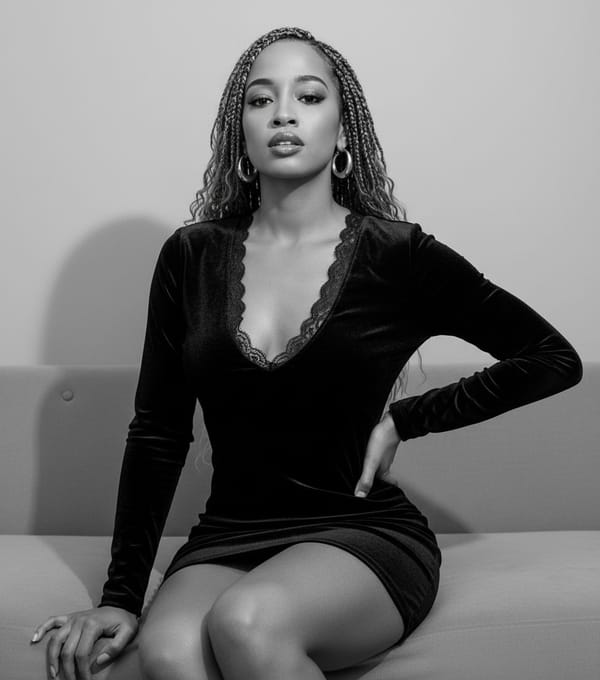
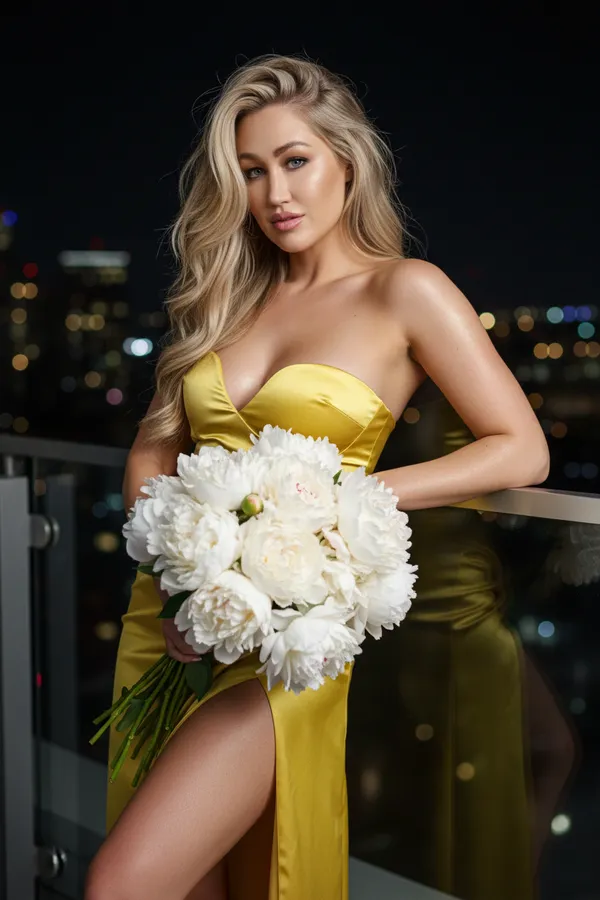
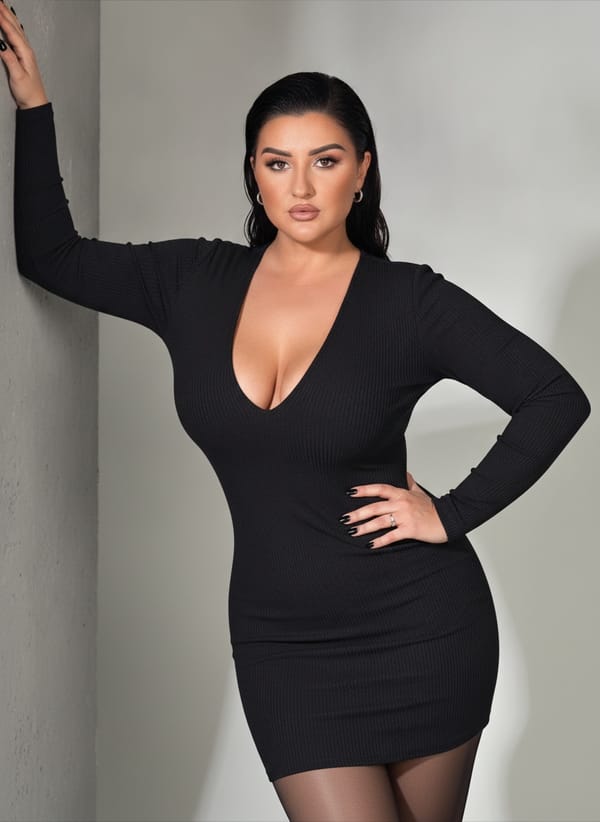
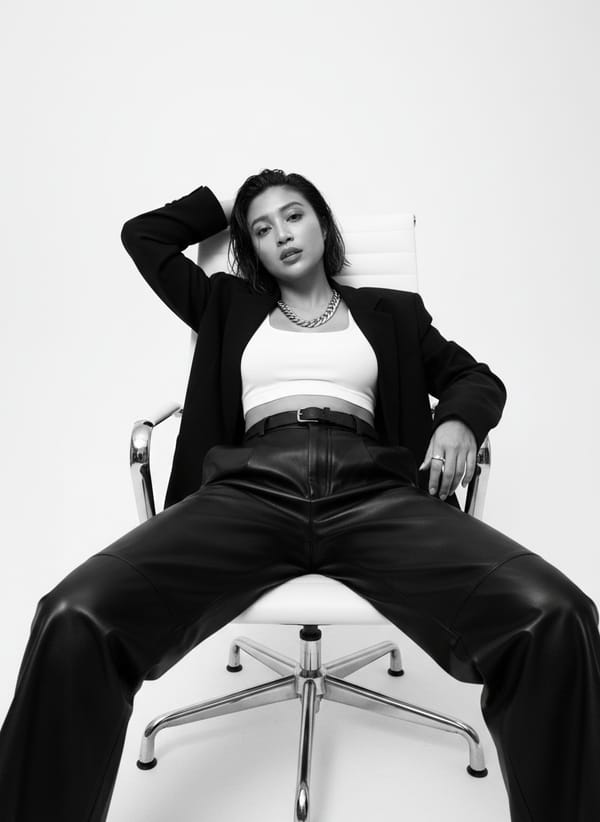
Every image is generated by our AI from a single photo.
How It Works
Create AI LinkedIn Photo Generator in 3 Steps
Upload one clear selfie. FARBA generates a 400x400 master with your face occupying the inner 88% safe zone so the green Open to Work ring, when you toggle it on, cuts only into the background and never into your shoulders or hairline. Pick from LinkedIn-native archetypes (sales, engineer, consultant, recruiter, product manager), each lit and colored to pop against LinkedIn's white UI chrome rather than disappear into it.
Upload Your Photo
Take a quick selfie or choose a photo from your gallery. One photo is all you need.
Choose Your Style
Browse ai linkedin photo generator styles and pick the one that matches your vision.
Get Your Result
AI generates stunning results in seconds. Download, share, or post directly to social media.
Reviews
Loved by Creators
Rated 4.4 out of 5 from 898 ratings on the US App Store.
"I prefer this app over similar alternatives mostly because of the high quality results, the several art styles to choose from and because generation is very fast."
Zaka 67 mari
App Store review · United States · Jun 2023
"This is a very good app that does really clear lifelike images…"
Ste684
App Store review · United Kingdom · Jan 2025
"Está muy bien tiene muy buenos detalles en las fotos"
Translation: It’s really good, the photos have great detail.
Fanyerick
App Store review · Mexico · Jul 2026
FAQ
AI LinkedIn Photo Generator FAQ
What is the ideal profile photo size for LinkedIn?
LinkedIn accepts profile photos up to 8 MB and displays them at 400x400 pixels on desktop. Upload at exactly 400x400 or a larger square (800x800, 1200x1200) to survive LinkedIn's recompression without visible artifacts. Do not upload a rectangle; LinkedIn will center-crop and you lose control of the framing.
Should I face the camera or use a 45-degree angle for LinkedIn?
Both work, but the highest-performing pattern on LinkedIn is a 15 to 45-degree body angle with the face turned square to the lens and eyes directly to camera. It reads as engaged rather than stiff, and it gives the circular crop a natural shoulder line instead of a flat silhouette.
Does the Open to Work green ring affect photo visibility?
Yes. The #OpenToWork ring overlays the outer 6 to 8% of your circular photo. If your hairline, ear, or shoulder is parked at the edge of the frame, the ring will slice into it and the photo will look cropped. FARBA generates with a built-in safe area so toggling the ring on leaves the face untouched.
How often should I update my LinkedIn photo?
Every 18 to 24 months, or whenever your appearance changes meaningfully (new glasses, haircut, weight change, role change). A stale photo hurts trust on first-degree connection requests because recruiters cross-reference your photo with the one on your calendar invite and Zoom tile.
Why does my photo look blurry at 48x48 in recruiter search?
LinkedIn downsamples aggressively for the search thumbnail. If your face only occupies 35-40% of the frame, there is not enough pixel data at 48x48 to read as a human face. Fill roughly 60% of the frame with your head and the thumbnail stays sharp.
Can I use this photo for my LinkedIn banner too?
No, the banner is 1584x396 and needs a different composition entirely. The profile circle is foreground; the banner is context. Use FARBA for the circle and keep your banner as a scene, a quote card, or your company's brand asset.
Will LinkedIn detect and remove AI-generated photos?
LinkedIn's trust-and-safety systems target fake accounts and impersonation, not AI-enhanced photos of real people. As long as the photo depicts you (which FARBA enforces by locking to your source selfie) and you are not operating a fake persona, an AI-generated profile photo is compliant with LinkedIn's User Agreement.
What backgrounds perform best on LinkedIn feed?
Cool-neutral backgrounds (light grey, pale blue, warm off-white) pop against LinkedIn's white UI chrome. Avoid pure white, which visually merges with the feed card; avoid busy indoor scenes, which fight the 48x48 thumbnail. A softly defocused office or a seamless studio backdrop both work.
Ready to Create?
Download FARBA and start generating stunning ai linkedin photo generator results today. Free to try.
Free download. In-app purchases available.