


What Is It
What is FARBA's AI New York Photo Generator?
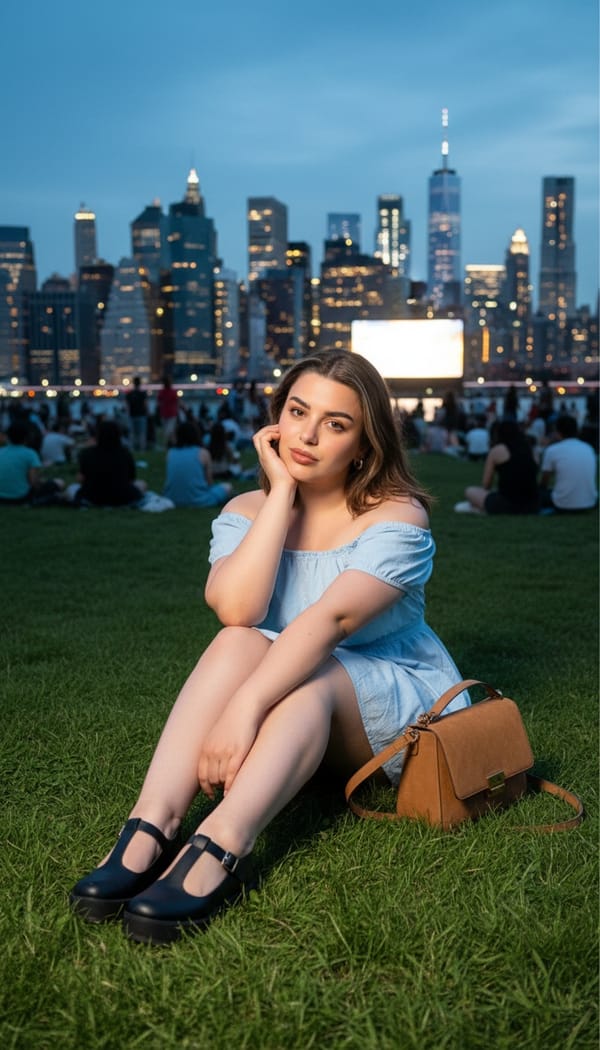
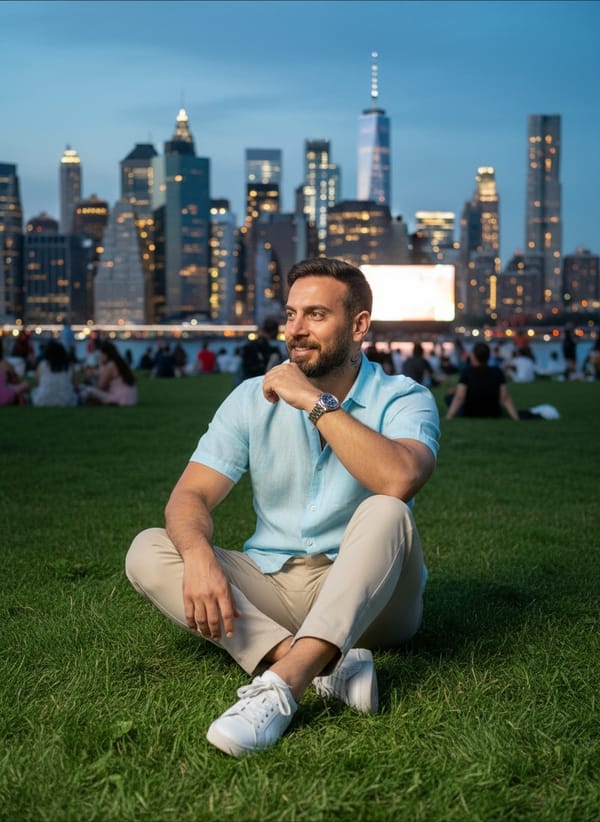
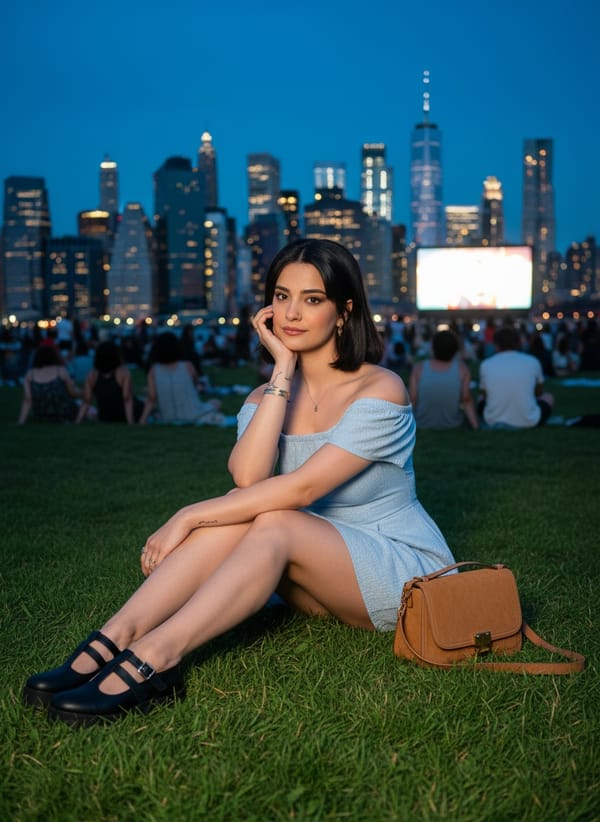
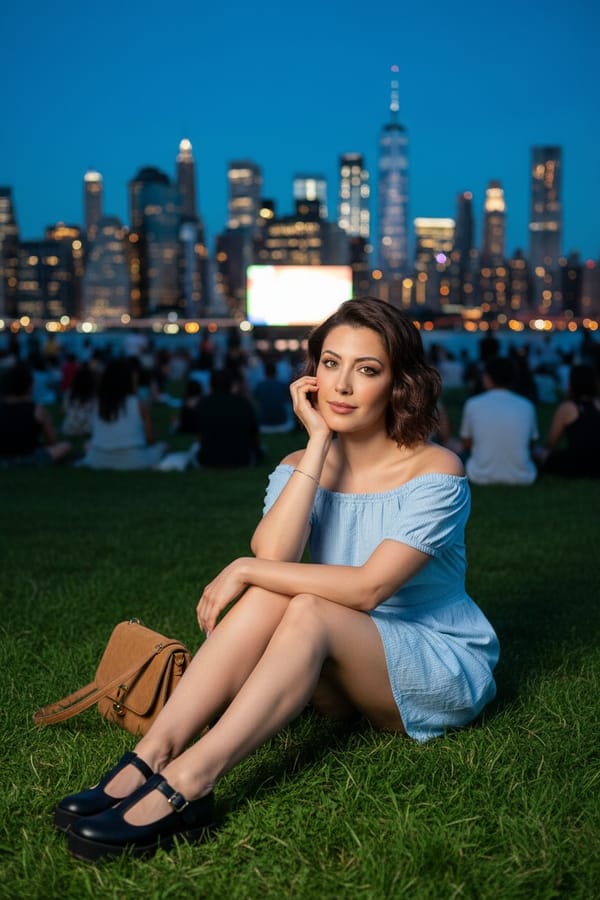
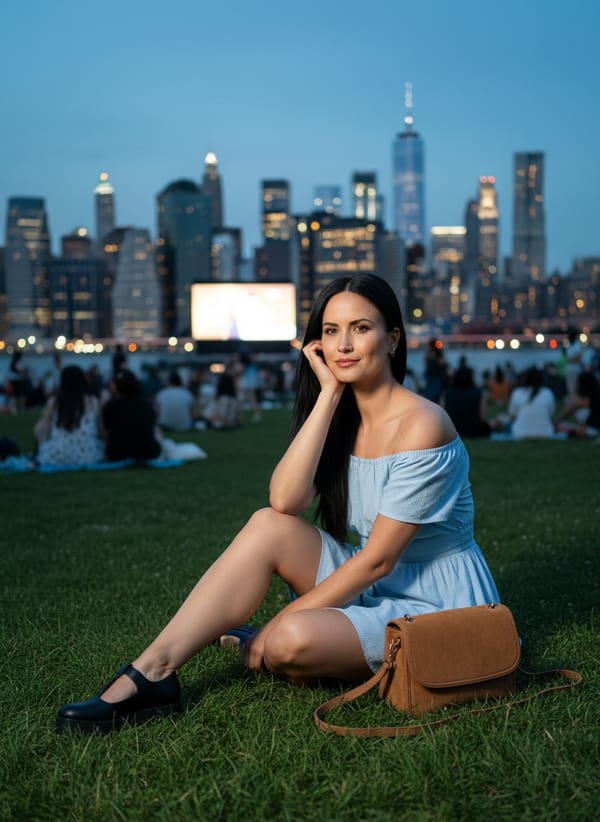
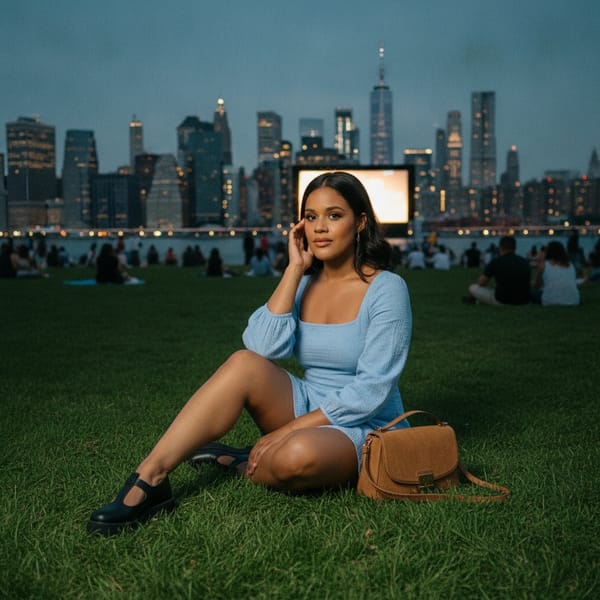
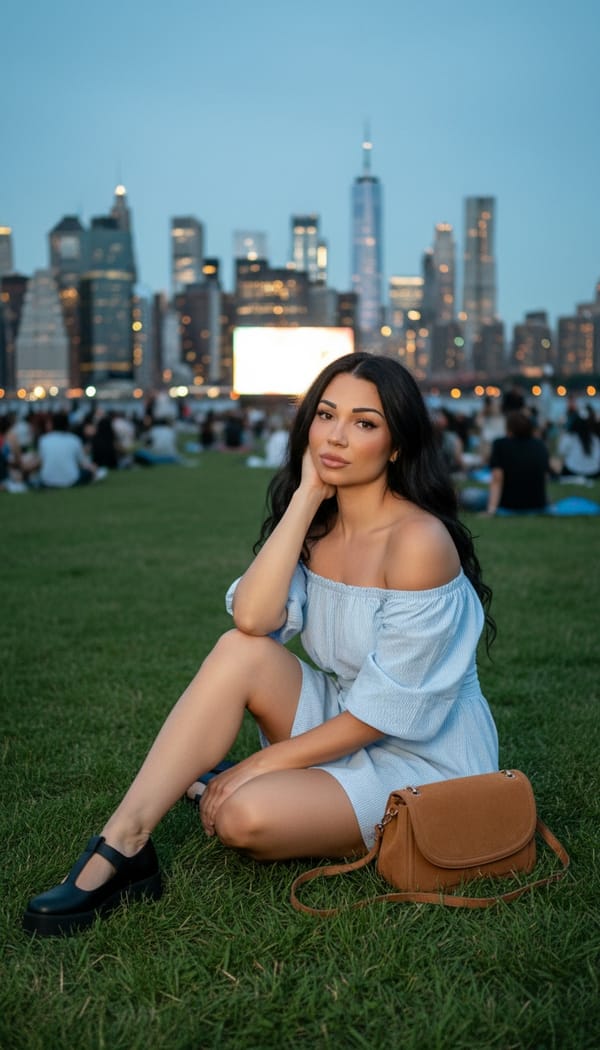
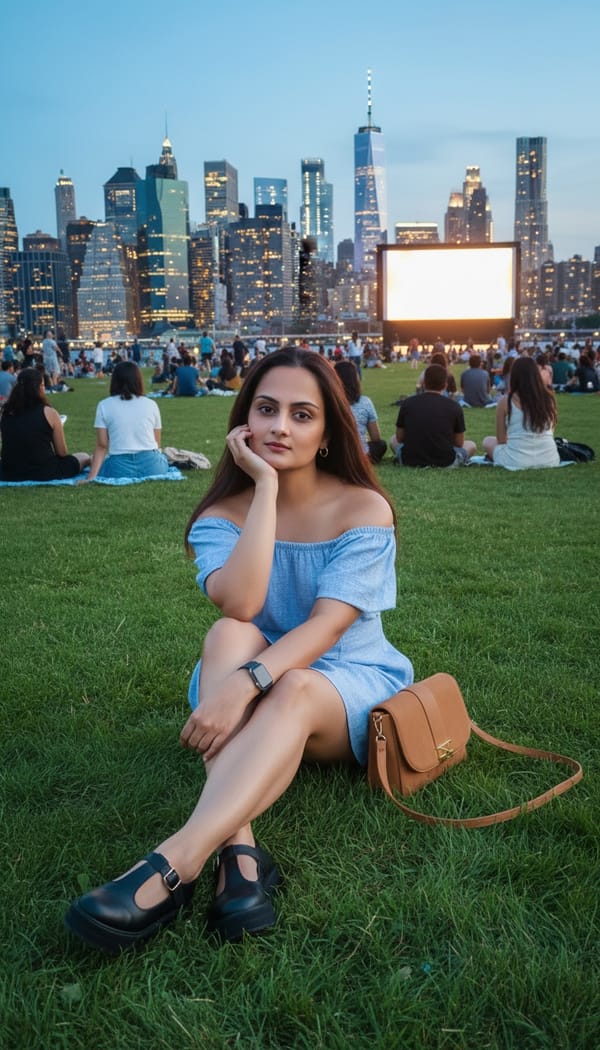
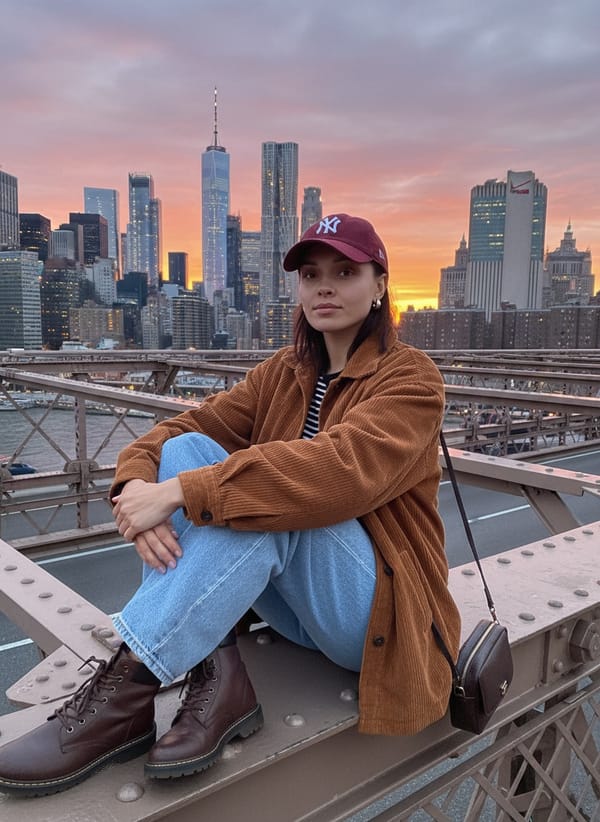
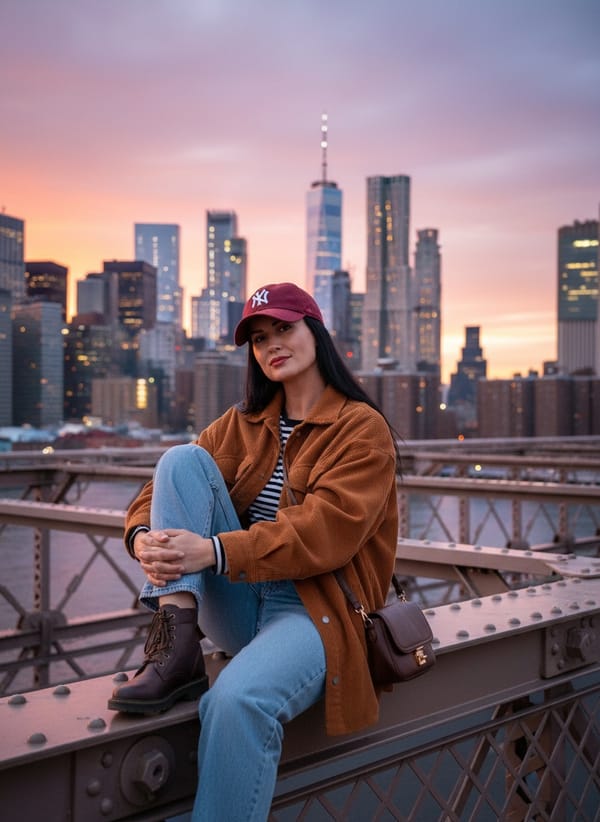
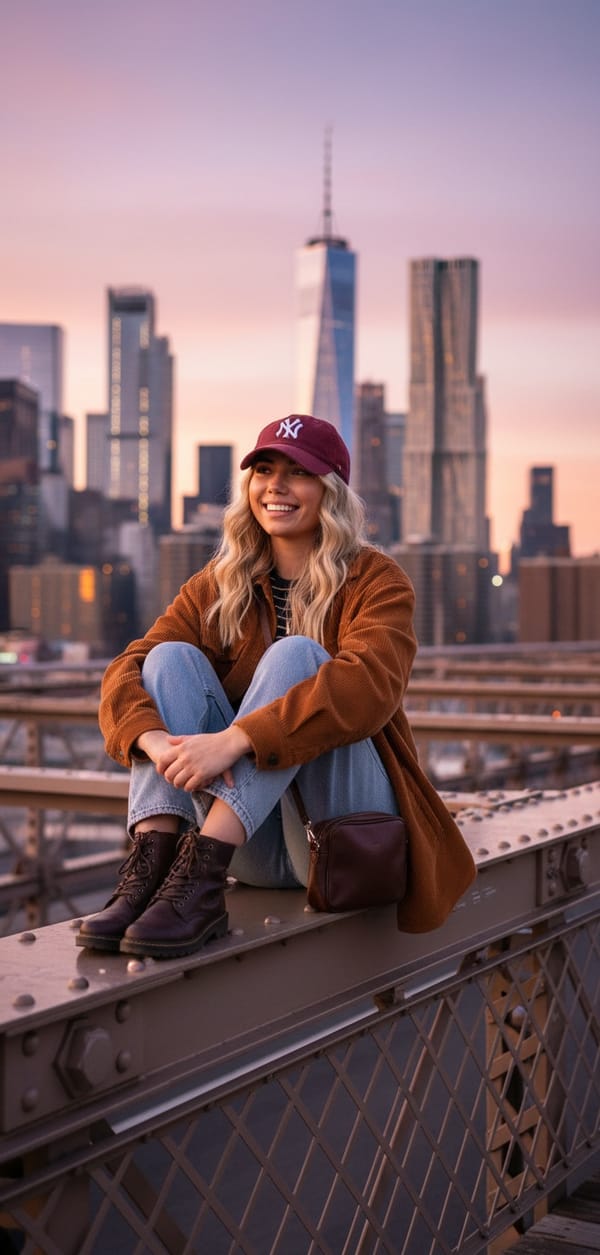
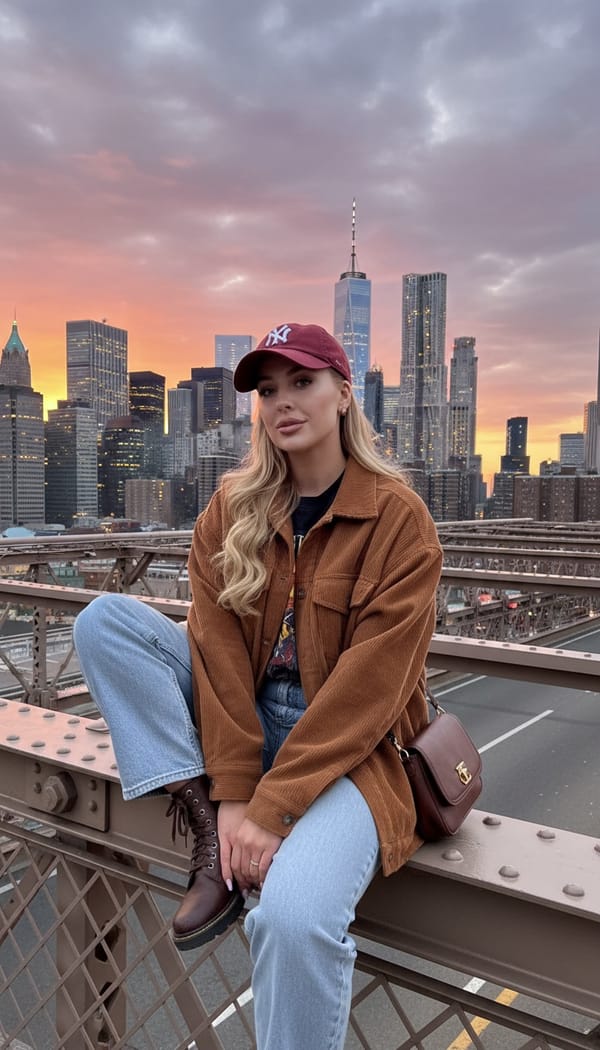
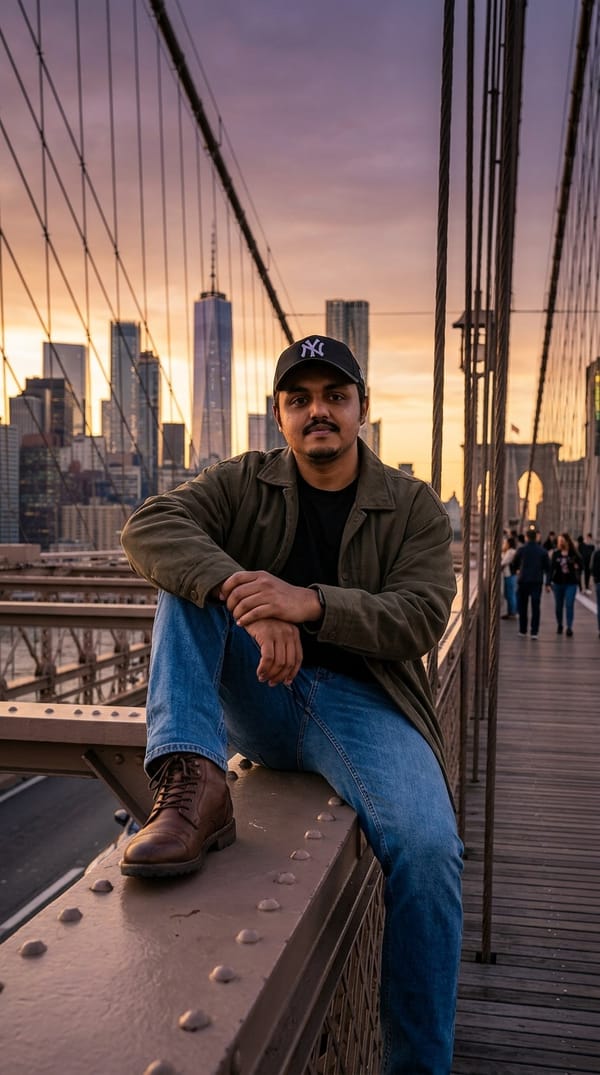
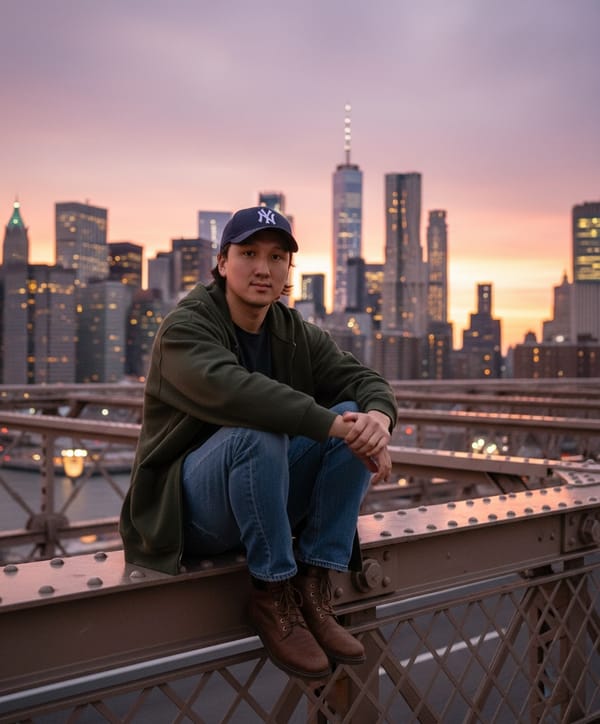
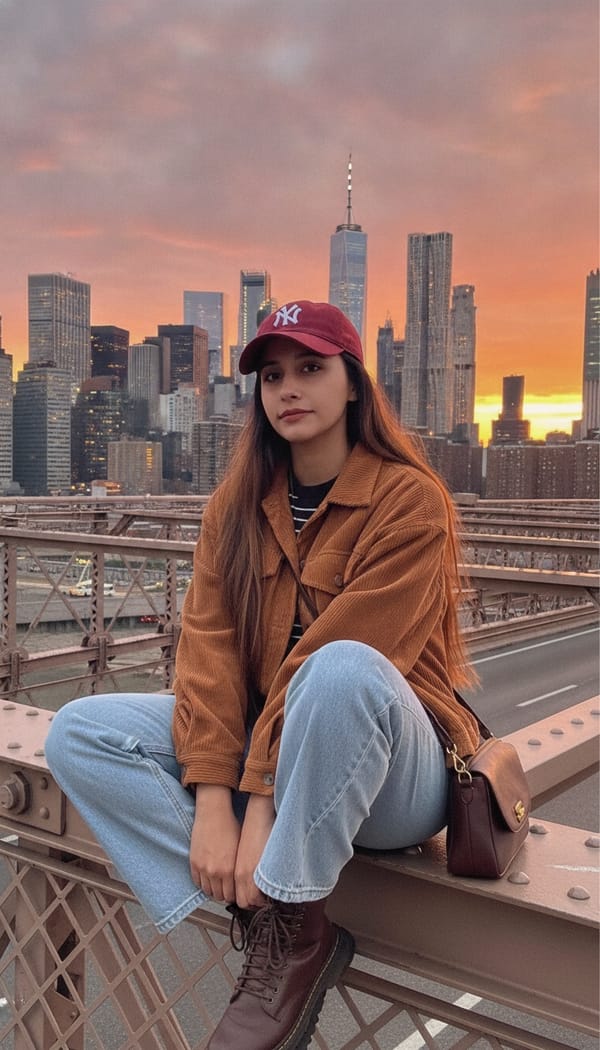
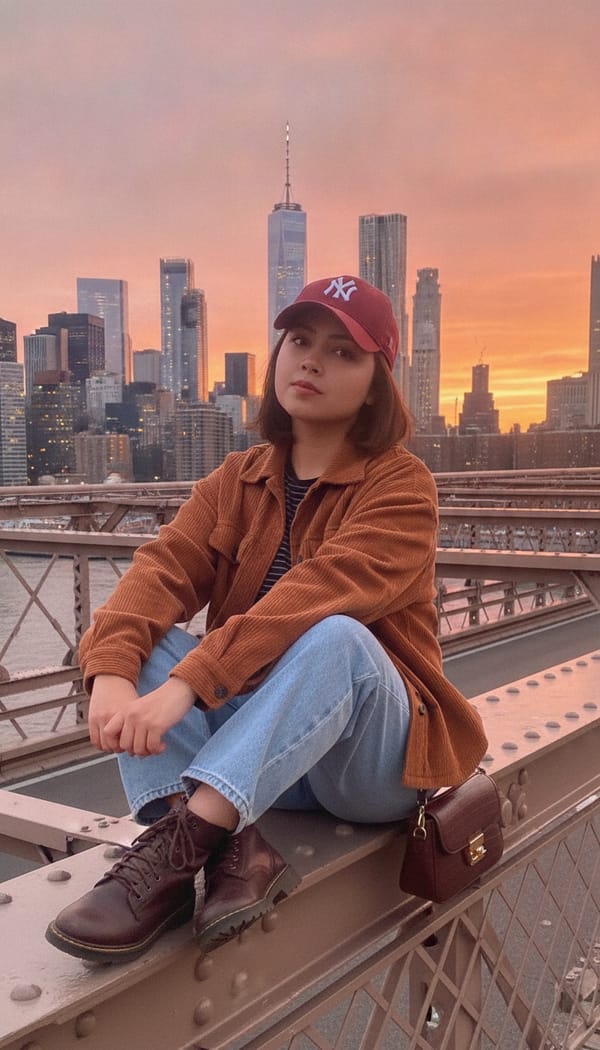
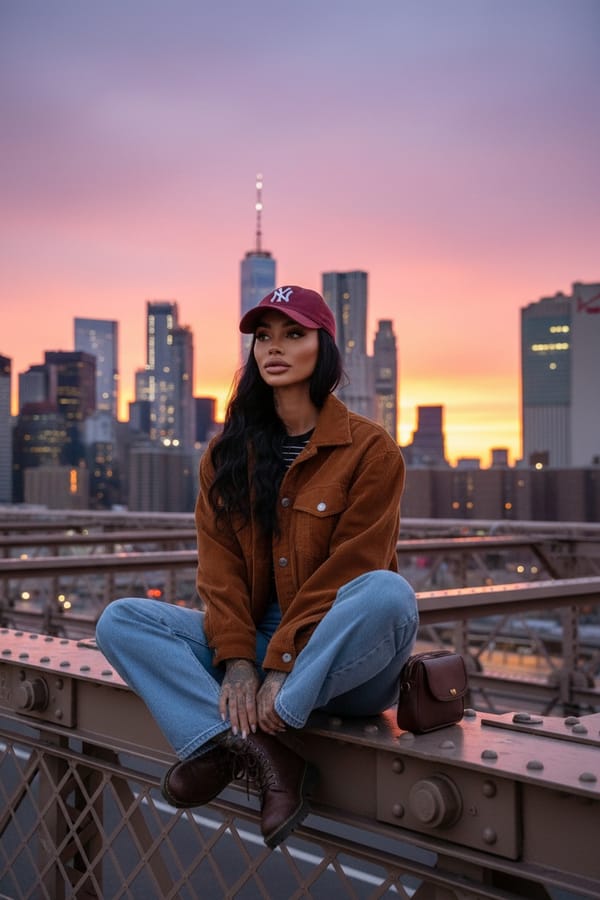
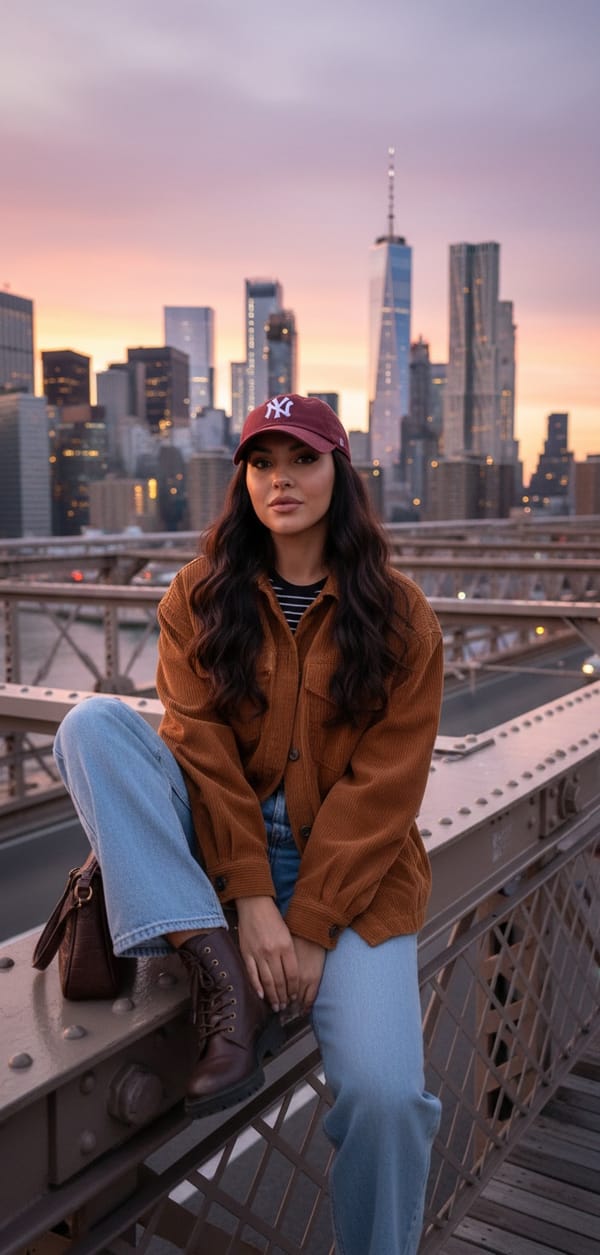
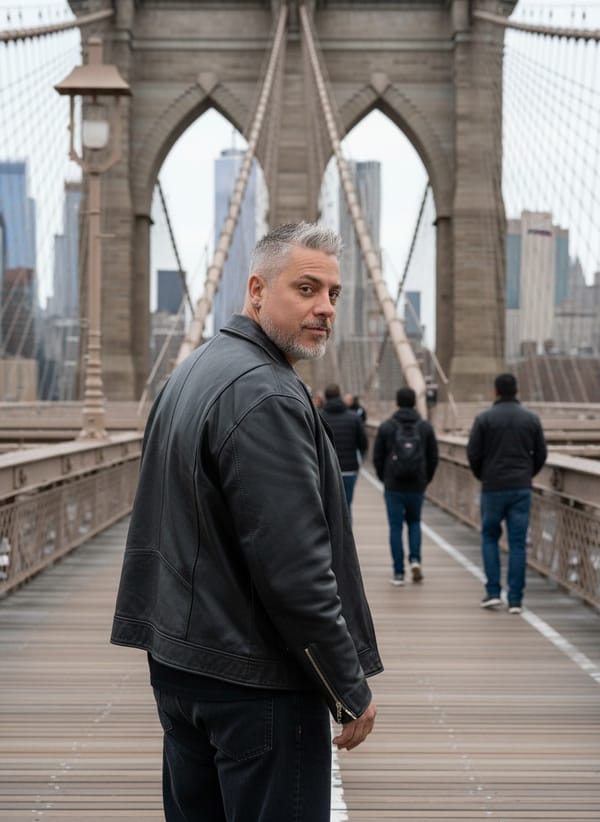
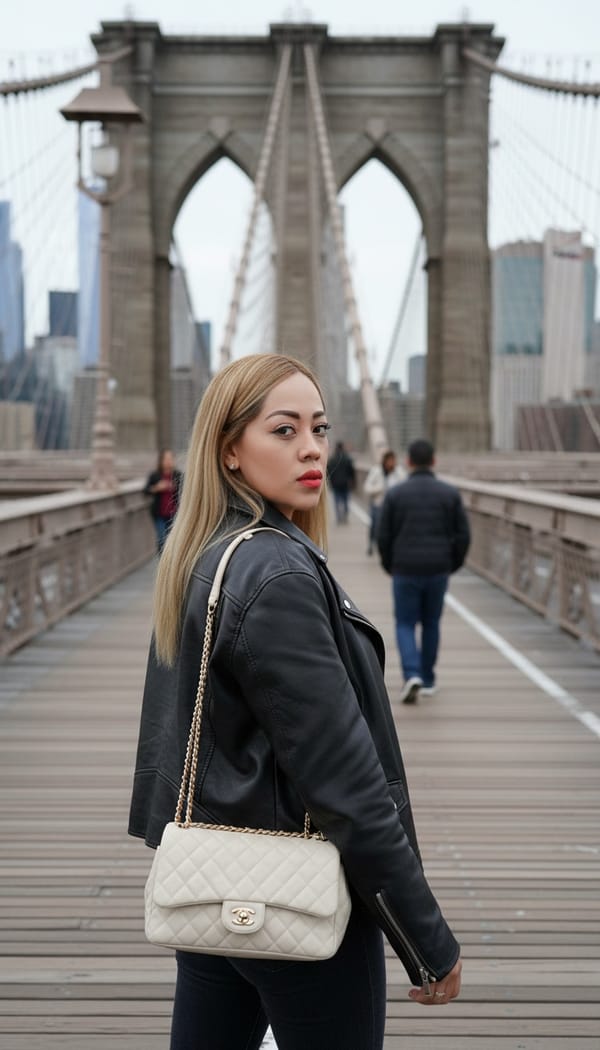
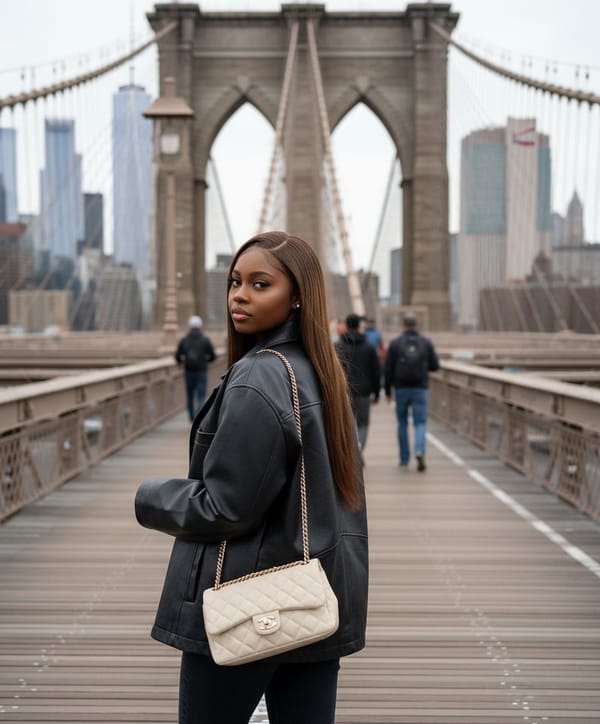
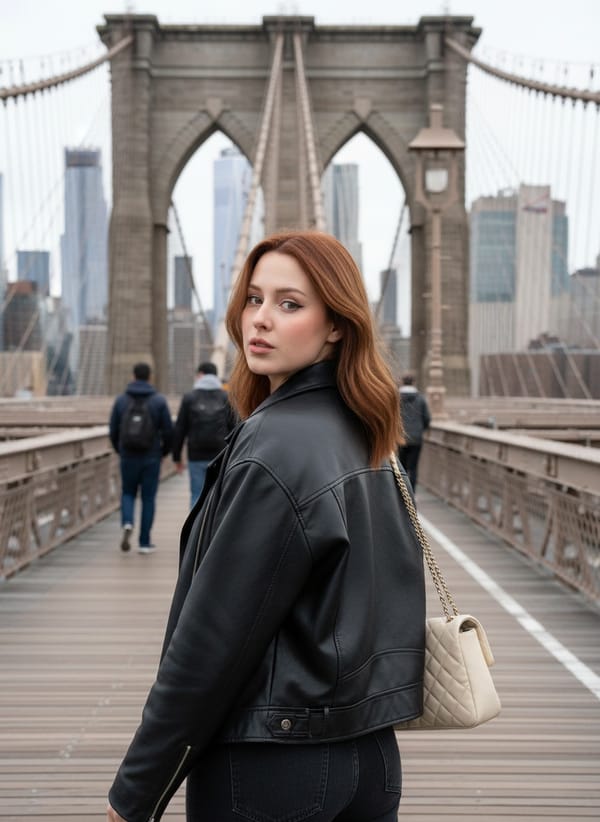
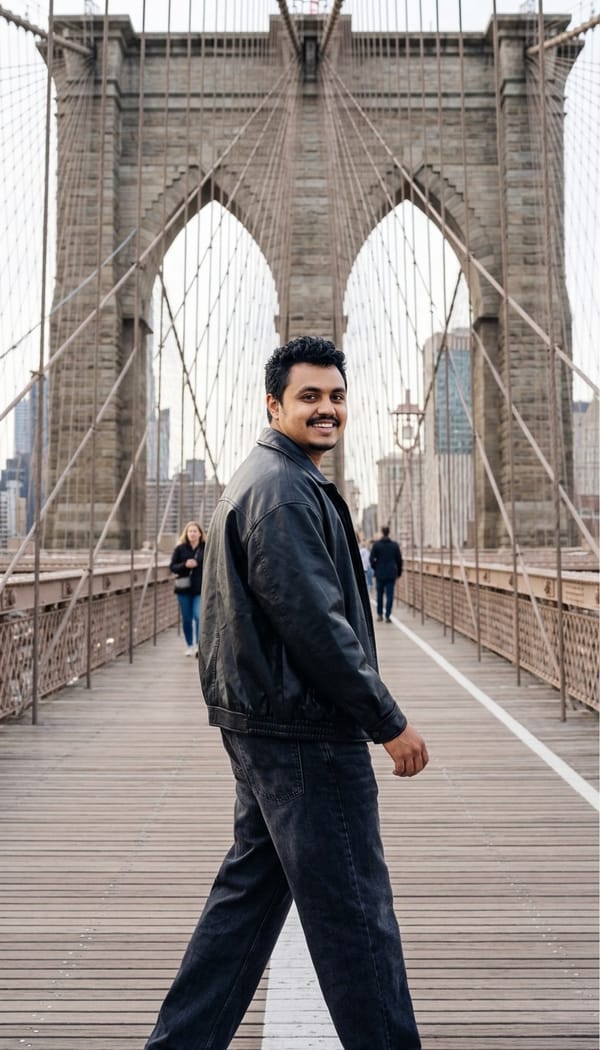
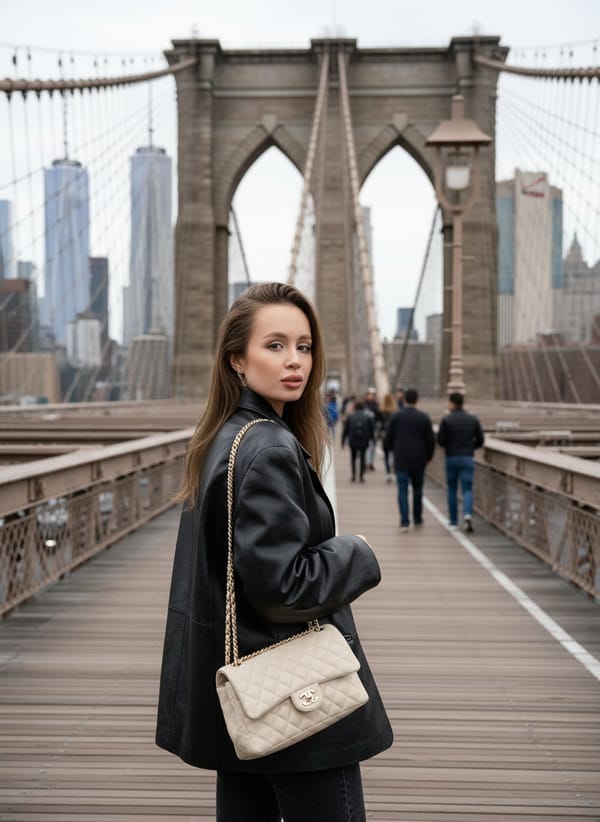
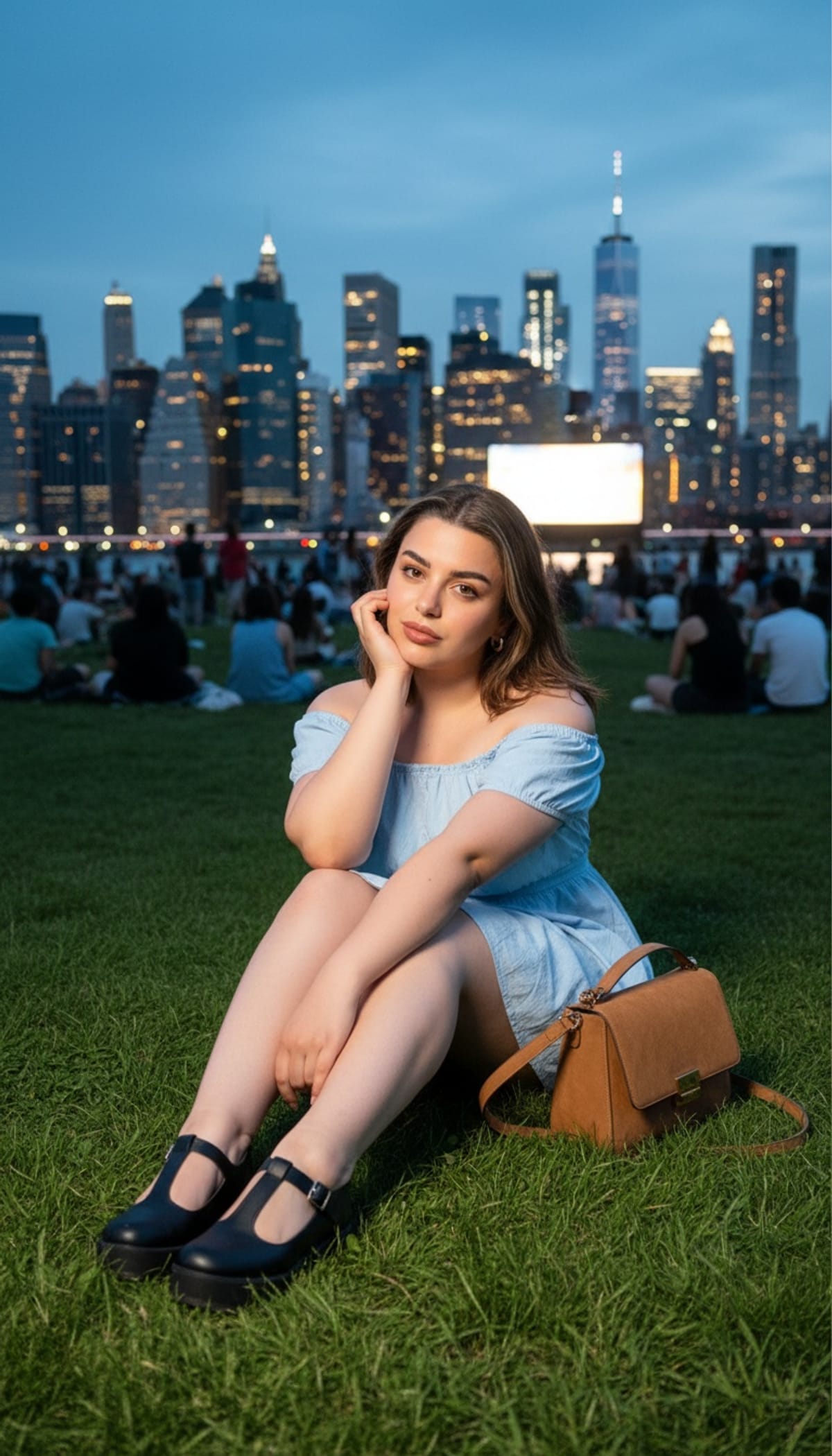
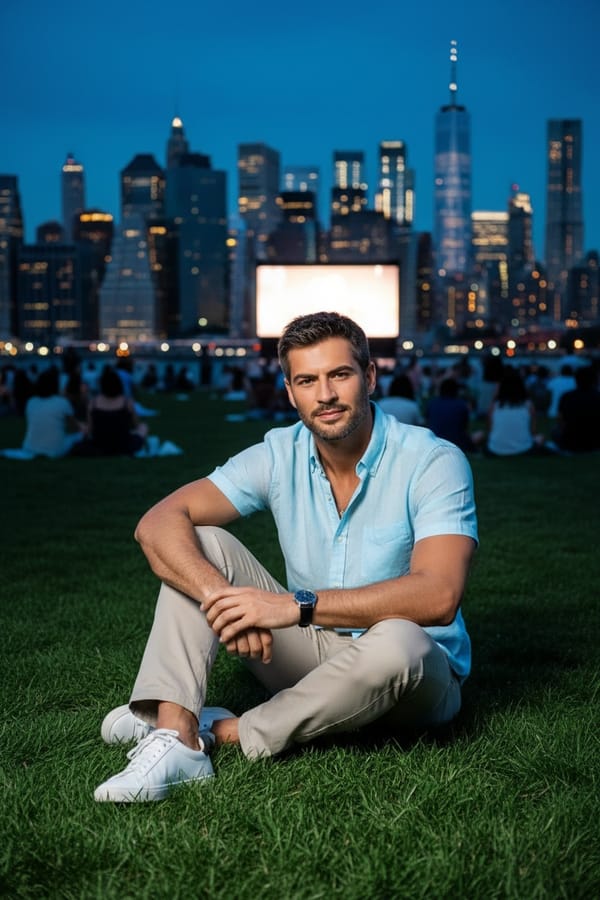
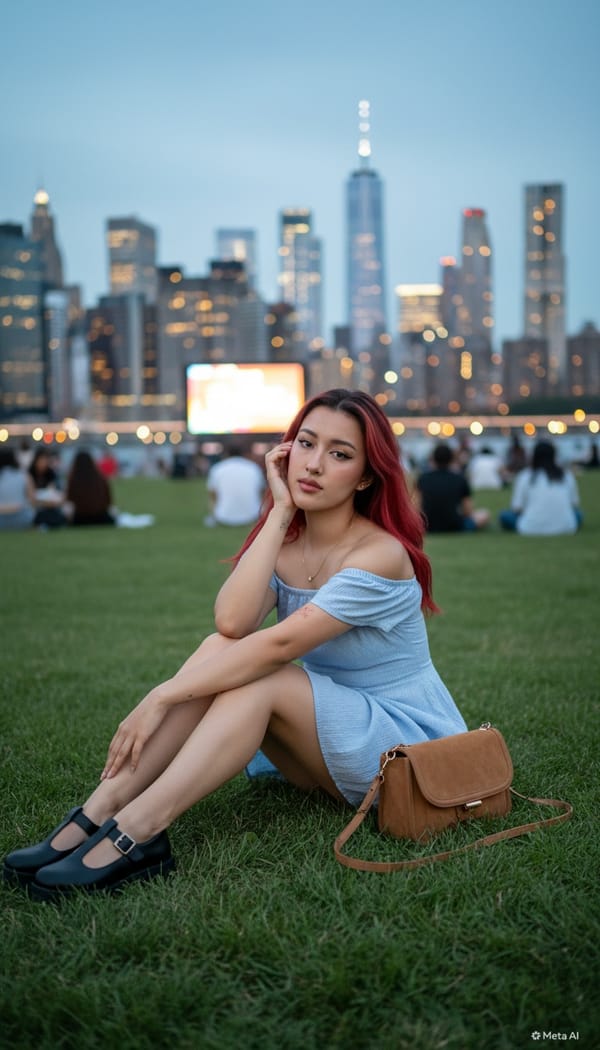
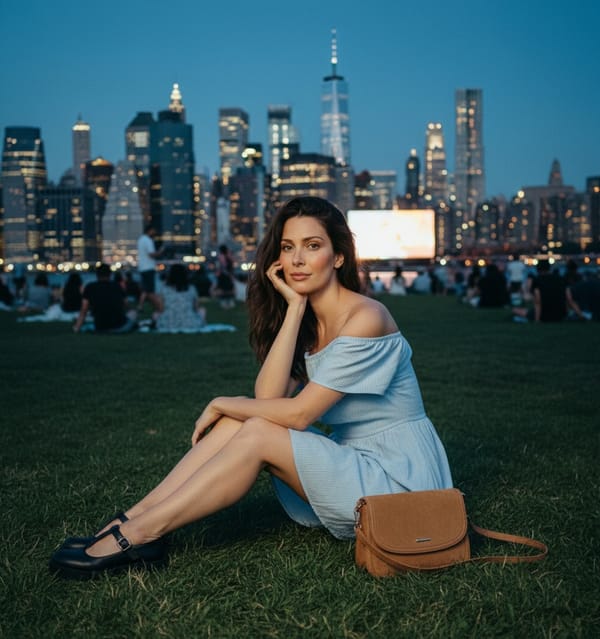
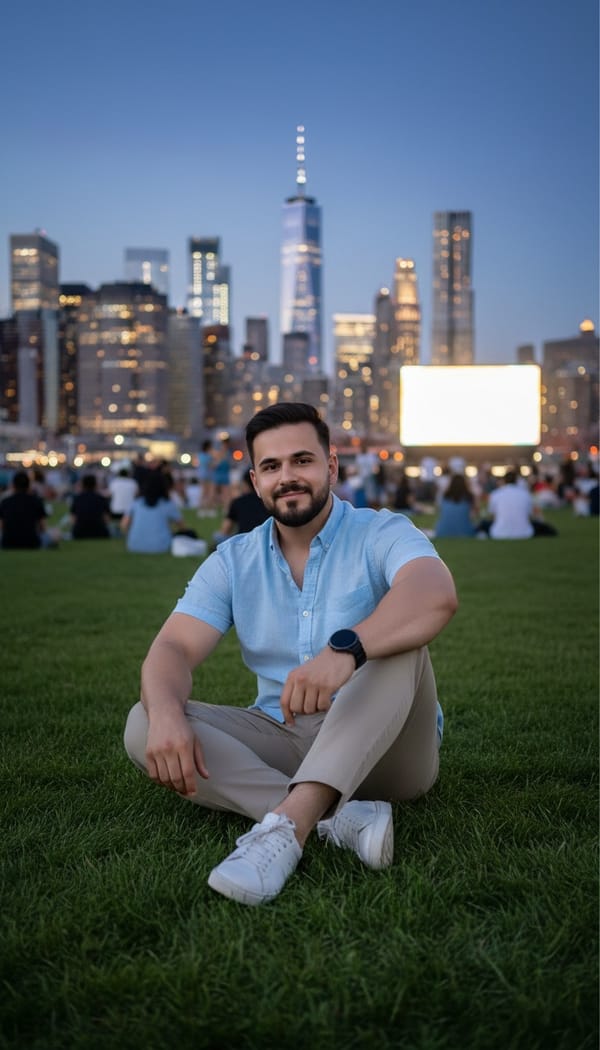
FARBA's AI New York Photo Generator gives you a full NYC photoshoot from a single selfie. Step onto a steaming Midtown street, pose on the Brooklyn Bridge, hail a yellow cab in Times Square, or take in the Manhattan skyline at golden hour — every shot looks like a real New York editorial. For more destinations, try the AI Travel Photo Generator or the AI Vacation Photo Generator.
Why Choose FARBA
Why It Stands Out
A New York photoshoot usually means flights, hotels, and a photographer who knows the city. FARBA recreates the most iconic NYC backdrops instantly — perfect for profile pictures, travel-style content, and anyone who loves the city that never sleeps.
Showcase
See the Results
Every image is generated by our AI from a single photo.
How It Works
Create AI New York Photo Generator in 3 Steps
Upload a clear selfie and choose a New York scene — Times Square, Brooklyn Bridge, Grand Central, the West Village, or the Manhattan skyline. Our AI builds the city around you with authentic light and atmosphere in under 30 seconds.
Upload Your Photo
Take a quick selfie or choose a photo from your gallery. One photo is all you need.
Choose Your Style
Browse ai new york photo generator styles and pick the one that matches your vision.
Get Your Result
AI generates stunning results in seconds. Download, share, or post directly to social media.
Reviews
Loved by Creators
4.8 stars from 5,200+ reviews on the App Store.
"The quality is insane. I uploaded a basic selfie and got back what looks like a professional photoshoot. My Instagram has never looked this good."
Sarah M.
App Store Review
"I use FARBA for all my content now. The variety of styles is amazing and each one actually looks different — not just a filter slapped on top. Worth every penny."
James R.
App Store Review
"Best AI photo app I've tried. Results come in seconds and actually look like me — not some generic AI face. The editorial styles are my favorite."
Aisha K.
App Store Review
FAQ
AI New York Photo Generator FAQ
Which New York scenes are available?
FARBA includes Times Square, the Brooklyn Bridge, the Manhattan skyline, Grand Central, the West Village, Midtown, Penn Station, the Statue of Liberty, a yellow-cab street scene, and more iconic NYC backdrops.
How do I make a New York photo?
Upload a clear, front-facing selfie, pick a NYC scene, and tap generate. The AI places you in the city with realistic lighting and atmosphere in under 30 seconds.
Is the AI New York Photo Generator free?
FARBA is free to download and several New York scenes are available at no cost. Premium backdrops are unlocked through an optional in-app subscription.
Do I need to travel to New York?
No. The AI generates every street, bridge, and skyline around your selfie — no flight, no hotel, and no waiting for the right light.
What selfie works best?
A clear, well-lit photo with your face fully visible produces the most natural result. The AI handles the city backdrop, styling, and lighting.
Can I use New York photos on social media?
Yes. The high-resolution output is ideal for Instagram, dating profiles, and travel-style content — an instant New York moment ready to share.
Ready to Create?
Download FARBA and start generating stunning ai new york photo generator results today. Free to try.
Free download. In-app purchases available.