
What Is It
What is FARBA's AI Ghibli Generator?
FARBA's AI Ghibli Generator transforms your photos into authentic Studio Ghibli-style artwork. Inspired by the hand-painted aesthetic of Hayao Miyazaki's films — from Spirited Away to My Neighbor Totoro — our AI recreates the warm watercolors, dreamy atmospheres, and gentle beauty that define Ghibli's visual world. Every portrait feels like a frame from a Ghibli movie, with you as the main character. For more Japanese animation styles, explore the AI Anime Generator with manga and chibi art. Love Pixar and Disney? Try the AI Cartoon Generator.
Why Choose FARBA
Why It Stands Out
Unlike generic anime filters that flatten your photo into a cartoon, FARBA's Ghibli style recreates the actual artistic techniques that make Studio Ghibli films visually stunning — soft color gradients, hand-painted watercolor textures, atmospheric perspective, and naturalistic lighting. The result is a portrait that captures the emotional warmth and nostalgia of Ghibli's world, not just a surface-level anime filter.
Showcase
See the Results
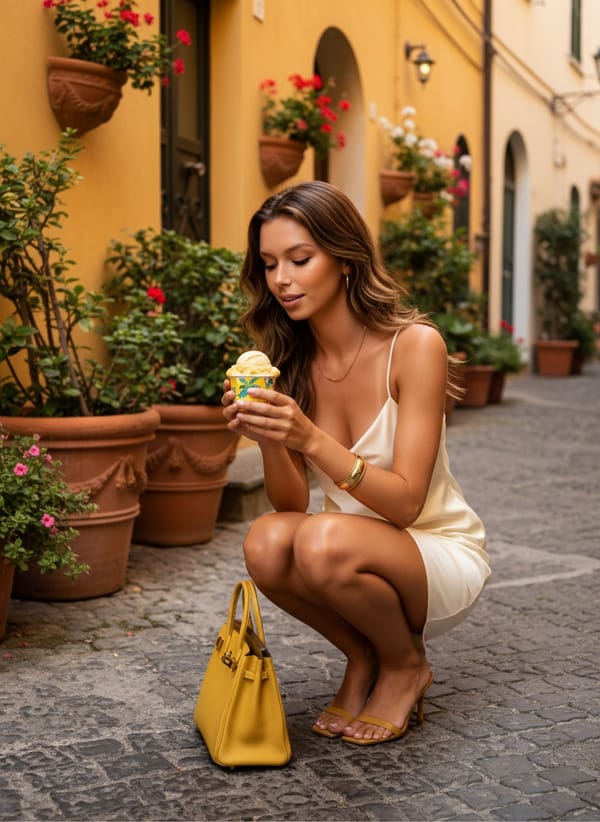
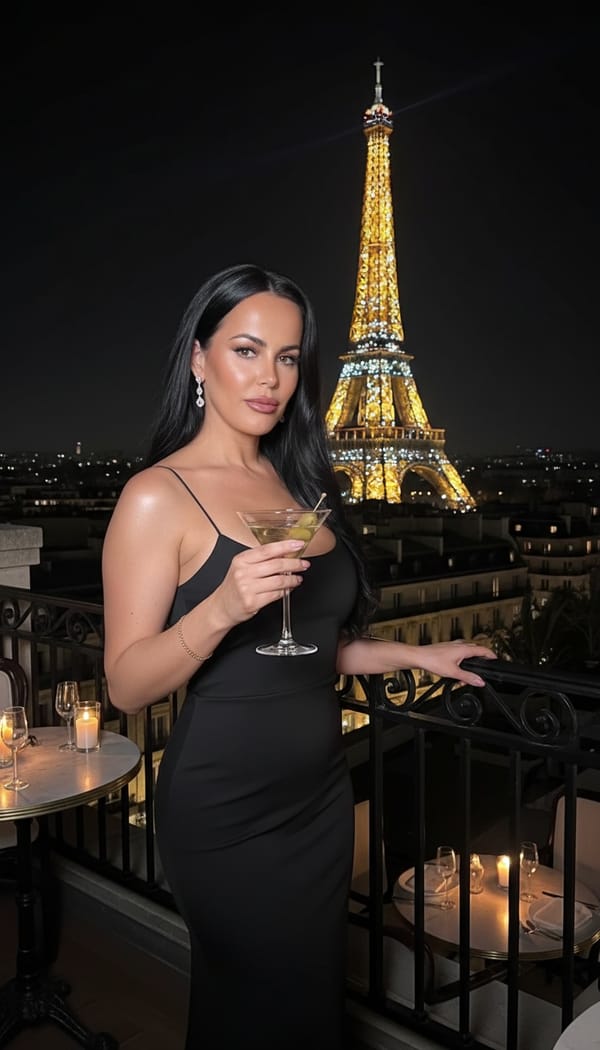
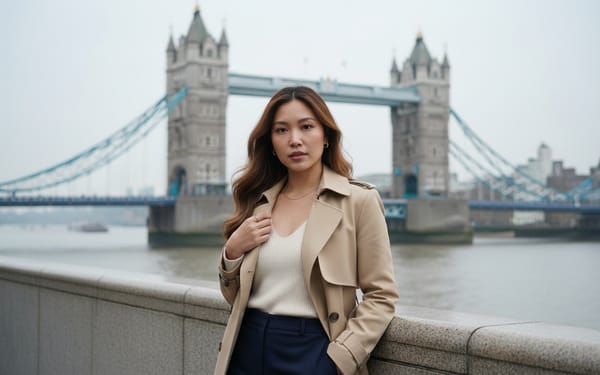
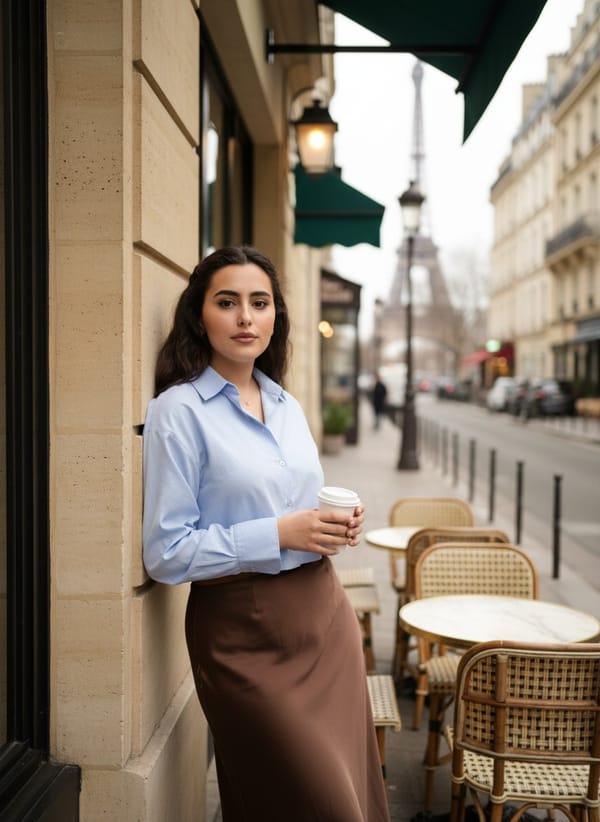
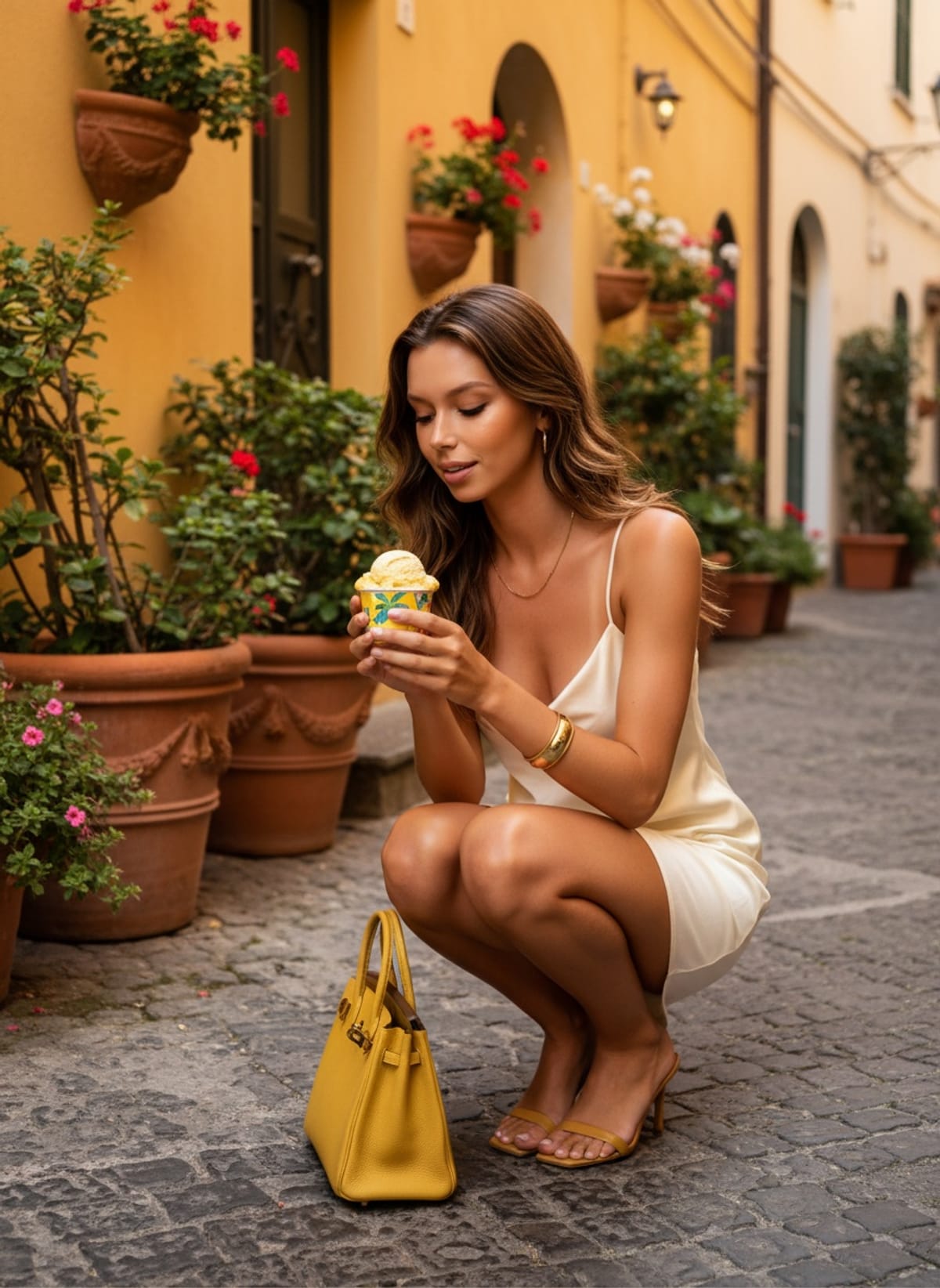
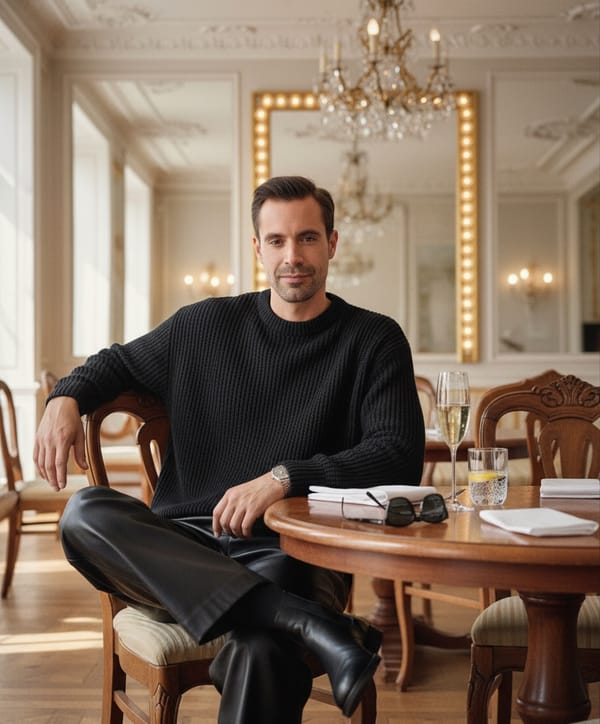
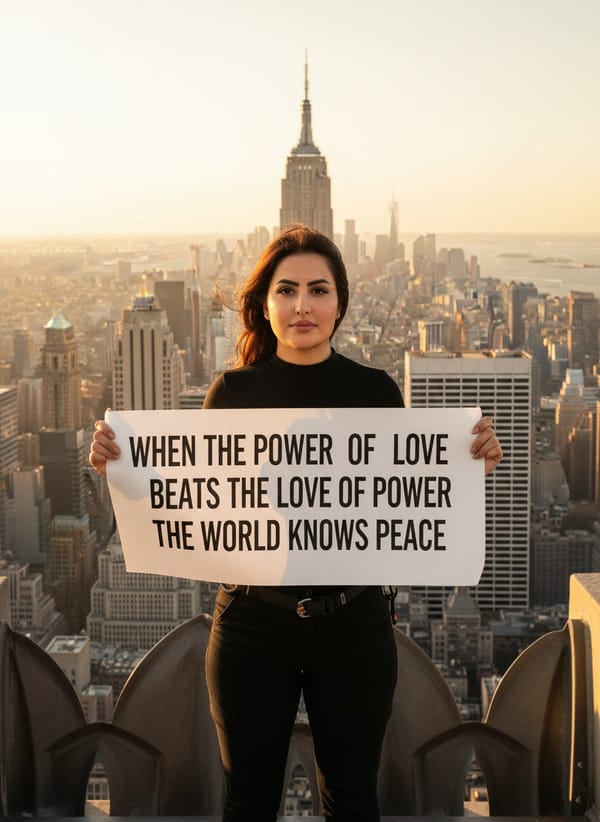
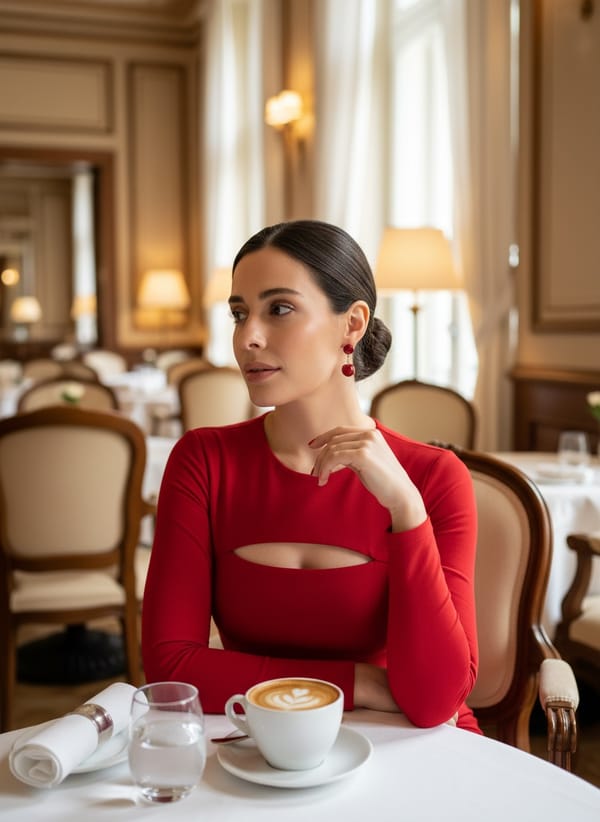
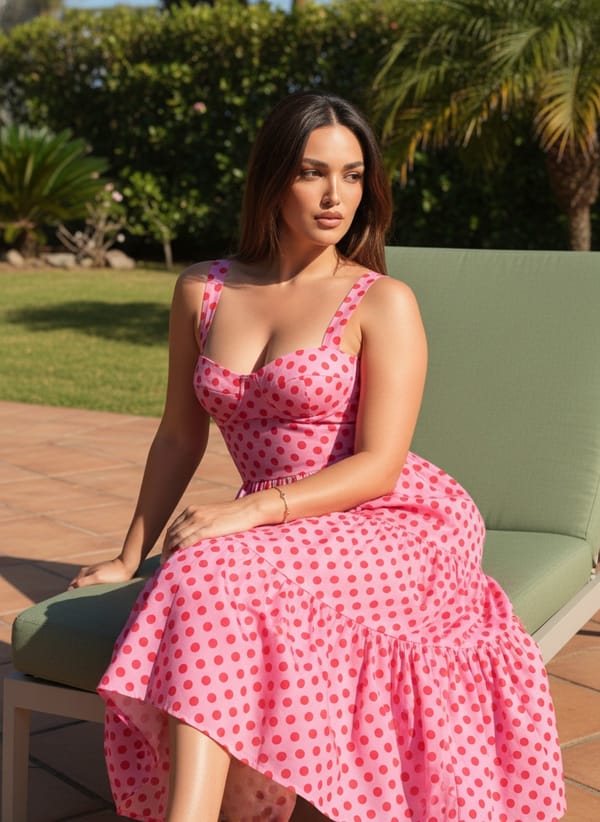
Every image is generated by our AI from a single photo.
How It Works
Create AI Ghibli Generator in 3 Steps
Upload any selfie or photo and the AI transforms it into a Ghibli masterpiece. It applies authentic watercolor textures, warm natural lighting, and lush background environments — all while preserving your real facial features. Choose from multiple Ghibli-inspired scenes: forest paths, seaside cliffs, flower meadows, rainy streets, and starlit nights. Each result is generated in under 30 seconds.
Upload Your Photo
Take a quick selfie or choose a photo from your gallery. One photo is all you need.
Choose Your Style
Browse ai ghibli generator styles and pick the one that matches your vision.
Get Your Result
AI generates stunning results in seconds. Download, share, or post directly to social media.
Reviews
Loved by Creators
4.8 stars from 5,200+ reviews on the App Store.
"The quality is insane. I uploaded a basic selfie and got back what looks like a professional photoshoot. My Instagram has never looked this good."
Sarah M.
App Store Review
"I use FARBA for all my content now. The variety of styles is amazing and each one actually looks different — not just a filter slapped on top. Worth every penny."
James R.
App Store Review
"Best AI photo app I've tried. Results come in seconds and actually look like me — not some generic AI face. The editorial styles are my favorite."
Aisha K.
App Store Review
FAQ
AI Ghibli Generator FAQ
What is the AI Ghibli Generator?
It's a feature in FARBA that transforms your photos into Studio Ghibli-style artwork. The AI recreates the hand-painted watercolor aesthetic, warm color palettes, and dreamy atmospheres from Hayao Miyazaki's animated films.
Which Ghibli movies inspire the styles?
The AI draws from the visual language across Ghibli's filmography — the lush nature of My Neighbor Totoro, the magical worlds of Spirited Away, the seaside beauty of Ponyo, and the countryside charm of Kiki's Delivery Service. For other anime styles like manga and chibi, explore the AI Anime Generator.
Does it actually look like Ghibli art?
Yes. The AI replicates authentic Ghibli techniques: soft watercolor textures, warm natural lighting, gentle color gradients, and atmospheric depth. The results look like genuine hand-painted Ghibli concept art, not a simple cartoon filter.
What photos work best for Ghibli portraits?
A clear, well-lit photo with your face visible works best. Natural outdoor lighting or soft window light produces the most beautiful Ghibli transformations. Avoid heavy shadows or sunglasses.
Can I choose different Ghibli scenes?
Yes! FARBA offers multiple Ghibli-inspired backgrounds — forest paths, ocean views, flower meadows, rainy streets, starlit fields, and European villages. Each creates a different mood and atmosphere.
Is the AI Ghibli Generator free?
FARBA is free to download with select Ghibli styles included at no cost. Additional Ghibli scenes and premium variations are available through an in-app subscription.
How do I use the AI Ghibli Generator?
Download FARBA, upload a clear selfie, choose a Ghibli scene like Forest Path or Seaside Cliff, and tap generate. Your Studio Ghibli-style portrait is ready in under 30 seconds.
Do I need an account to use the AI Ghibli Generator?
Just download FARBA from the App Store and start creating Ghibli portraits right away. No separate account registration or sign-up is required.
Ready to Create?
Download FARBA and start generating stunning ai ghibli generator results today. Free to try.
Free download. In-app purchases available.