
What Is It
What is FARBA's AI Halloween Photo Generator?
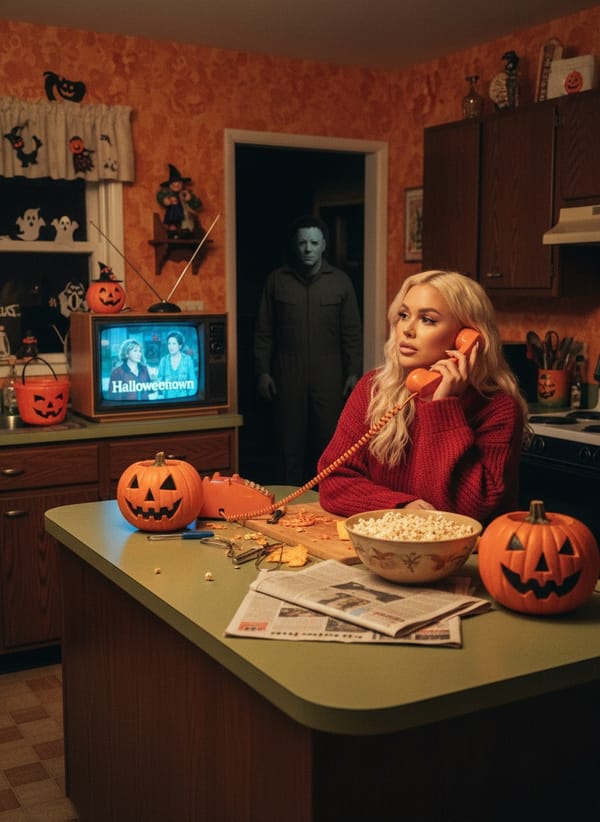
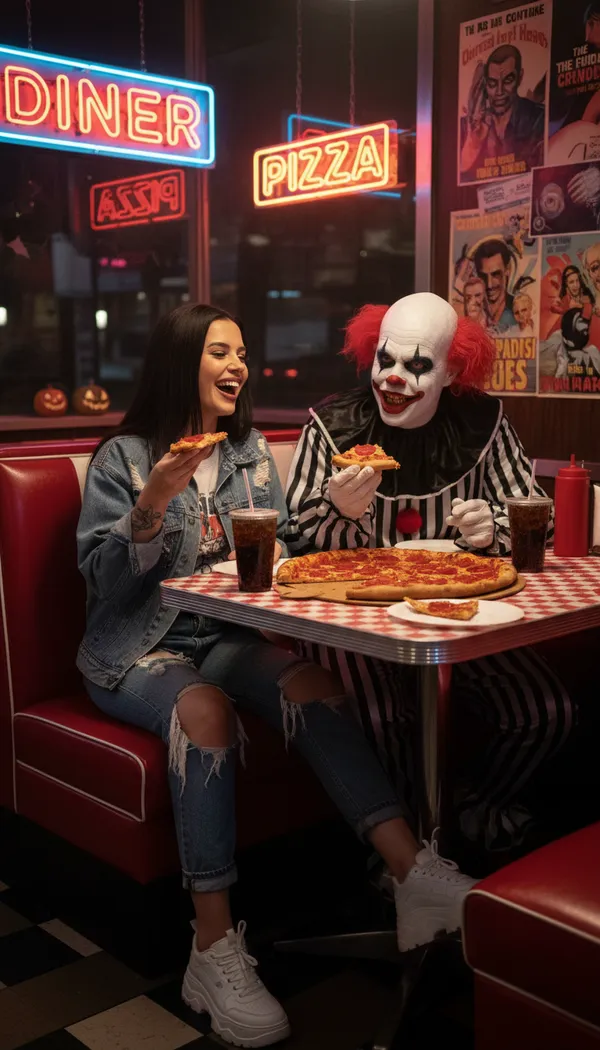
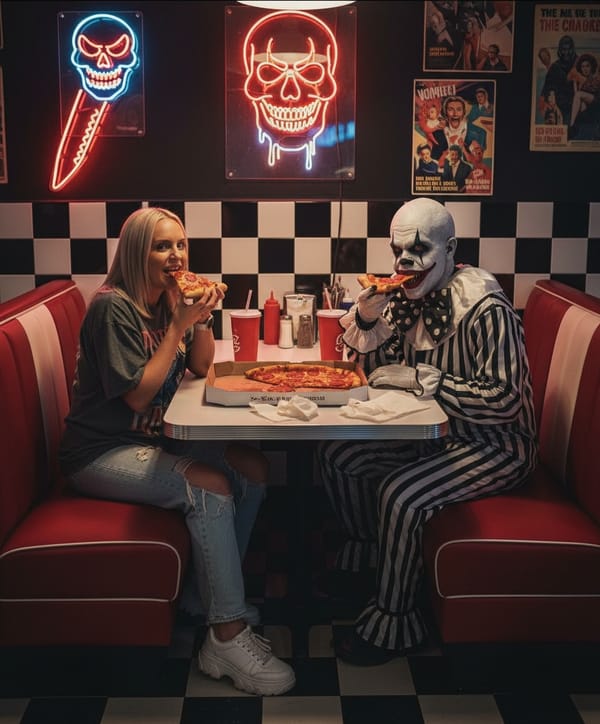
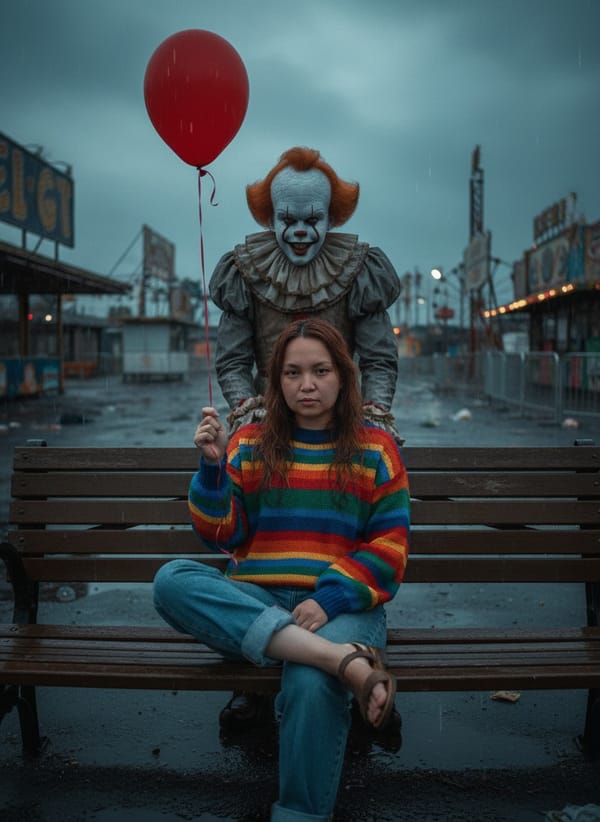
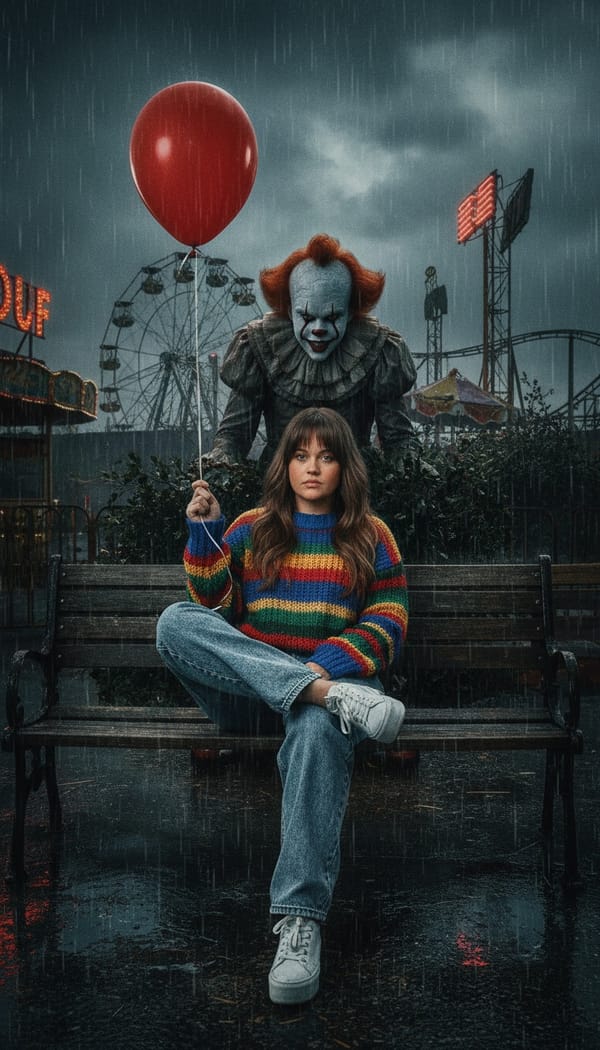
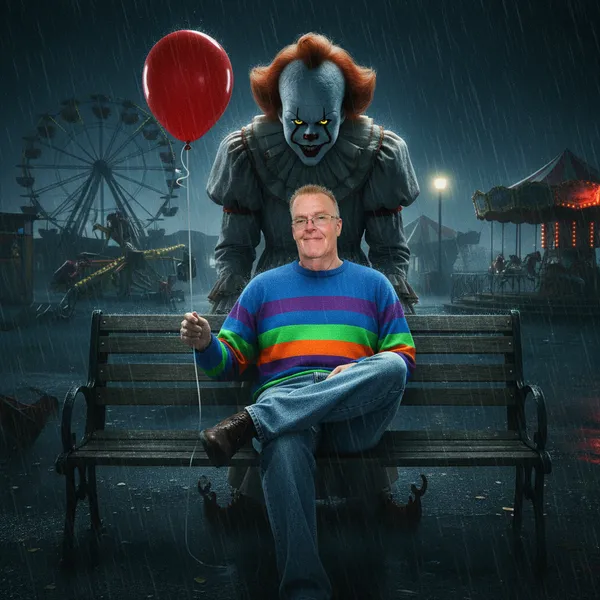
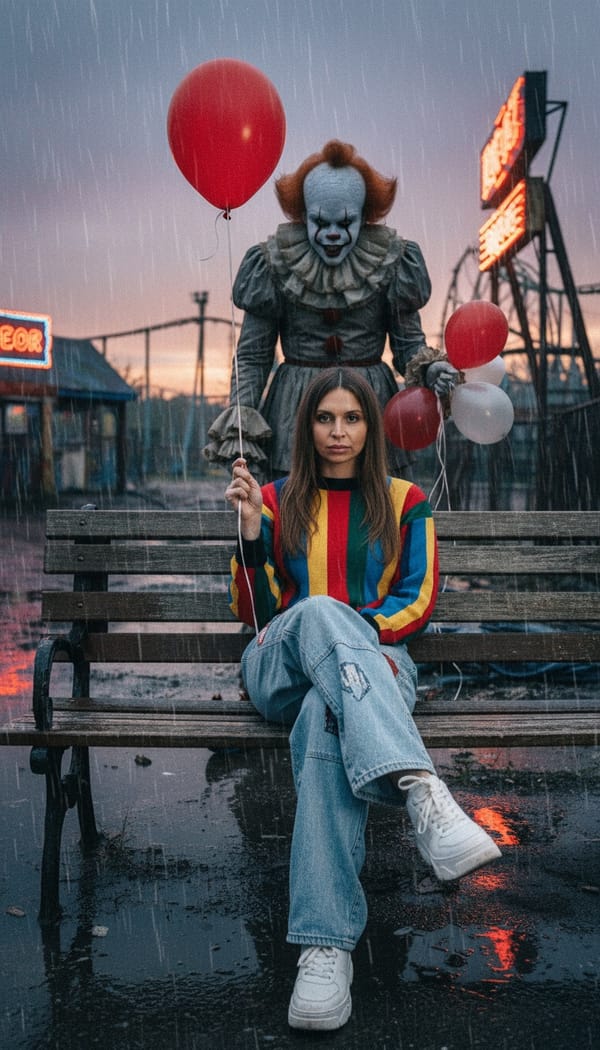
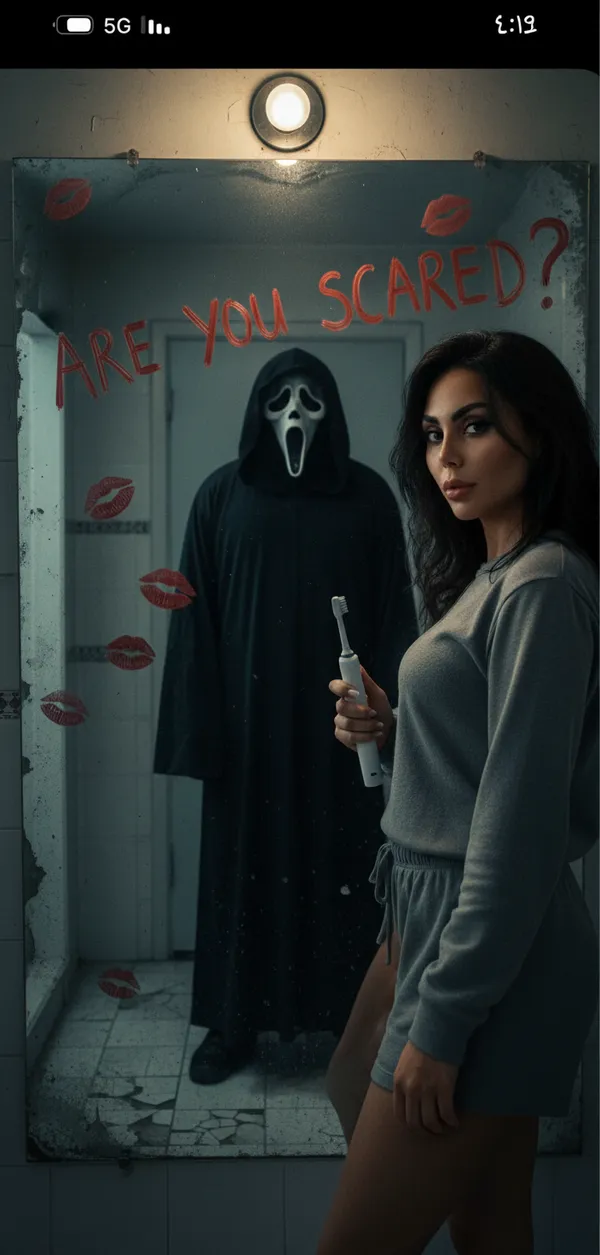
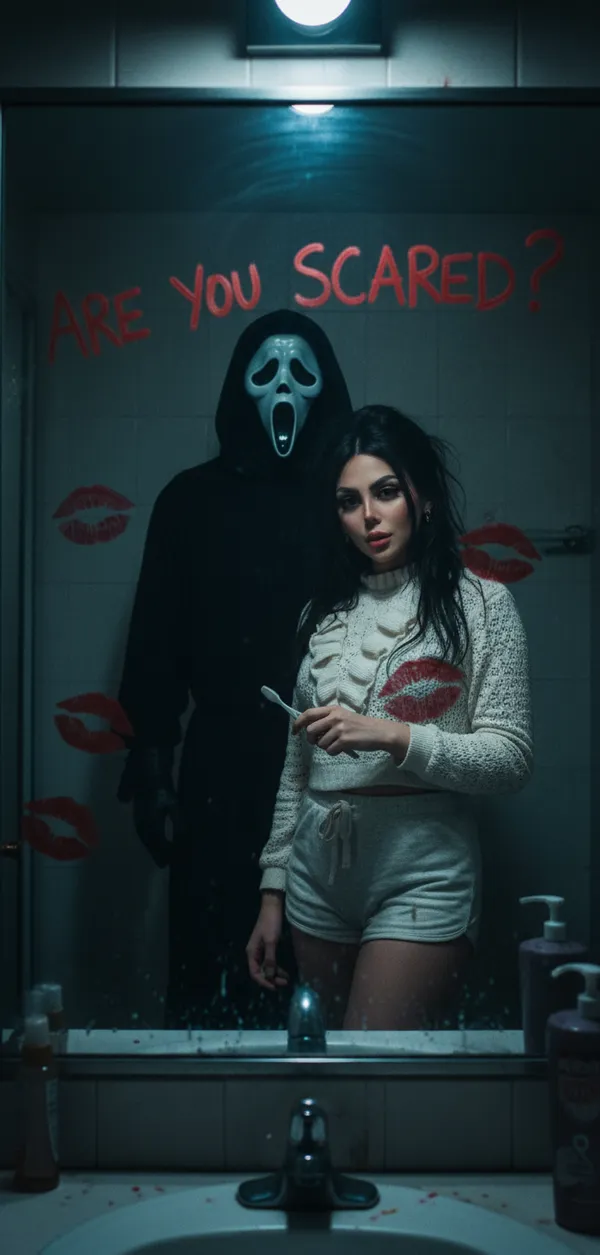
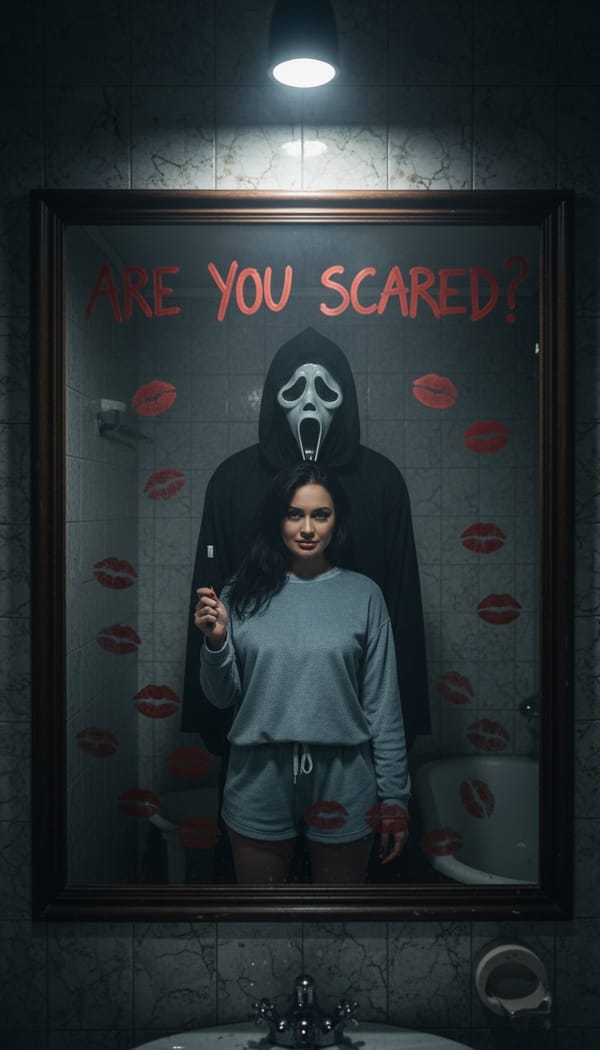
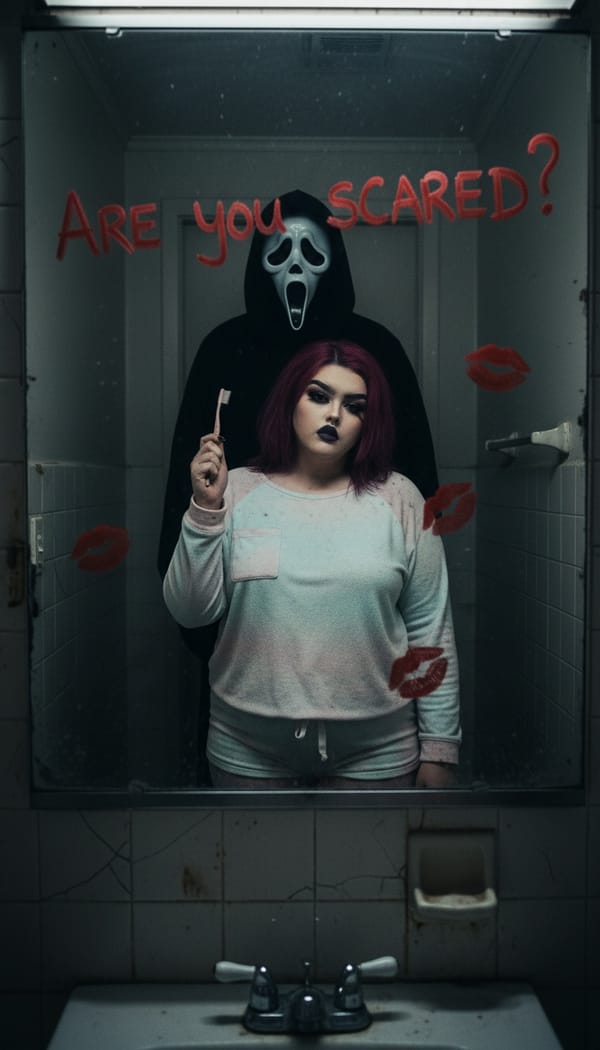
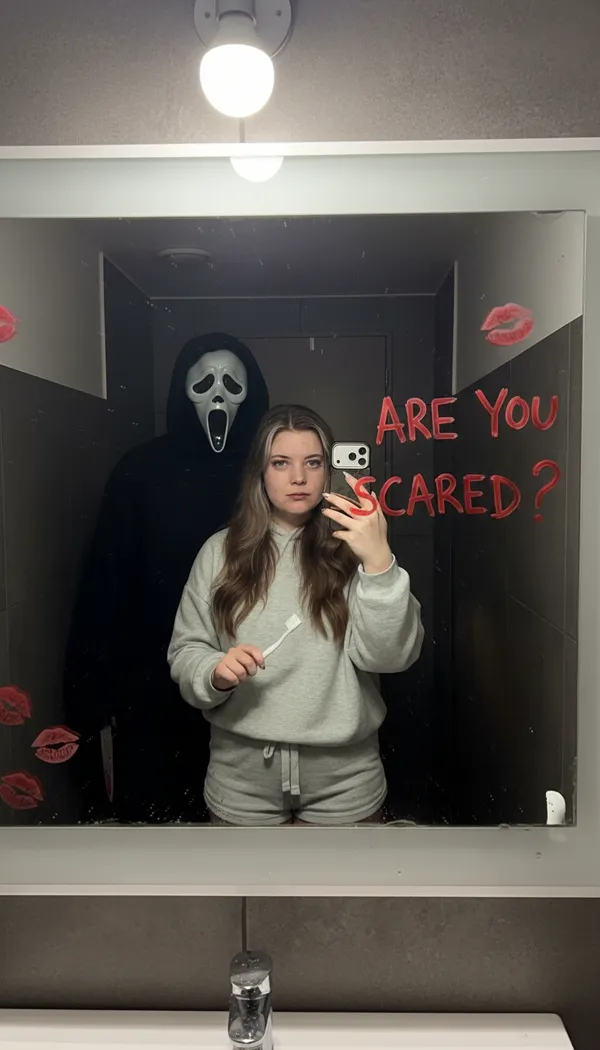
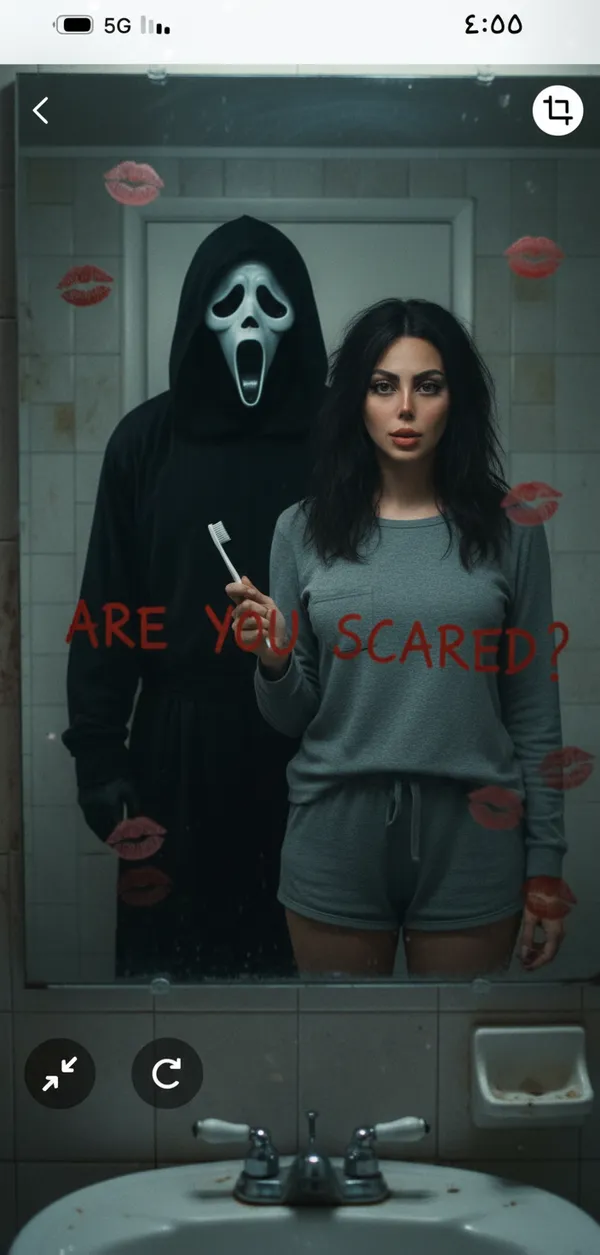
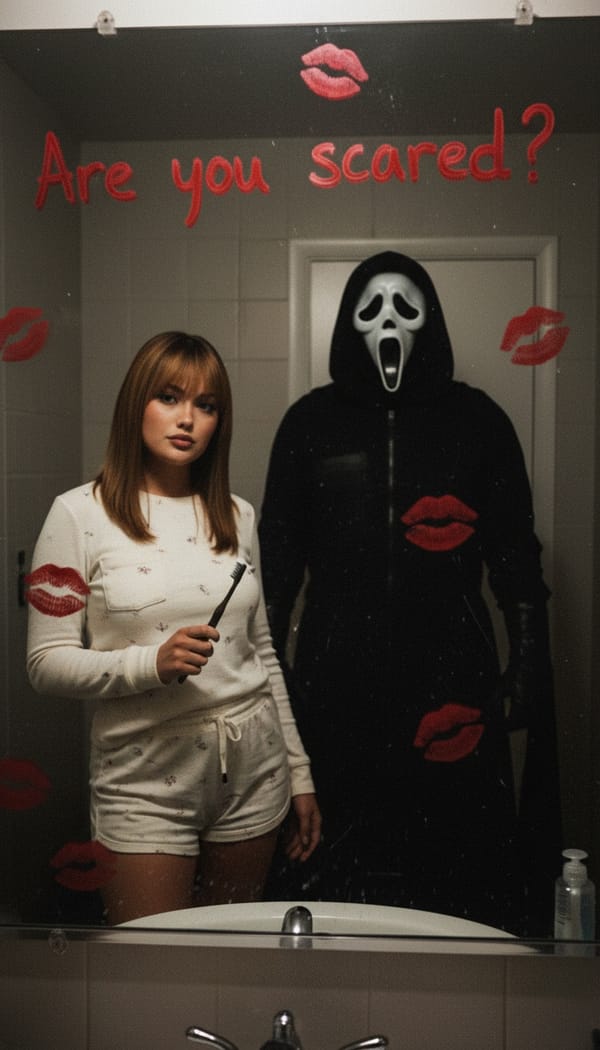
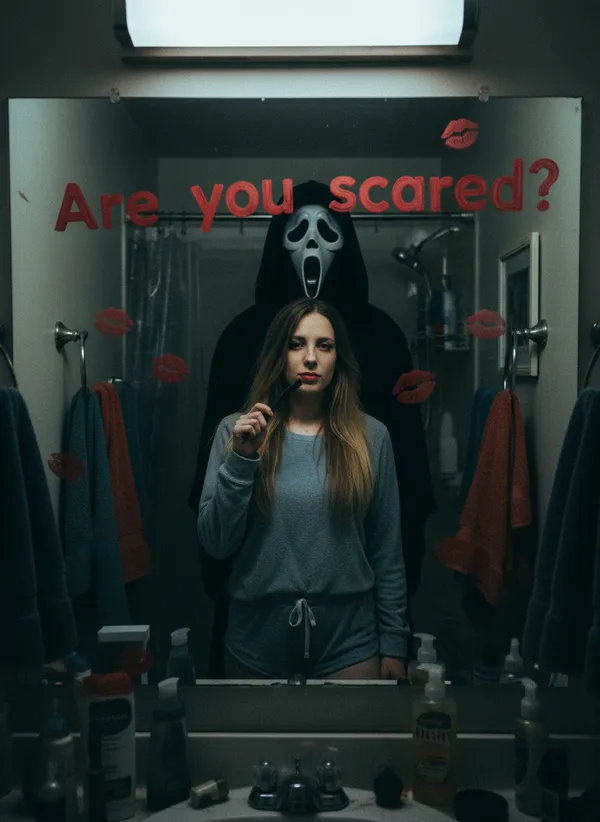
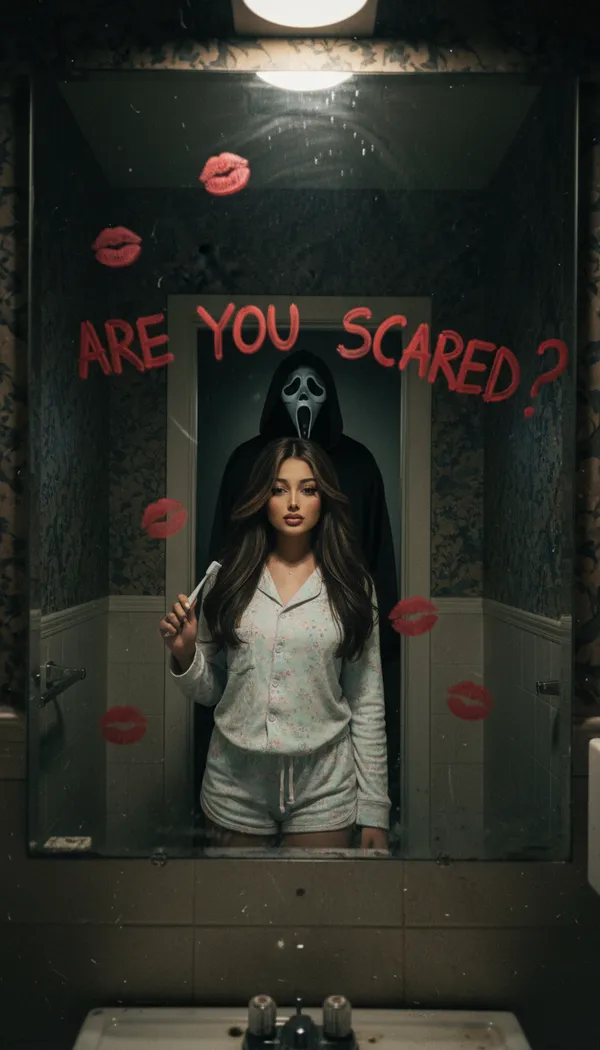
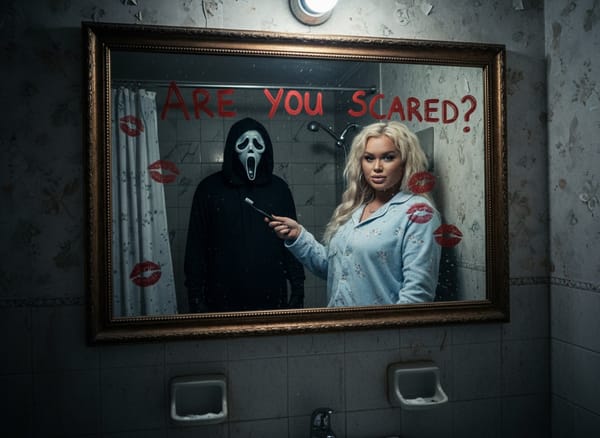
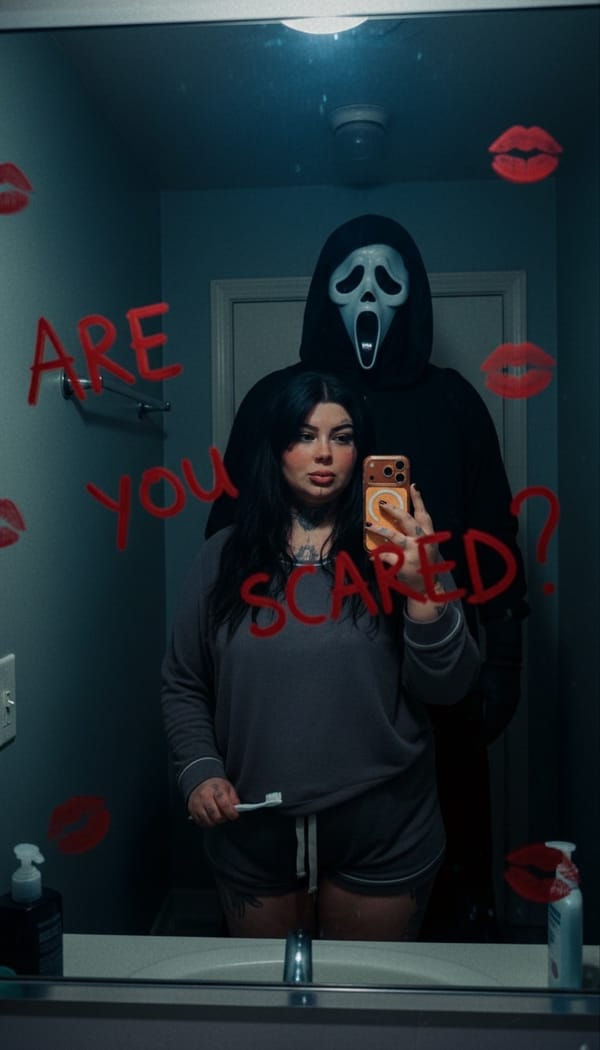
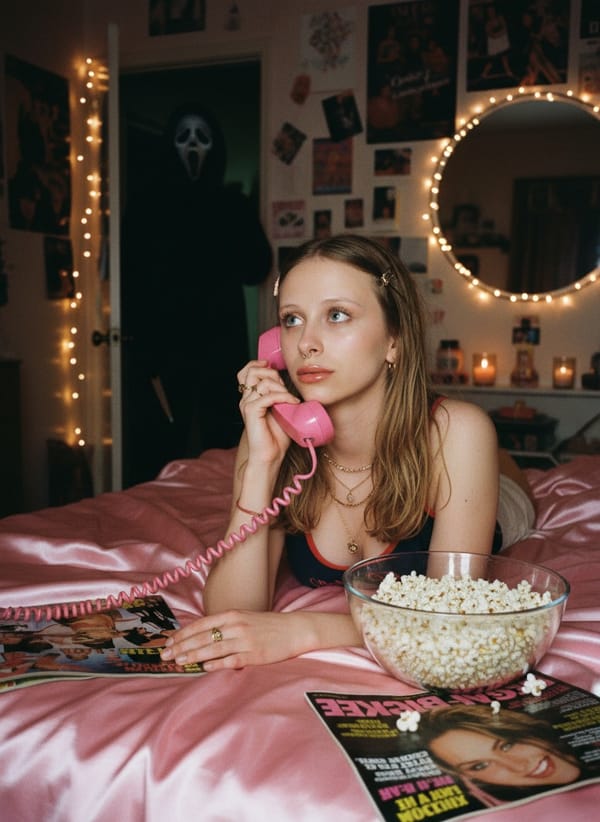
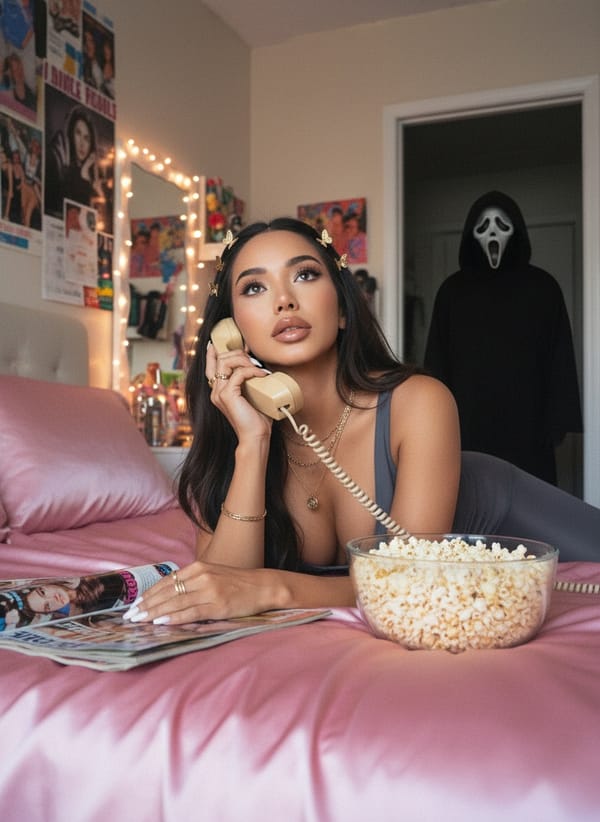
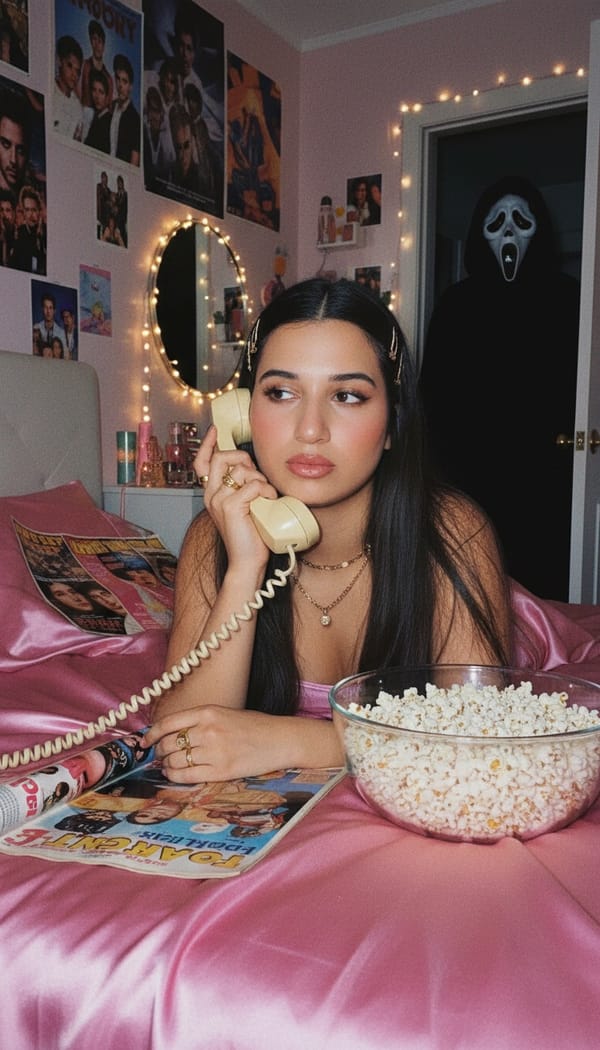
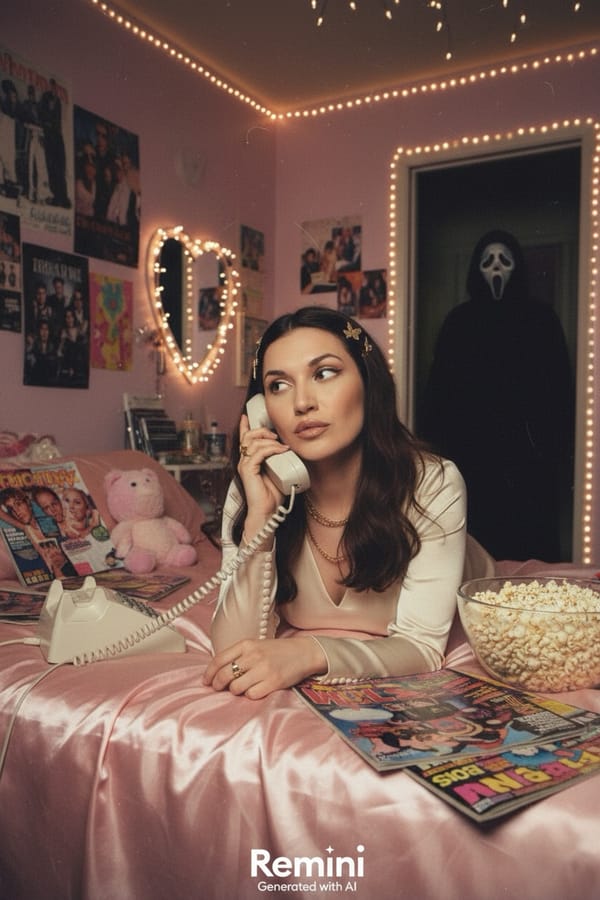
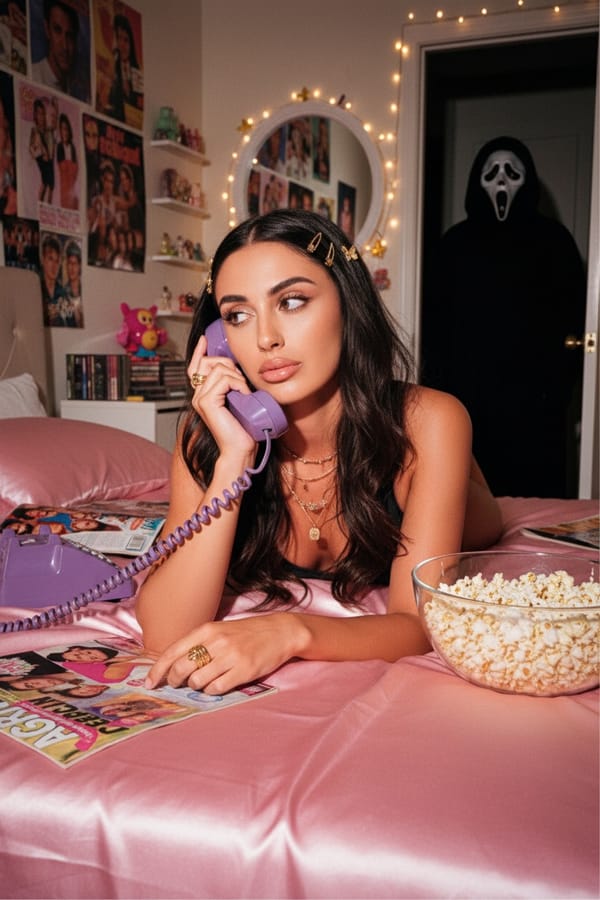
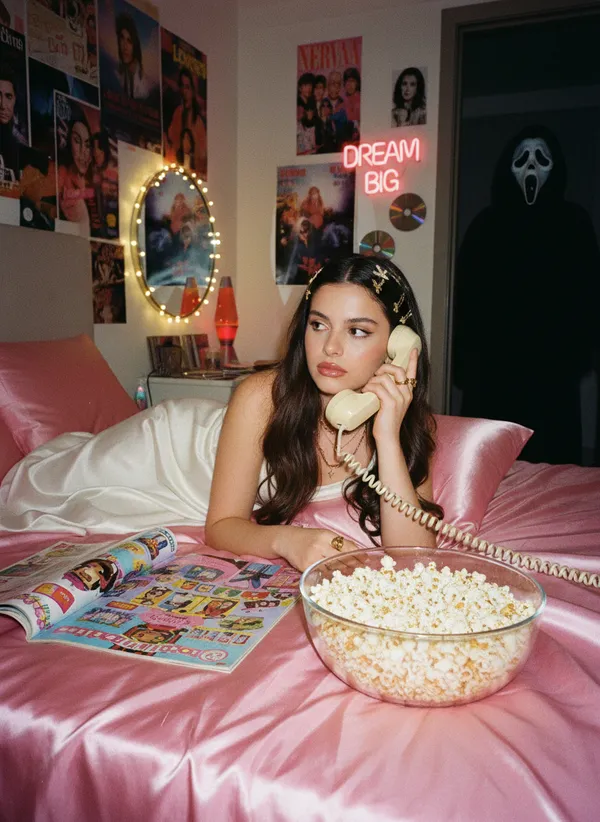
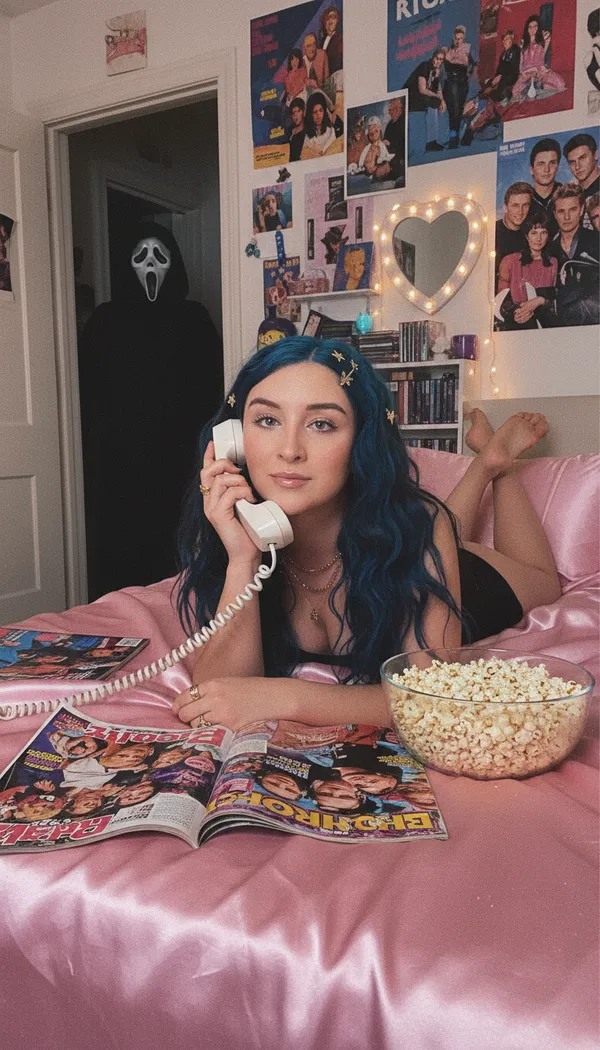
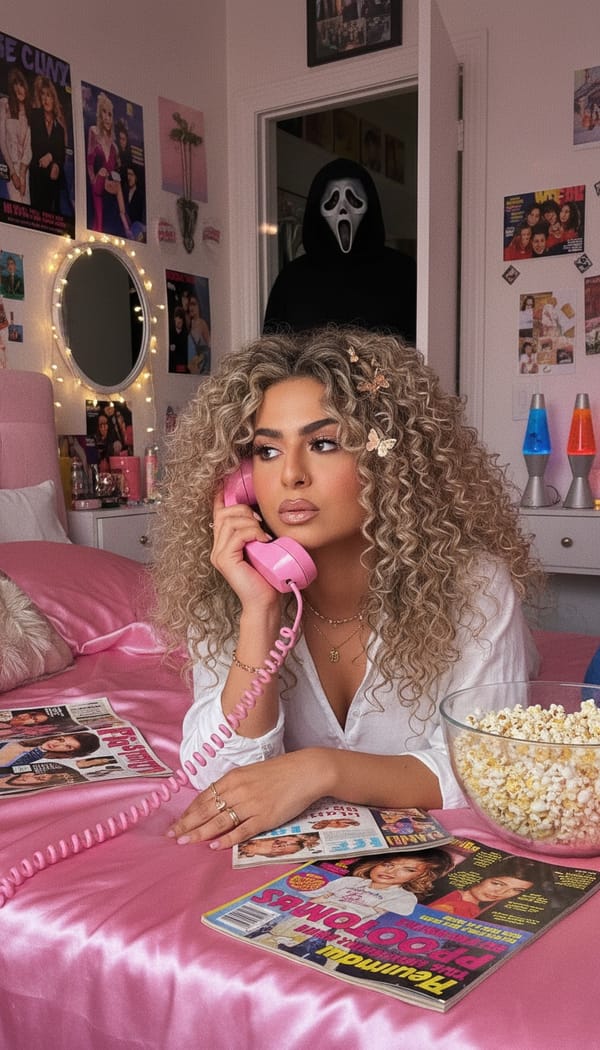
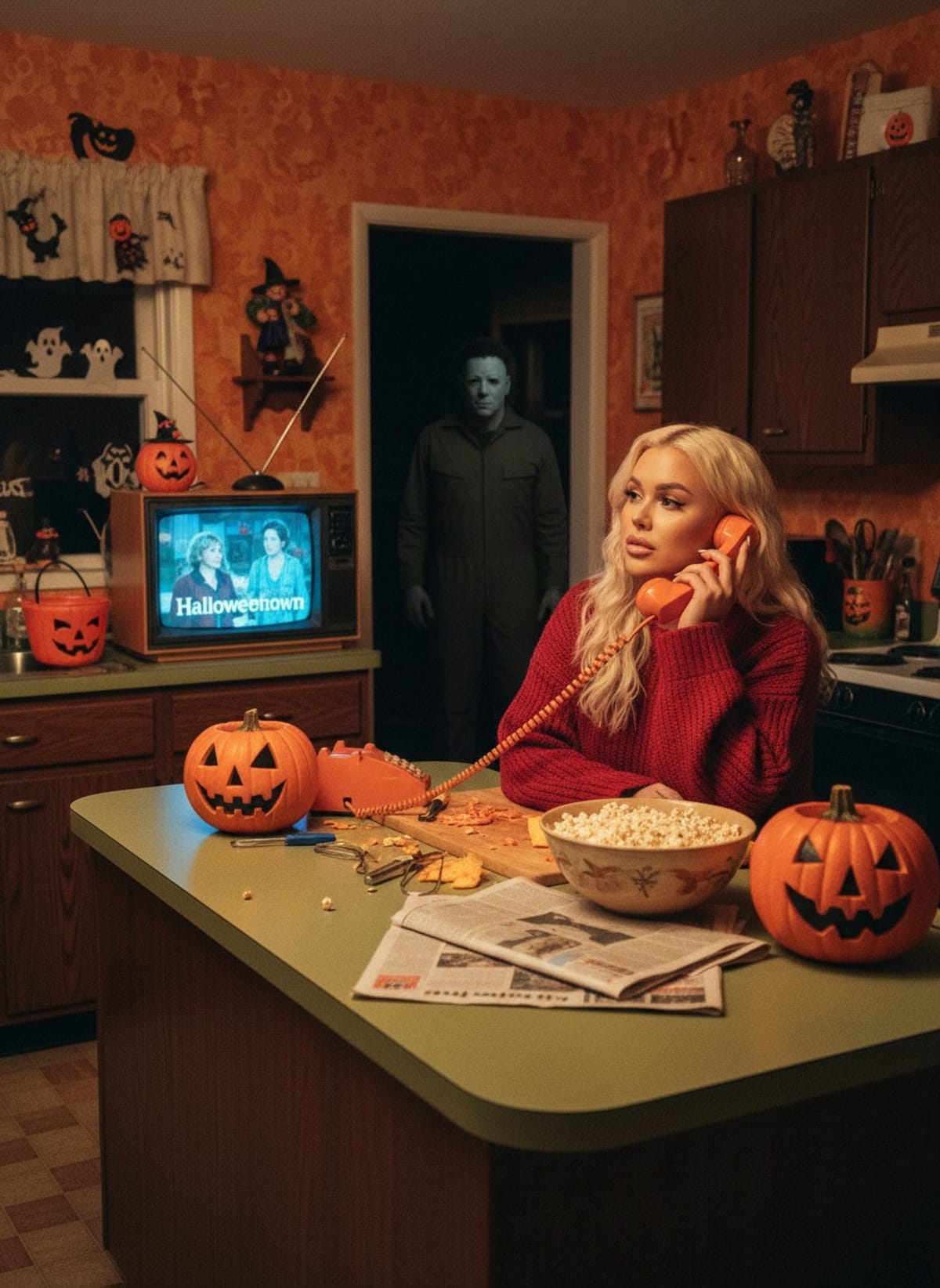
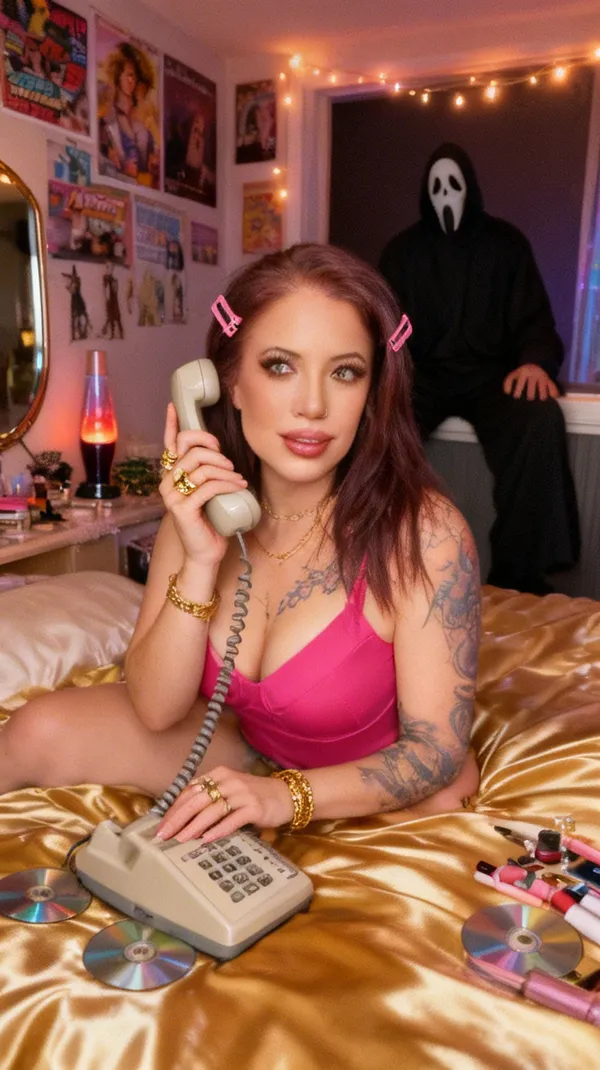
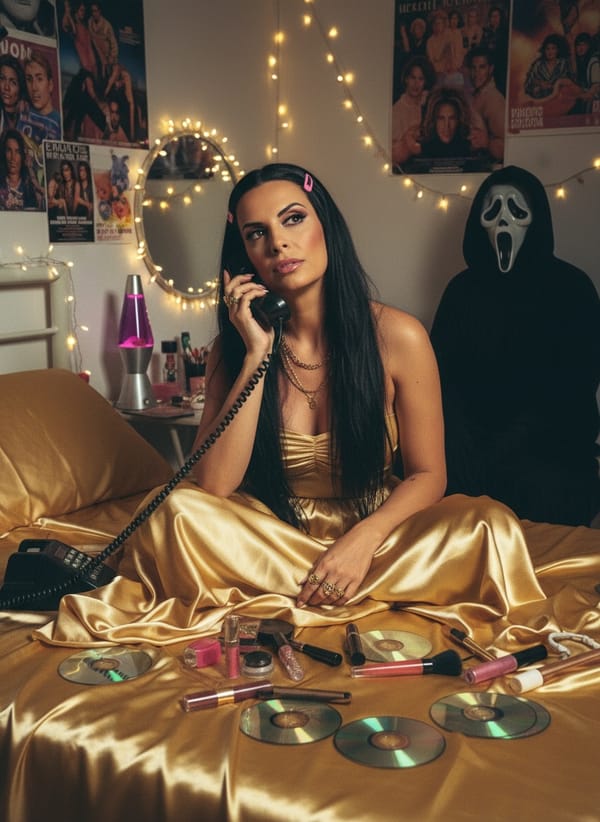
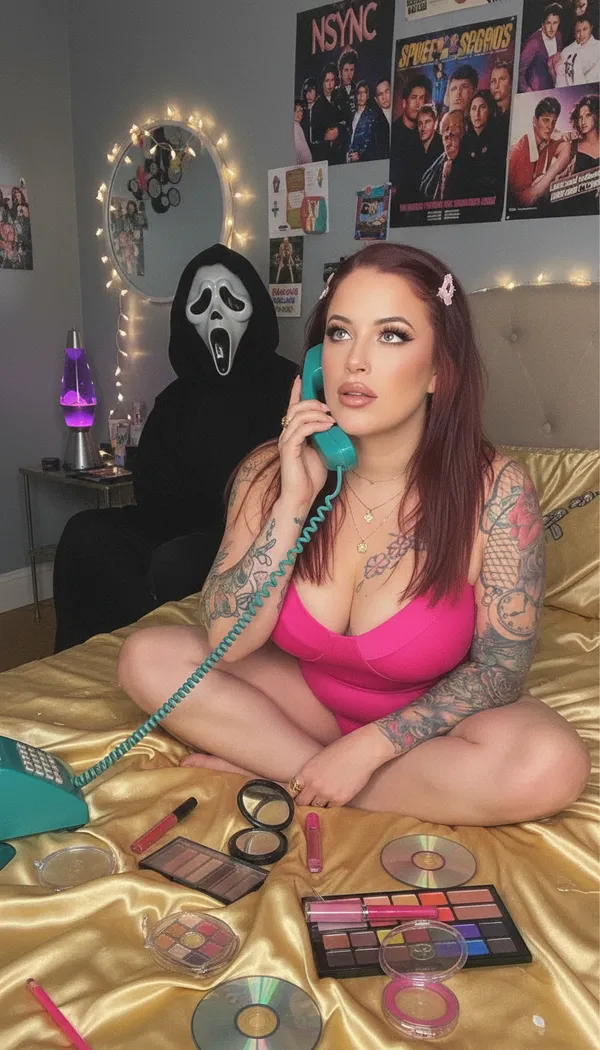
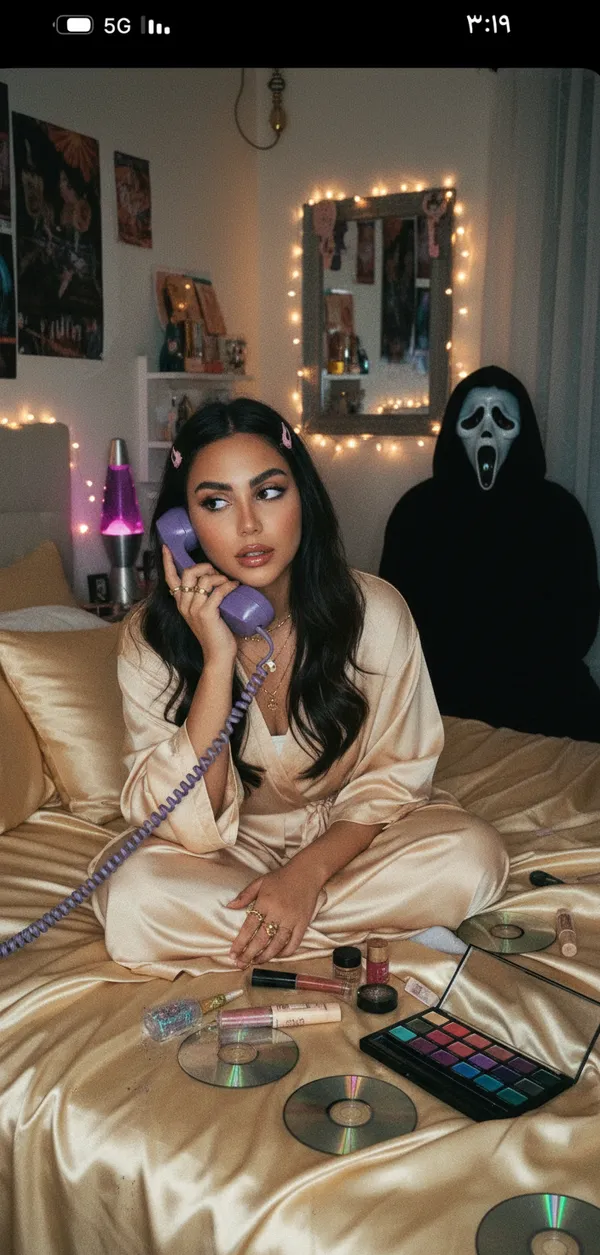
FARBA's AI Halloween Photo Generator turns one selfie into Halloween images without a costume, a makeup chair or a photographer. The spooky catalogue splits into two halves, and the second half is the unusual one. The still portraits cover the looks people actually dress as. Gothic is the darkest and most-used of the set — heavy shadow, pale skin, funereal styling. Scary and Slasher are the straight horror-movie entries. Zombie is the classic decayed transformation. Clown runs to the sinister end rather than the birthday-party end. Horror Diner and Horror Kitchen put you inside a scene rather than against a backdrop, which is what makes them read as film stills instead of filters. Black Cat is the costume look that needs no explanation: a black leather cat mask with ears, a sleek black zip bodysuit, and a dim smoke effect in a bright studio, lit hard so the mask cutouts catch the light. Shadow Self is the eeriest thing in the catalogue and the hardest to describe — a dark interior with an oversized projection of your own face on the wall behind you, sharp black cat-eye liner, a long matte black dress, the real figure and the projected one looking in different directions. Y2K Horror crosses the spooky set with the flash-lit 2000s aesthetic. The other half is animated. Horror Spider is a slow-motion clip in which the camera pushes in on your portrait and a black spider crawls out of your mouth, with the background held in shallow focus throughout — genuinely unpleasant, and the most-shared thing on the page. Devil Smile and an animated Zombie round out the video set. Those three matter because Halloween content is mostly video now: a still portrait is a post, a five-second horror clip is a Reel. For darker cinematic looks outside October, see the AI Cinematic Photo Generator, the AI Bold Look Photo Generator and the AI Black and White Photo Generator.
Why Choose FARBA
Why It Stands Out
Halloween is the single biggest costume-content moment of the year on Instagram and TikTok, and the bottleneck has always been the costume itself: money, time, makeup skill, and a decision made weeks in advance. An AI Halloween photo generator removes all four. You can try a gothic look, a zombie transformation and a black-cat costume in the time it takes to decide what to actually wear, and you can do it on 29 October. The practical uses stack up quickly — a spooky profile picture for the month, a party invitation that does not need a designer, a costume idea you are testing before committing to it, a horror clip for Reels or TikTok, or a set of matching portraits for a group going as a theme. It also works year-round: gothic and horror aesthetics have a permanent audience that has nothing to do with October, and the darker styles are used steadily through the rest of the year. Everything generates from one photo, so there is no shoot to organise and no cleanup afterwards.
Showcase
See the Results
Every image is generated by our AI from a single photo.
How It Works
Create AI Halloween Photo Generator in 3 Steps
Upload one clear, front-facing, well-lit selfie — that single input drives every Halloween style, so it is worth spending ten seconds picking a good one. Faces work better than full-body shots for the mask and makeup styles, because the AI has more pixels to work with where the transformation actually happens. Pick a style and the portrait generates in about 30 seconds; the animated styles take longer than the stills because they render five seconds of motion rather than a single frame. You can run the same selfie through several styles and keep the ones that land — most people generate four or five and post two. Output is high-resolution and downloads without a watermark, so it works as a profile picture, a party invitation, or a print. A practical note on the scarier styles: Zombie, Slasher and Horror Spider deliberately distort the face, so if you want the result to still look recognisably like you, Gothic, Black Cat, Shadow Self and Y2K Horror preserve likeness much more closely. If you are making a set for a group, generate one portrait per person in the same style — the lighting and background are consistent within a style, so the finished set reads as one shoot rather than a collage.
Upload Your Photo
Take a quick selfie or choose a photo from your gallery. One photo is all you need.
Choose Your Style
Browse ai halloween photo generator styles and pick the one that matches your vision.
Get Your Result
AI generates stunning results in seconds. Download, share, or post directly to social media.
Reviews
Loved by Creators
4.8 stars from 5,200+ reviews on the App Store.
"The quality is insane. I uploaded a basic selfie and got back what looks like a professional photoshoot. My Instagram has never looked this good."
Sarah M.
App Store Review
"I use FARBA for all my content now. The variety of styles is amazing and each one actually looks different — not just a filter slapped on top. Worth every penny."
James R.
App Store Review
"Best AI photo app I've tried. Results come in seconds and actually look like me — not some generic AI face. The editorial styles are my favorite."
Aisha K.
App Store Review
FAQ
AI Halloween Photo Generator FAQ
What is the best free AI Halloween photo generator?
FARBA is a strong option because it covers both halves of Halloween content rather than just one: still portraits (Gothic, Scary, Slasher, Zombie, Clown, Black Cat, Shadow Self, Horror Diner, Horror Kitchen, Y2K Horror) and animated horror clips (Horror Spider, Devil Smile, Zombie). It preserves your likeness, renders in about 30 seconds, downloads without a watermark, and has free styles you can try before paying for anything.
What Halloween styles are available?
The still styles are Gothic, Scary, Slasher, Zombie, Clown, Black Cat, Shadow Self, Horror Diner, Horror Kitchen and Y2K Horror. On top of those there are three animated styles — Horror Spider, Devil Smile and an animated Zombie — which produce short video clips rather than photos. New spooky styles are added ahead of each October.
Is the AI Halloween photo generator free?
Yes — FARBA is free to download and free to try, with Halloween styles included at no cost. The premium styles and the animated horror clips are unlocked through an optional in-app subscription, so you can generate your first Halloween images and download them before deciding whether to pay for anything.
Do I need to sign up to make AI Halloween images?
No. Install FARBA, upload a selfie and generate — no account, no email, no payment details. Signing in only matters if you want your generation history to follow you across devices or you are managing a subscription.
Can I make a Halloween video with AI?
Yes, and it is the part most people miss. Three styles produce short animated clips instead of stills: Horror Spider, in which the camera pushes in slowly and a black spider crawls out of your mouth; Devil Smile; and an animated Zombie. They render five seconds of motion, so they take longer than a photo, and they are built for Reels, TikTok and Stories where a still portrait would scroll past.
Do I need a costume or makeup?
No — that is the entire point. The AI generates the costume, the makeup, the lighting and the scene from a single ordinary selfie. You do not need face paint, contact lenses, a wig, prosthetics or a store-bought outfit, and you can decide what you want to be on the day rather than weeks in advance.
What photo works best for Halloween portraits?
A clear, front-facing, well-lit selfie with your whole face visible. Avoid heavy shadow across the face, sunglasses, hats that cover the forehead, and group shots — the AI works from one face at a time. Head-and-shoulders framing beats full-body for the mask and makeup styles, because more of the image is devoted to the part that actually changes.
Will the Halloween photo still look like me?
It depends on the style, and it is worth choosing deliberately. Gothic, Black Cat, Shadow Self and Y2K Horror preserve your likeness closely — they add styling, makeup and atmosphere while keeping your features intact. Zombie, Slasher and Horror Spider are transformations by design and will distort the face, which is the point of them. If you want to be recognisable, start with the first group.
Can I use AI Halloween photos for a party invitation?
Yes, and it is one of the most common uses. Output is high-resolution and composed with headroom, so it drops into an invitation template, a printed card, or a digital invite you send in a message. Generate one portrait per host in the same style and the set will look deliberate rather than assembled.
Can I make matching Halloween photos for a group?
Yes, with one caveat: the AI works from one face at a time, so generate one portrait per person in the same style rather than uploading a group photo. Because the lighting, background and treatment are consistent within a style, the finished set reads as a single themed shoot — which is exactly what you want for a group costume post.
Is there a watermark on the Halloween images?
No. Images download clean at full resolution with no watermark and no FARBA branding, on the free styles as well as the premium ones.
How long does an AI Halloween photo take?
About 30 seconds for a still portrait. The three animated styles take longer, because they render five seconds of video rather than a single frame. You can queue several styles from the same selfie and come back to the results.
Can I use the Halloween photos on Instagram and TikTok?
Yes — they are sized and composed for it. The stills work as posts and profile pictures, and the three animated styles are the ones built for Reels, TikTok and Stories. Halloween is the highest-volume costume moment of the year on both platforms, and short horror clips consistently outperform still portraits there.
Can I print AI Halloween photos?
Yes. Stills come out at high enough resolution for standard photo prints, party posters and invitations. The animated styles are video and cannot be printed — use a still style if print is the goal.
Does it work for men as well as women?
Yes. Gothic, Scary, Slasher, Zombie, Clown, Horror Diner and Horror Kitchen work across the board, and the animated horror styles are not gendered at all. A few of the fashion-led looks were built around a particular styling direction, but every style accepts any face.
Can I make spooky photos outside of October?
Yes, and plenty of people do. Gothic and horror aesthetics have a steady year-round audience on Instagram and TikTok that has nothing to do with Halloween, and the darker styles get used consistently through the rest of the year for profile pictures and band or event artwork.
How do I make an AI zombie photo?
Upload a clear front-facing selfie and pick the Zombie style for a still, or the animated Zombie for a short clip. The AI handles the decay, the skin tone, the eyes and the lighting — you do not need makeup or prosthetics. Zombie is a heavy transformation, so expect the result to be genuinely unrecognisable rather than a lightly filtered version of your photo.
How do I use the AI Halloween Photo Generator?
Download FARBA, upload a clear selfie, pick a spooky style such as Gothic, Zombie, Black Cat or Horror Spider, and tap generate. The portrait is ready in about 30 seconds and downloads at full resolution with no watermark and no signup.
Ready to Create?
Download FARBA and start generating stunning ai halloween photo generator results today. Free to try.
Free download. In-app purchases available.