


What Is It
What is FARBA's AI Christmas Photo Generator?
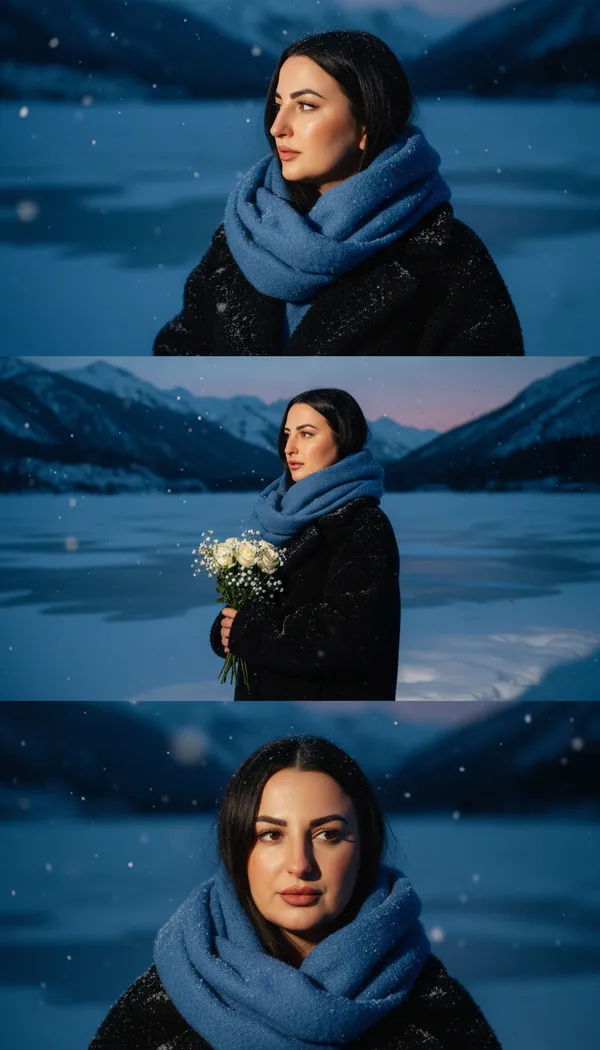
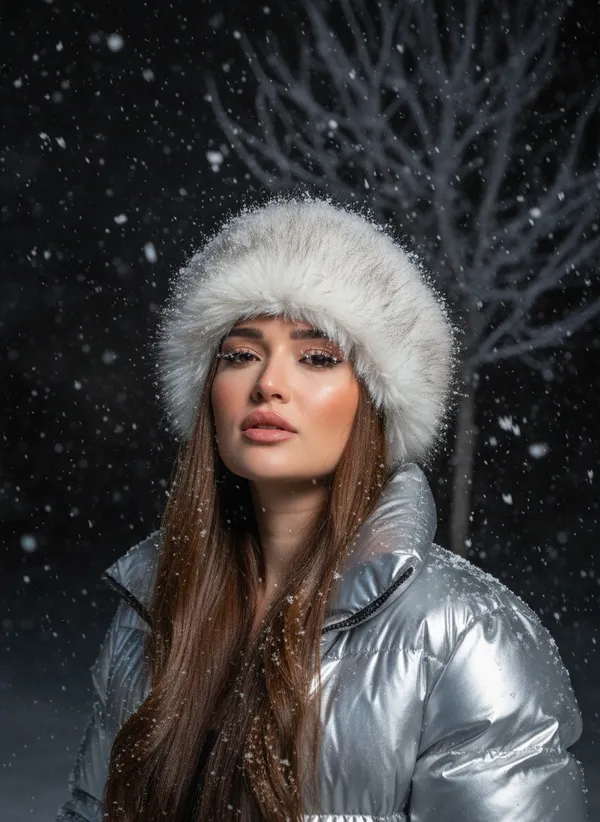
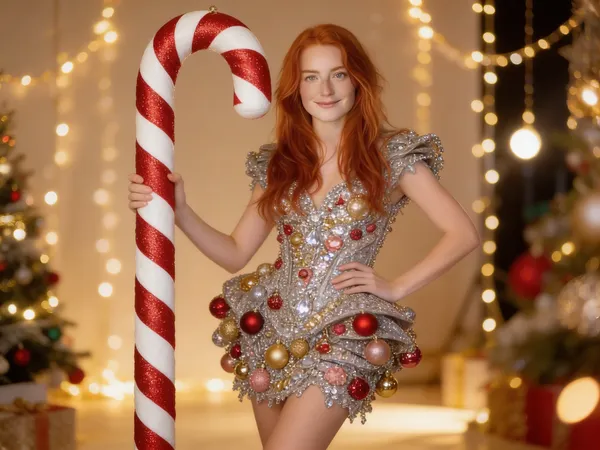
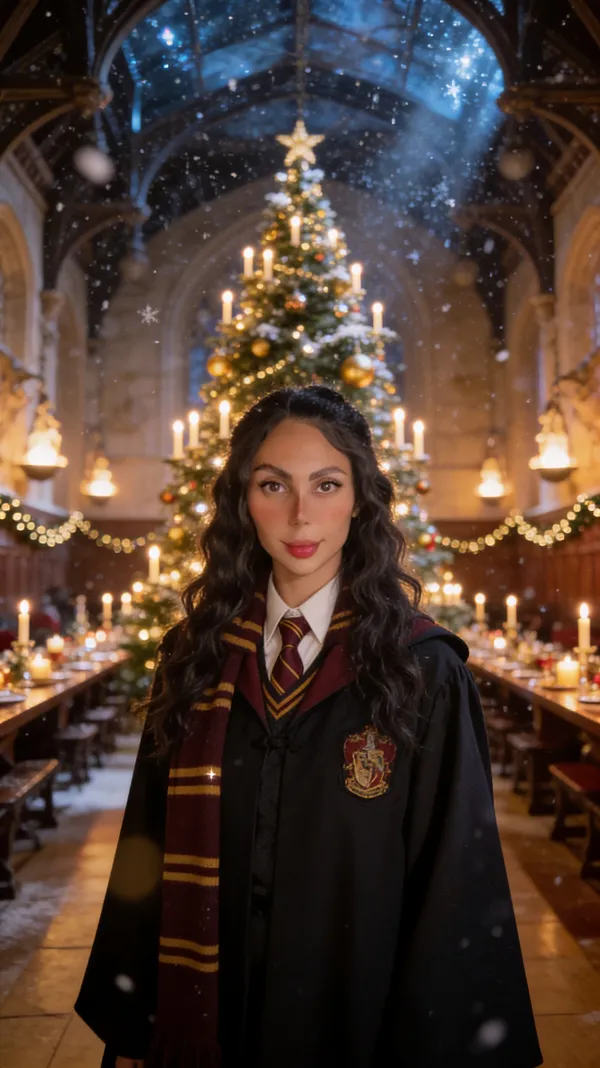
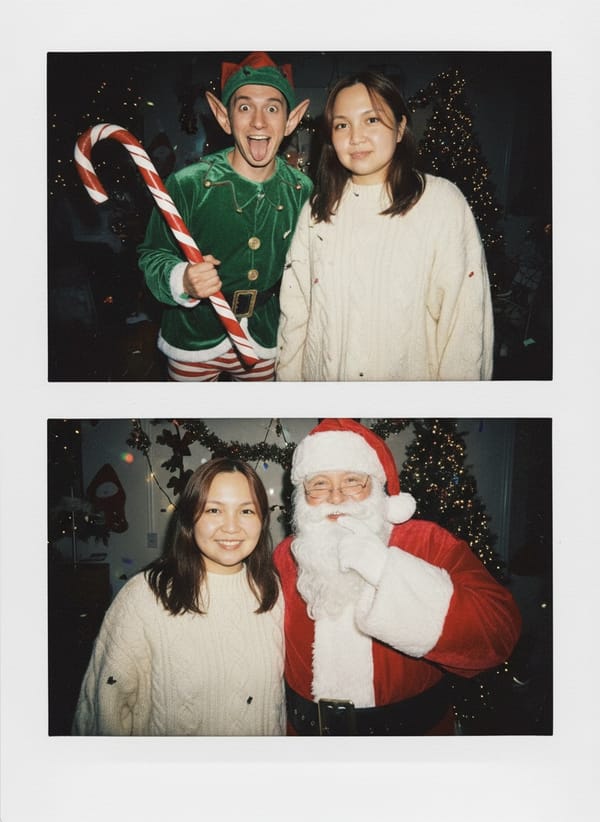
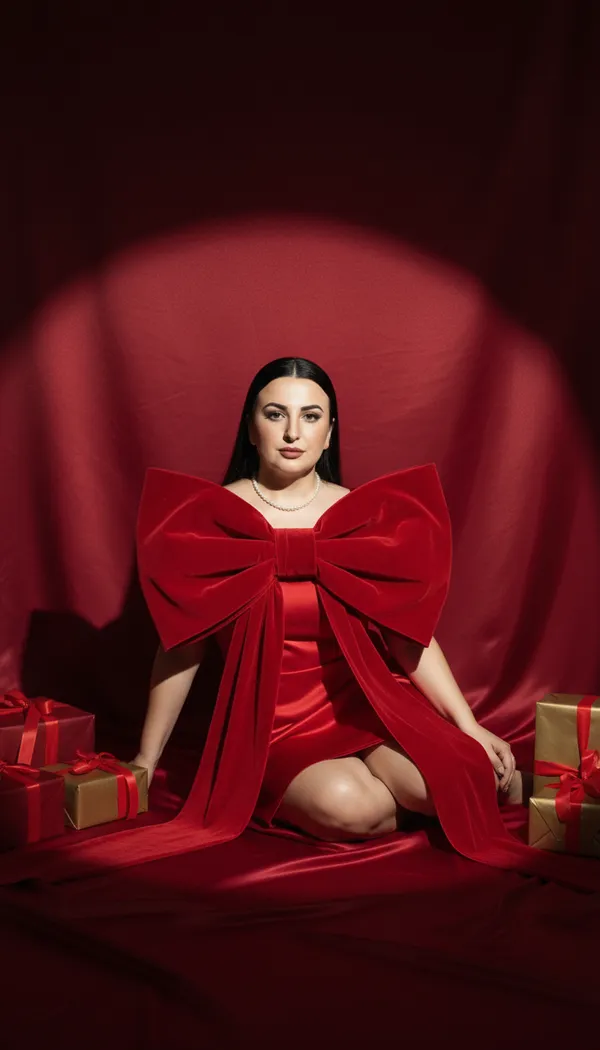
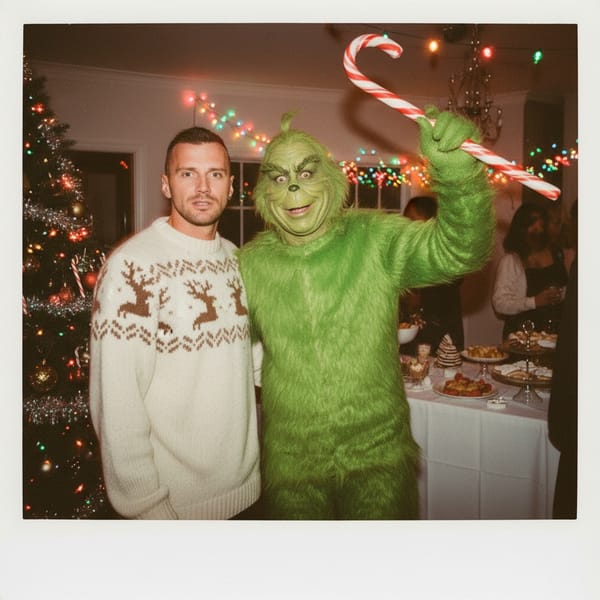
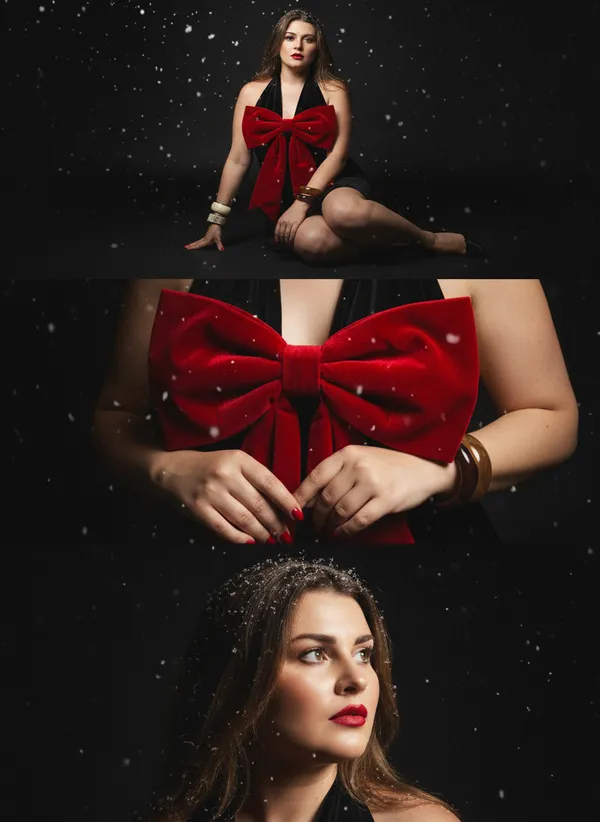
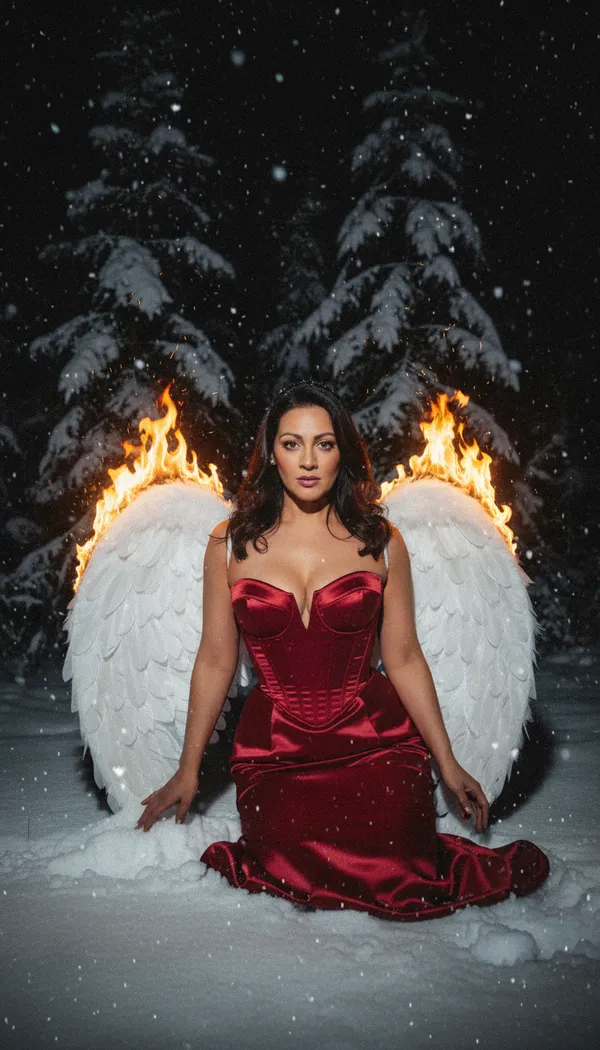
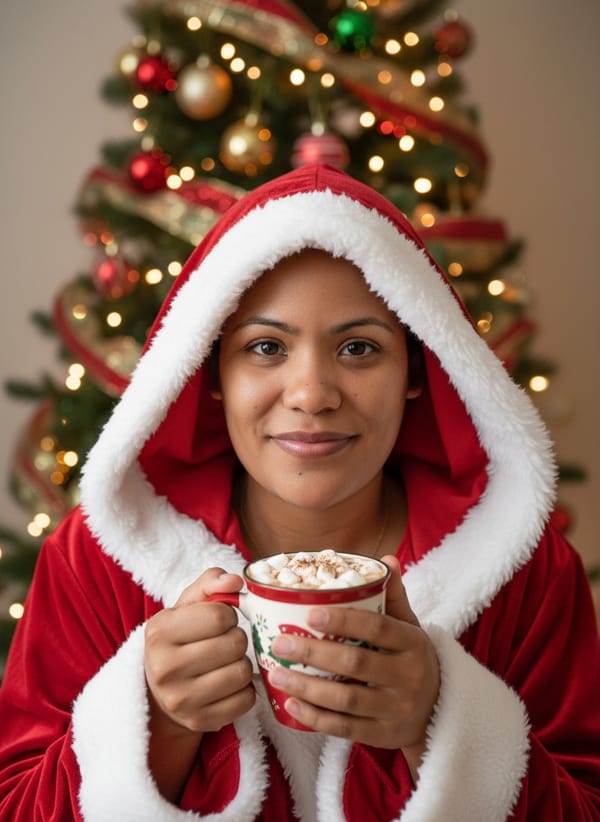
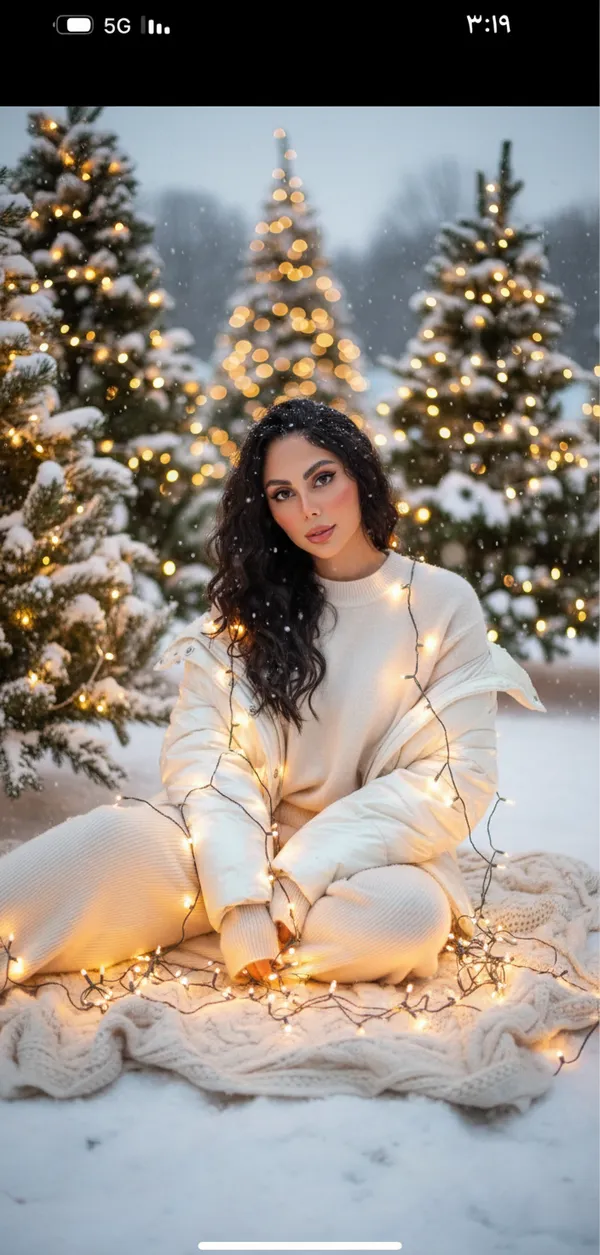
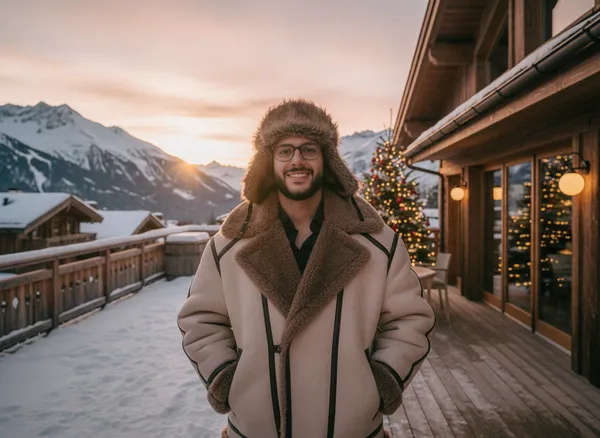
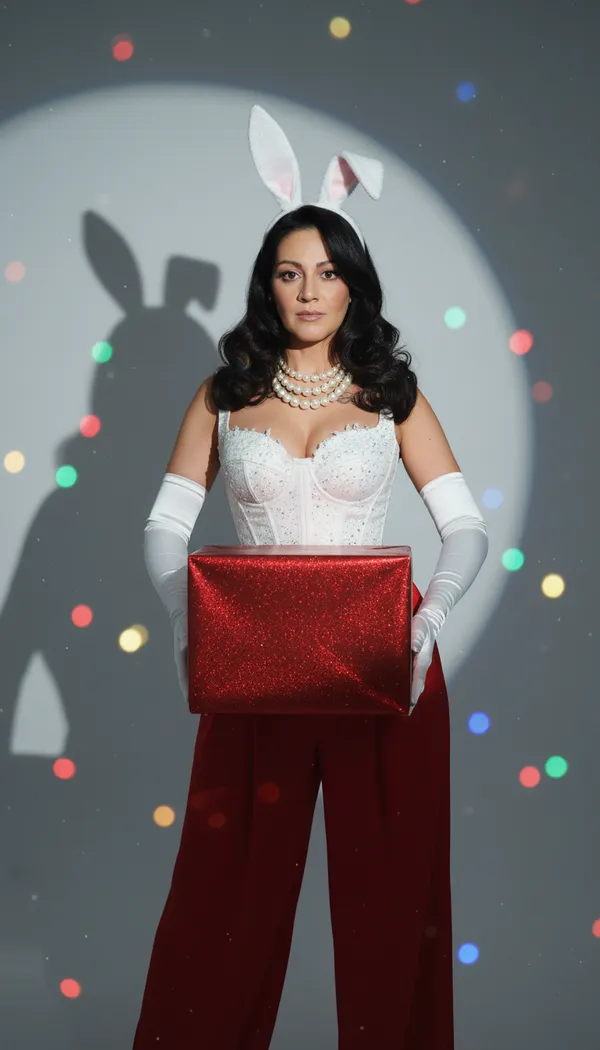
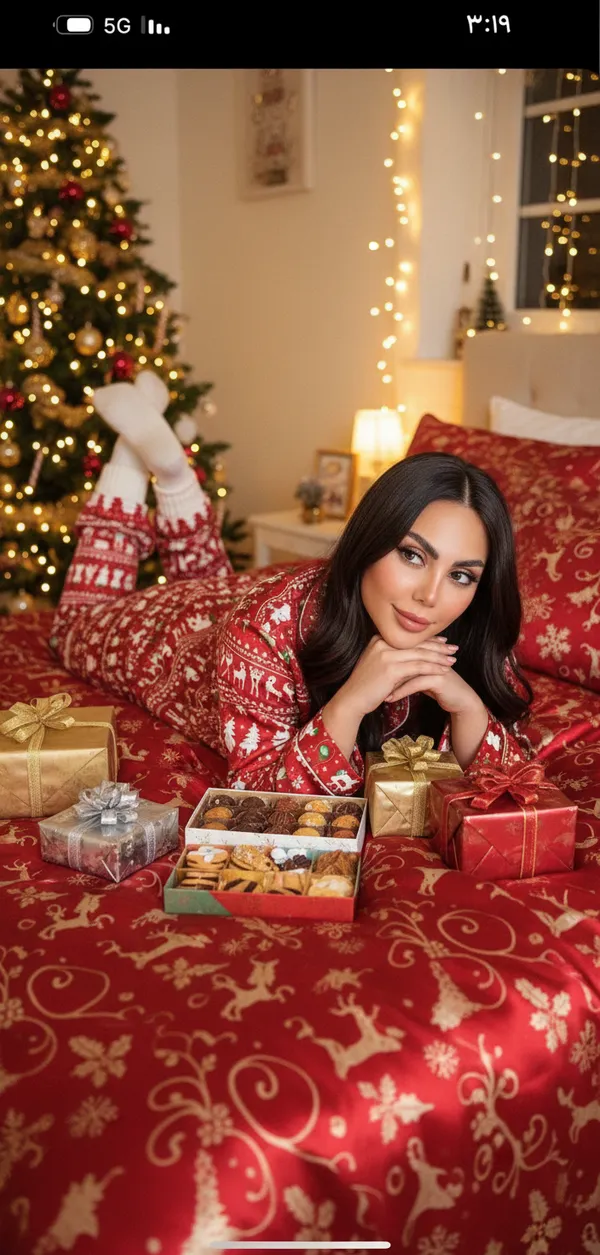
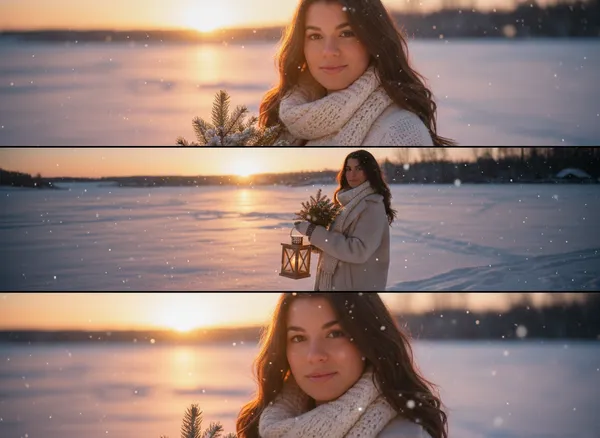
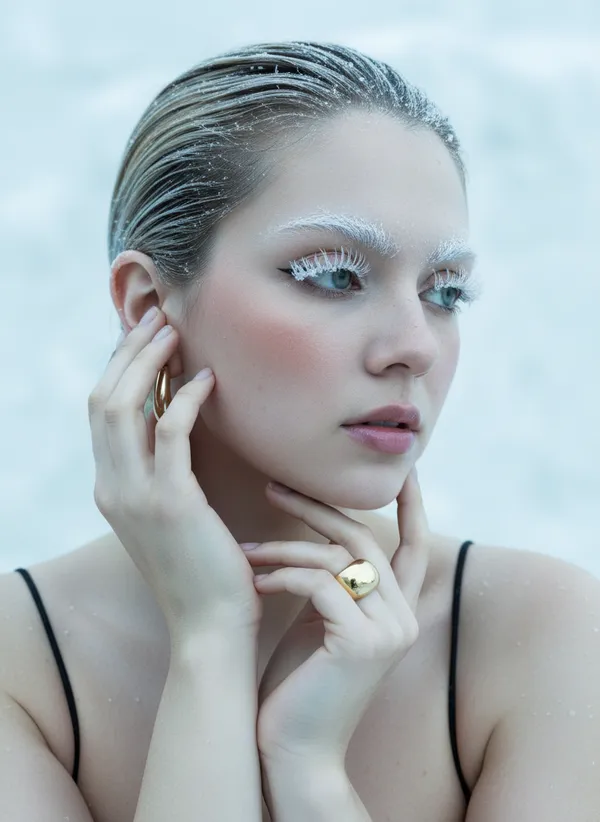
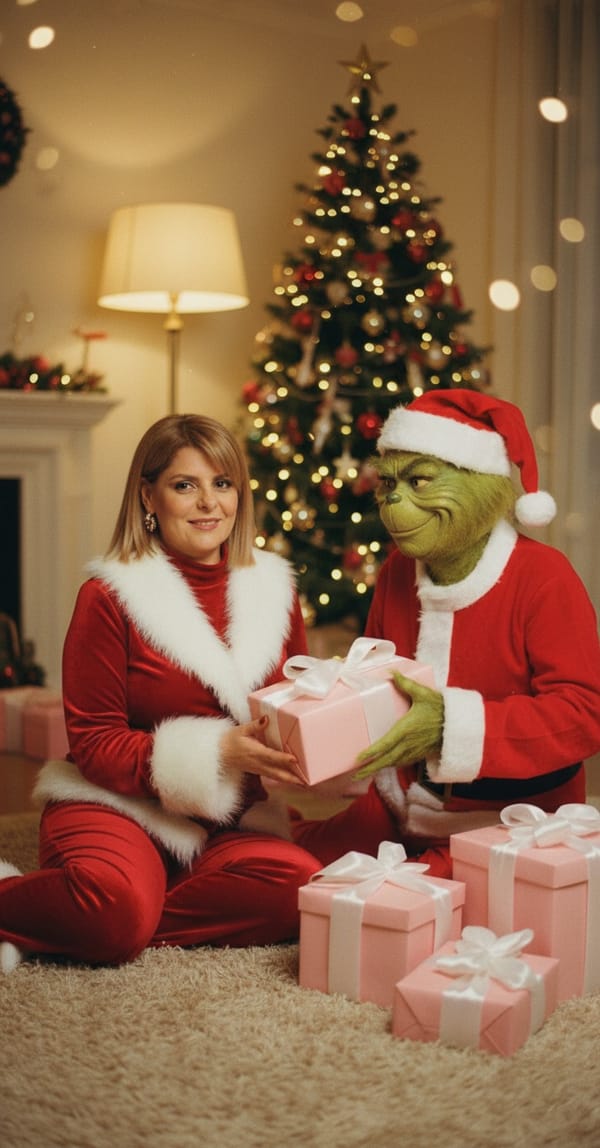
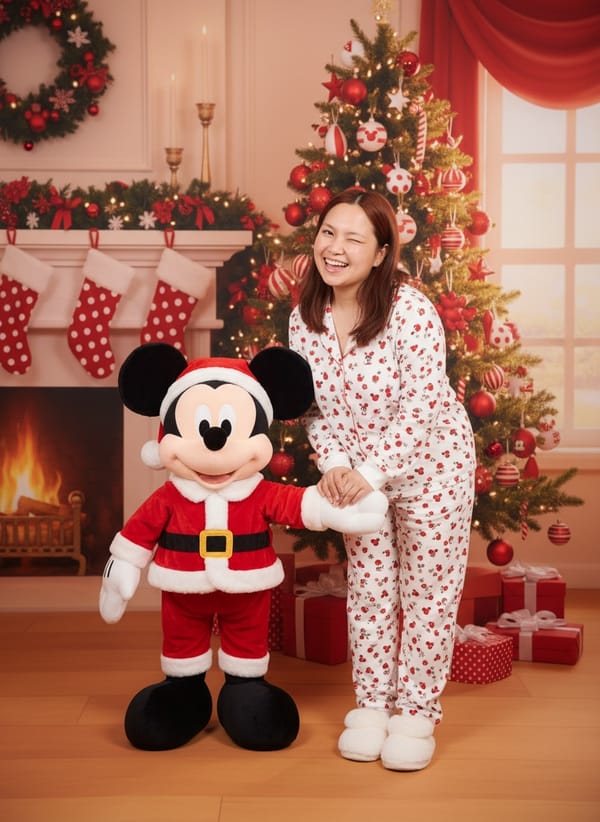
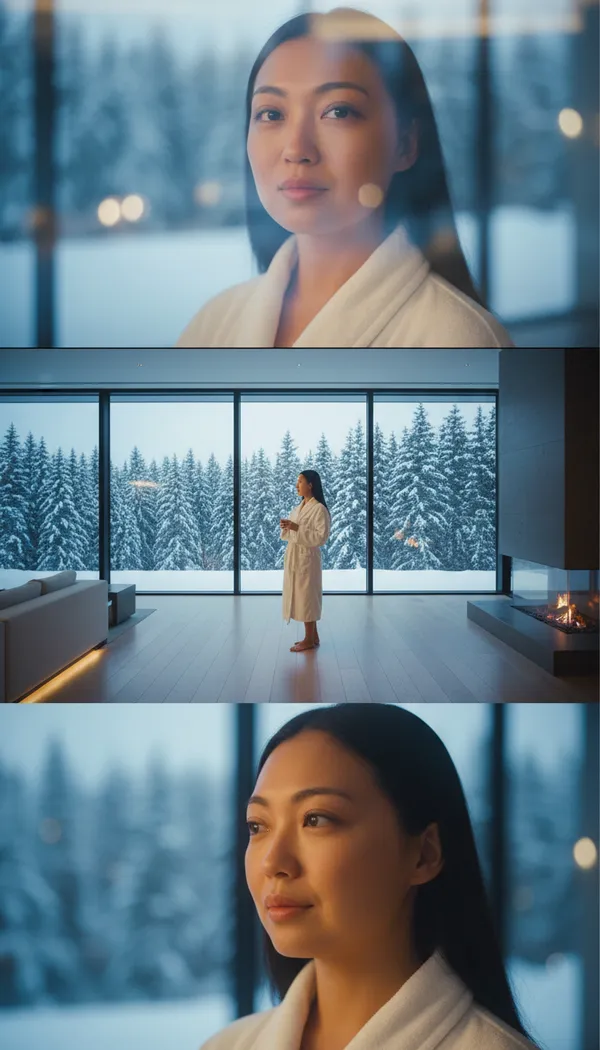
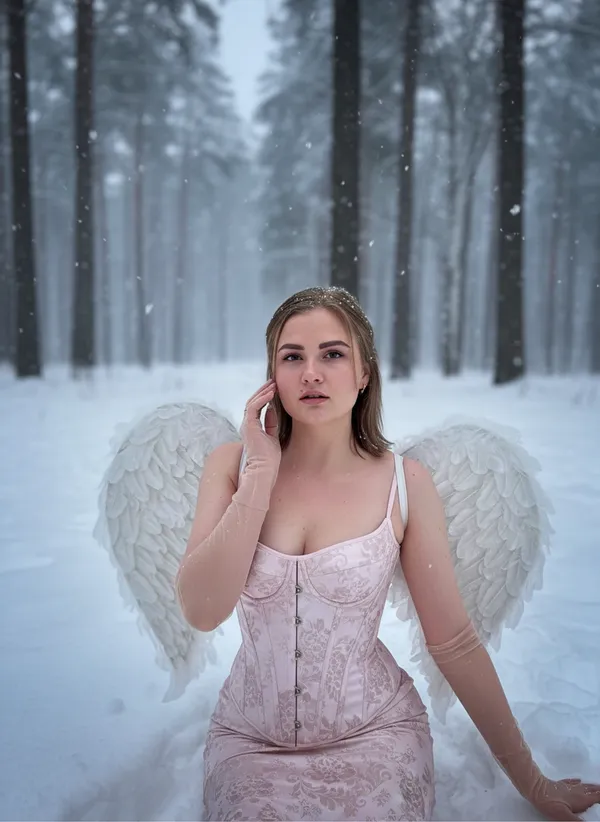
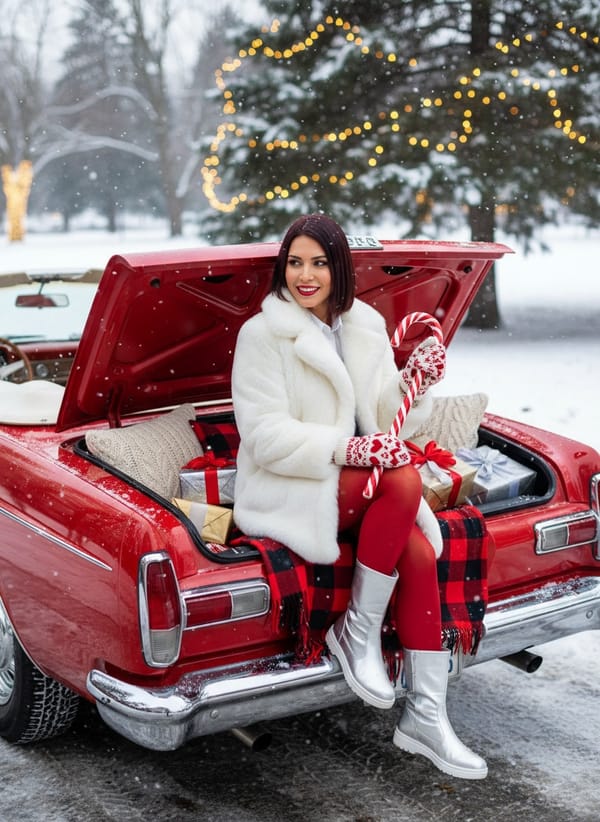
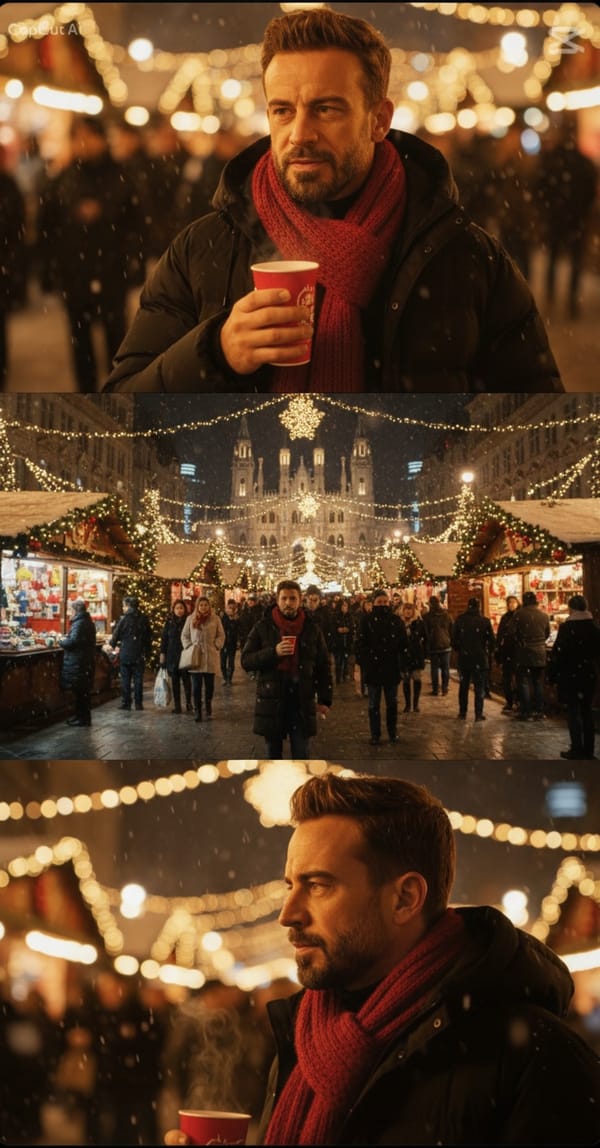
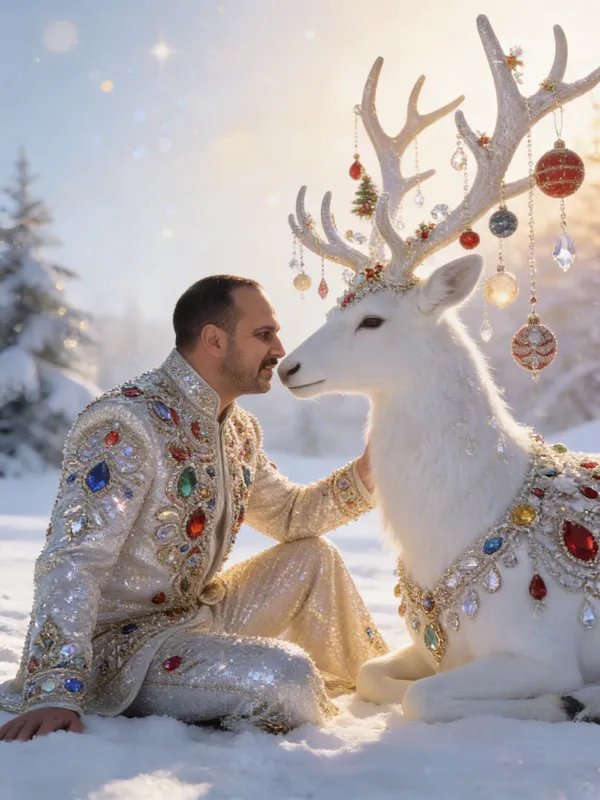
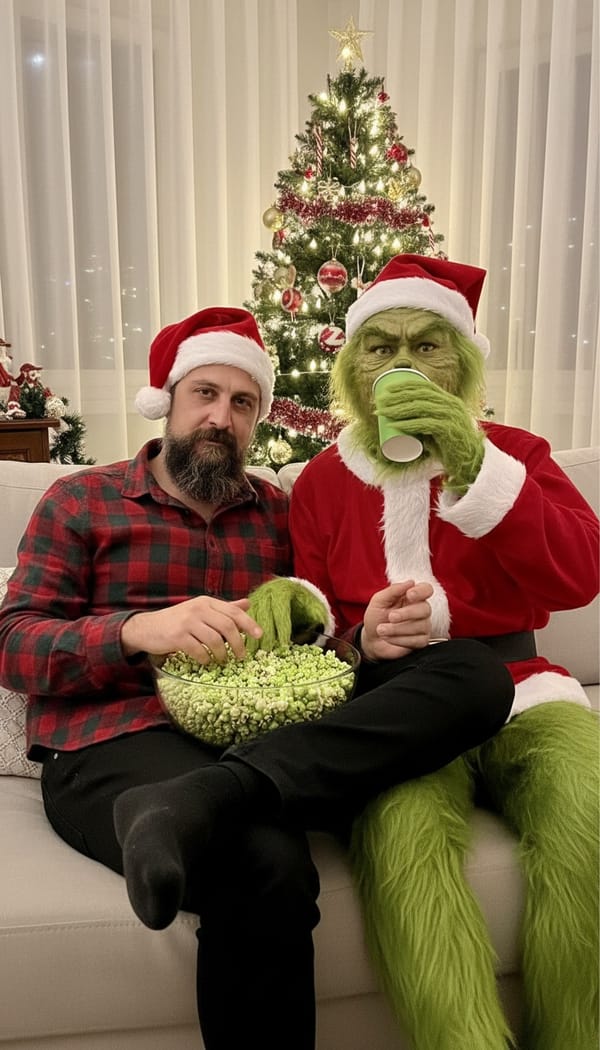
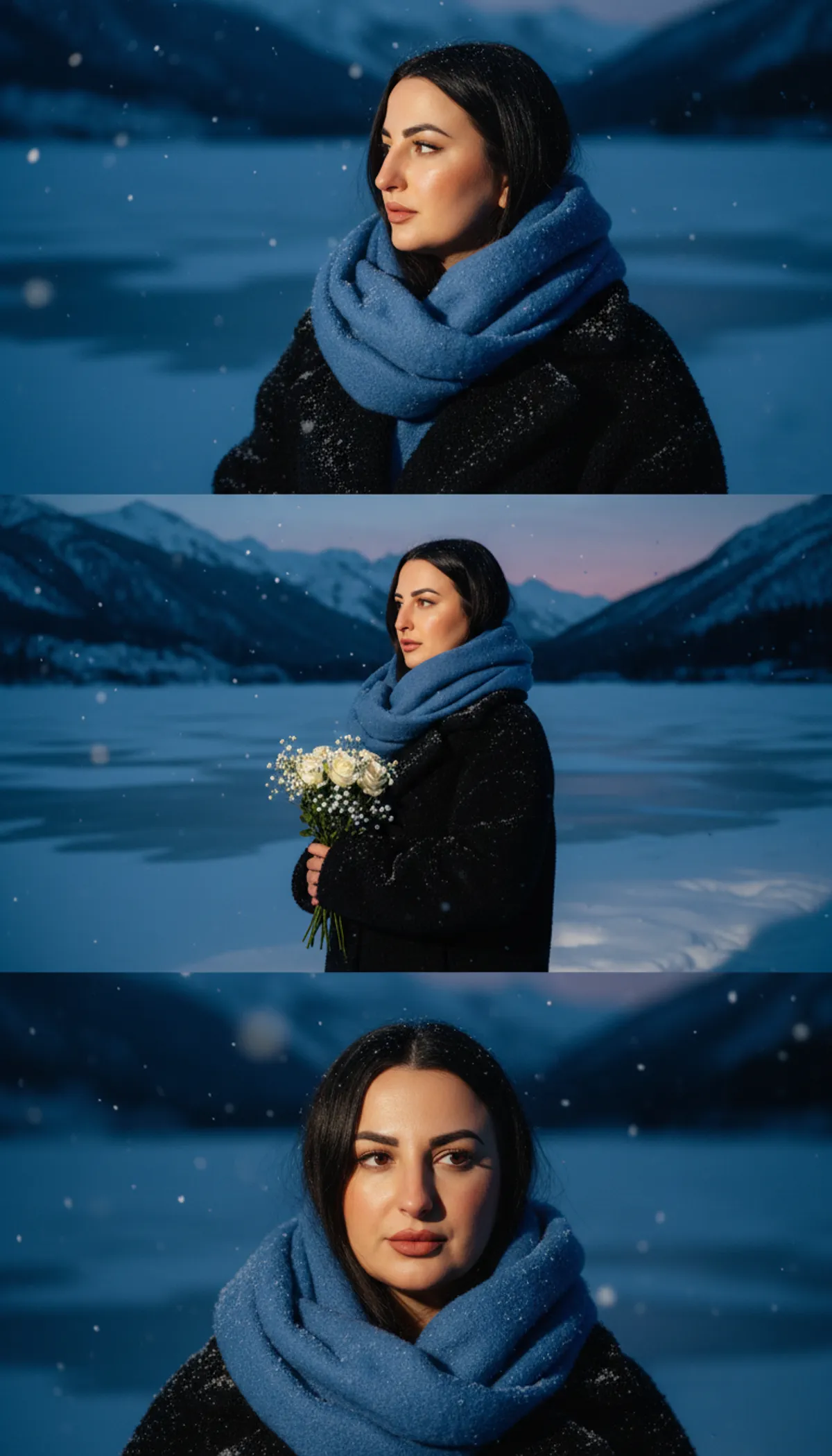
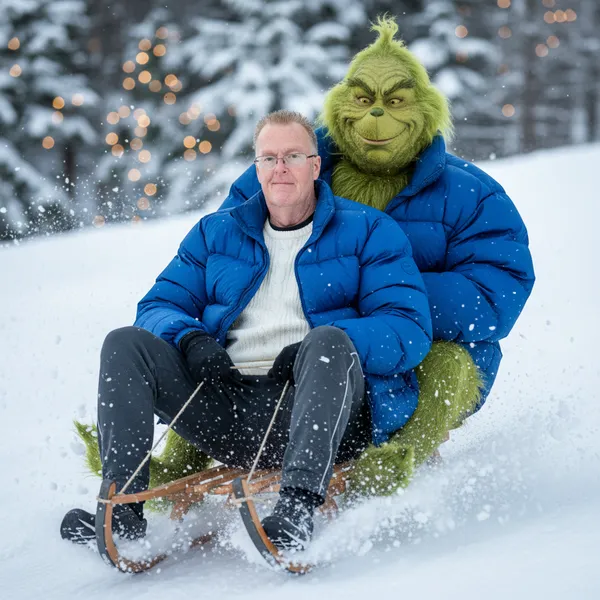
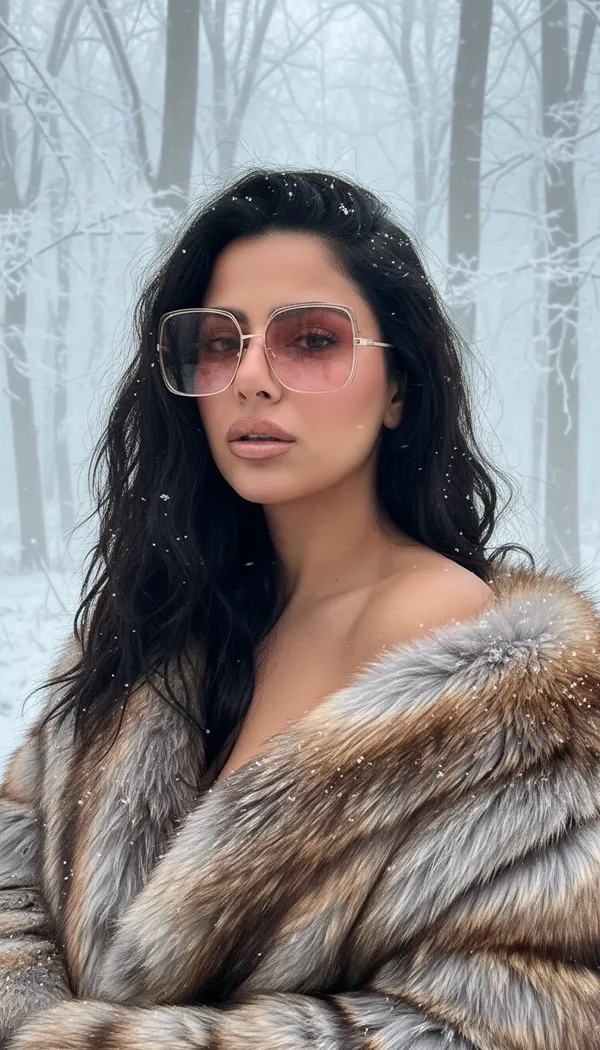
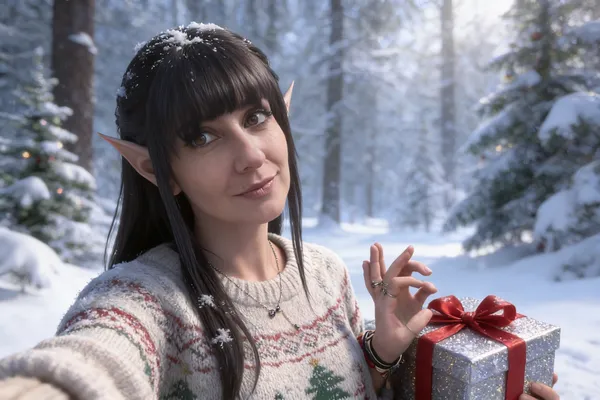
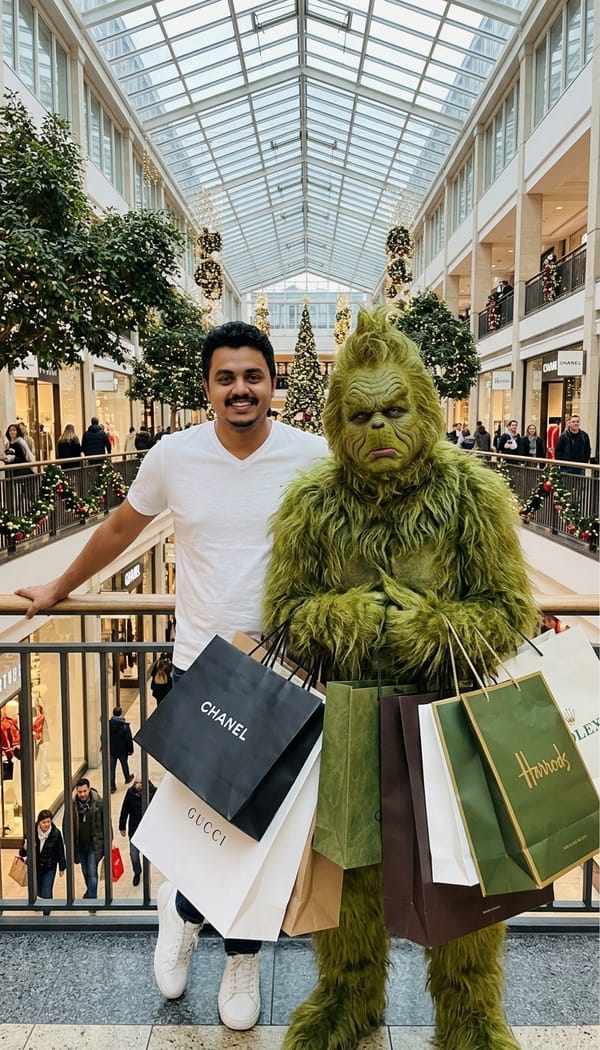
FARBA's AI Christmas Photo Generator turns a single selfie into a full holiday photoshoot. Fifty-two festive styles and more than 1,190 example AI Christmas pictures across six collections mean one upload can produce a whole set of Christmas images — close-up portraits, wide winter scenes and card-ready crops — with no studio, no photographer and no real snow. Christmas Magic is the storybook end. Snow Globe seats you inside a transparent glass sphere on fluffy snow holding a red-ribboned gift, frosted snowflake patterns on the glass and glowing MERRY CHRISTMAS lettering on the ornate base. Gemstones places you on the snow beside a white reindeer whose antlers are hung with ornaments and crystals, in a gown embroidered with coloured gemstones. Candy Cane is a glossy studio shot with a full-height candy cane and couture built entirely from crystals and tree ornaments in silver, gold, red and rose. Elf adds subtle pointed ears and an oversized knitted Christmas sweater in a snowy forest. Christmas Toy is the oddest and most shared of the set: it remakes you as a glossy porcelain figurine hanging from a spruce branch on a thin gold thread against warm tree-light bokeh. There is also a candlelit wizarding-school winter feast, with enchanted snow falling indoors. X-Mas Photoshoot is the lifestyle set, and the one most people use for cards. Santa puts you in a red hooded outfit with white fluffy trim, both hands around a mug of cocoa, a decorated tree glowing behind. Roadtrip sits you in the open trunk of a red car packed with a checkered blanket, cushions and wrapped gifts, in a white plush coat and heart-pattern mittens with a giant candy cane. Cozy Bed is Christmas-morning pyjamas on red patterned bedding surrounded by gifts. Christmas Market is a three-frame set at a lit market stall strung with garlands and bokeh lights. Magic Night has you in a dark oversized coat and red scarf with a hot drink in the falling snow. Snowy Glow drapes warm Christmas lights over your coat and across the snow around you. Snow Glam is the fashion end — cold, editorial and deliberately not cute. Nordic wraps you in an oversized caramel-and-icy-grey fur coat in a frosted forest. Ice Queen lays you on cracked ice in frost couture. Polar Glam is a faux-fur hat in heavy night snowfall with snow settled on your lashes. Midnight Angel and Burning Angel are raw phone-flash shots in a night forest, one in a white lace corset dress, one in deep-red satin. Winter Siren stands you in a steaming open-air hot pool ringed by snowy pines. Balaclava and Frozen Muse are extreme beauty close-ups in icy tones. Holiday Chic is party season and the New Year crossover. Velvet seats you against dark red silk with a giant red velvet bow and glossy wrapped gifts. Red Bow is a black dress with an oversized red bow across the chest under falling snow. Winter Glam is a hard-flash portrait in metallic silver against a snow-covered lit tree. Sparkle is a champagne glass, a red silk gown or a wine velvet suit and full celebration lighting — the same picture works for a Christmas party and a New Year post. Want to try the festive outfits on their own first? See the AI Outfit Generator. Cold Season is the winter-landscape collection, mostly cinematic triptychs: Snowfall in a cream fur hood, Blue Hour in a big blue scarf, Dawnlight under a pink and lavender sky, Golden Hour facing a winter sunset, Aurora under green and violet northern lights, Alpine Spa seen through a panoramic window in a white robe, Ski Gondola cross-legged in an oversized ski suit and earmuffs, and Chalet Glow on a snowy terrace above alpine peaks. For comedy there is a green holiday-grump collection — a room lined floor to ceiling in bright green fur, a second-floor mall balcony while your sour-holiday-mood green companion sags under branded shopping bags, a garland-strung bar counter, and a two-up sled run down a snowy slope. Funny Christmas Videos rounds it off by animating a still into a short clip: a Santa-costume reveal, a tree-ornament doll, a snow globe and a festive front-page gag. Want both of you in the frame? The AI couple photo maker builds one Christmas portrait from two separate selfies, and the free AI pet portrait generator does the same for the dog or cat on the card.
Why Choose FARBA
Why It Stands Out
A studio holiday session has to be booked weeks before December, costs a few hundred dollars, needs everyone dressed and cooperative on the same afternoon, and hands you one set against one backdrop. A free AI Christmas photo generator gives you fifty-odd backdrops for the price of a download — at 2am, in August, in whatever you are already wearing. Holiday cards are the highest-value use: generate one portrait per family member in the same style so the set reads as a single shoot, then drop them into a printed or digital card layout. After that it is social, where Christmas market bokeh and snow-forest editorials comfortably outperform a phone selfie by the tree, plus December profile pictures, secret-santa jokes, and digital gifts — a porcelain-ornament portrait of someone, printed and hung on their actual tree, lands every time. Because the styles live in the app year-round, none of this is locked to December: prepare cards in September, shoot winter content in July, or post a snow editorial in February. Snow Glam and Cold Season in particular are winter fashion sets rather than strictly Christmas ones, so they stay usable long after the tree comes down. For magazine-grade holiday styling, see the AI Editorial Portrait Generator; in February the AI Valentine Photo Generator picks up where the season leaves off. Our guide to AI holiday and seasonal photos walks through planning a full card set from a single upload.
Showcase
See the Results
Every image is generated by our AI from a single photo.
How It Works
Create AI Christmas Photo Generator in 3 Steps
Upload one clear, front-facing selfie — the AI needs your face, not your wardrobe or your living room. Light matters more than anything else: a window, an overcast afternoon or any even indoor light works well. Skip sunglasses, hats that shadow the eyes, heavy backlighting, and group photos where the AI has to guess which face is yours. A head-and-shoulders or waist-up frame is ideal, because most Christmas styles are composed from the chest up. Then open a collection — Christmas Magic, X-Mas Photoshoot, Snow Glam, Holiday Chic or Cold Season — pick a style and tap generate. Your Christmas photo comes back in about 30 seconds at up to 2K resolution, ready to download, print or drop into a card layout. Generation is per style rather than per session, so the same selfie can run through six styles and give you six completely different Christmas pictures: a cocoa-and-pyjamas shot for the family group chat, a snow-forest editorial for Instagram, and a card-ready portrait for print. Several styles return a cinematic triptych — three stacked frames from one upload — which is why a single generation can fill a whole card spread. Styles that support it also accept an extra text prompt, so you can ask for a specific sweater colour, a different coat, or a particular background.
Upload Your Photo
Take a quick selfie or choose a photo from your gallery. One photo is all you need.
Choose Your Style
Browse ai christmas photo generator styles and pick the one that matches your vision.
Get Your Result
AI generates stunning results in seconds. Download, share, or post directly to social media.
Reviews
Loved by Creators
Rated 4.4 out of 5 from 900 ratings on the US App Store.
"I prefer this app over similar alternatives mostly because of the high quality results, the several art styles to choose from and because generation is very fast."
Zaka 67 mari
App Store review · United States · Jun 2023
"This is a very good app that does really clear lifelike images…"
Ste684
App Store review · United Kingdom · Jan 2025
"Está muy bien tiene muy buenos detalles en las fotos"
Translation: It’s really good, the photos have great detail.
Fanyerick
App Store review · Mexico · Jul 2026
FAQ
AI Christmas Photo Generator FAQ
What is the best AI Christmas photo generator?
FARBA is one of the most complete options because it is a whole Christmas photoshoot rather than a single filter: 52 festive styles across six collections — Christmas Magic, X-Mas Photoshoot, Snow Glam, Holiday Chic, Cold Season and a set of animated Christmas video effects — with strong likeness preservation, print-ready output in about 30 seconds, and free styles you can try before paying for anything.
What Christmas photo styles are available?
Six collections. Christmas Magic (Snow Globe, Gemstones, Candy Cane, Elf, Christmas Toy), X-Mas Photoshoot (Santa, Roadtrip, Cozy Bed, Christmas Market, Magic Night, Snowy Glow), Snow Glam (Nordic, Ice Queen, Polar Glam, Midnight Angel, Snow Angel, Burning Angel, Winter Siren, Frozen Muse, Balaclava), Holiday Chic (Velvet, Red Bow, Winter Glam, Sparkle, Snow Dream), Cold Season (Snowfall, Blue Hour, Dawnlight, Golden Hour, Aurora, Alpine Spa, Ski Gondola, Chalet Glow) and a playful green holiday-grump set. Funny Christmas Videos adds four animated clips on top.
Is the AI Christmas photo generator free?
Yes — FARBA is a free AI Christmas photo generator to download and try, with a set of Christmas styles included at no cost. The premium collections (Snow Glam, X-Mas Photoshoot, the Christmas video effects) are unlocked through an optional in-app subscription, so you can generate your first Christmas pictures before deciding whether to pay.
Do I need to sign up to make Christmas photos?
No. You can install FARBA, upload a selfie and generate Christmas images without creating an account or entering payment details. Signing in only matters if you want to keep a generation history across devices or manage a subscription.
Can I make family Christmas photos with AI?
Yes, with one caveat: the AI works from one face at a time, so the reliable method for a family set is to generate one portrait per person in the same style — Santa, Cozy Bed and Snowy Glow are the most family-friendly — then arrange them together. Because the lighting and backdrop are identical across every generation in a style, the finished set reads as one shoot rather than a collage. It works for kids too; for a nostalgic throwback angle, the AI Childhood Photo Generator recreates old-school family Christmas looks.
Can I use these on holiday cards?
Holiday cards are the single most popular use. Output is high-resolution and composed with headroom, so it drops straight into a card template — printed cards, folded cards, photo cards or a digital greeting you send in a message. Generate one portrait per family member in a matching style for a family card, or a single Snow Globe or Velvet portrait for a solo one.
Can I print AI Christmas pictures?
Yes. Images come back at up to 2K resolution, which is enough for 5x7 and 6x8 cards, small framed prints and photo-gift products like mugs, ornaments and calendars. For large wall prints, pick a style with a tight, well-lit composition — the Christmas Magic and Holiday Chic studio styles hold detail better at size than the phone-flash night styles, which are grainy by design.
Can I generate Christmas pictures rather than portraits?
Yes — a good half of the catalogue is scene-first rather than face-first. The Cold Season and Christmas Market styles are wide, atmospheric Christmas pictures where you are a figure in a snowy landscape or a lit market street, and the triptych styles return three stacked frames that read as a small photo story. If you want an AI Christmas picture with mood rather than a headshot, start with Aurora, Blue Hour, Snowfall, Chalet Glow or Christmas Market.
Is there a Christmas AI image generator for backgrounds only?
Not as a separate mode — every style is built around your uploaded photo, so there is always a subject in frame. What you can do is choose the styles where the environment dominates and the subject is small in the frame (Aurora, Snowfall, Ski Gondola, Christmas Market) and crop the result, which gives you a usable Christmas background plate. Styles that accept an extra text prompt also let you change the setting itself — a wooden chalet, a snowy city street, a decorated staircase.
Will the Christmas photo still look like me?
Yes. Every Christmas style is prompted to lock onto the uploaded face — features, proportions, skin texture and, in most styles, hairstyle — and only the outfit, lighting and setting change. Likeness is strongest with a sharp, front-facing, well-lit source photo; it degrades with heavy filters, sunglasses, extreme angles and low light. Friends recognising you instantly is the baseline, not a bonus.
What photo works best for a Christmas portrait?
A clear, front-facing selfie in even light, framed head-and-shoulders to waist-up, with your eyes fully visible. Window light or an overcast day is ideal. Avoid backlighting, harsh overhead light, sunglasses, low hats, motion blur and group shots. Your own clothes and background do not matter at all — the AI replaces both with the festive outfit and Christmas set from the style you pick.
How long does the AI Christmas photo generator take?
About 30 seconds per style. That makes it practical to try five or six looks in the time a single studio setup would take, then keep the two or three that suit the card and post the rest to social.
Do you have New Year styles as well as Christmas ones?
Yes, and there is heavy overlap. Sparkle (champagne glass, red silk or wine velvet, celebration lighting), Holiday Chic, Velvet and Winter Glam all read as New Year party photos as easily as Christmas ones, and the Cold Season winter landscapes work for New Year greetings without a single Christmas tree in frame. One generation usually covers both holidays.
Can I make a Christmas photo with my partner?
Yes — use the AI Couple Photo Generator, which takes two separate selfies and builds a single portrait with both of you in the same scene. For Christmas specifically, the cozy-interior and snowy-street couple styles pair naturally with the festive collections here, so you can do a couple card and individual Christmas portraits from the same two uploads.
Can my pet be in a Christmas photo?
Pets get their own generator: the AI Pet Portrait Generator turns a dog or cat photo into festive and gallery-style portraits, including holiday-ready looks. Generate the pet separately and place it alongside your own Christmas portrait on the card — matching styles keep the whole set coherent.
Do the styles include Christmas outfits and sweaters?
Every style dresses you from scratch. Depending on which you choose that means an oversized knitted Christmas sweater, festive pyjamas, a red Santa-style hooded coat with fluffy trim, a plush white winter coat, a fur coat and ushanka, an ornament-and-crystal couture piece, a metallic silver party look, or a red velvet gown. You never need to own or buy the outfit, and styles that support text prompts let you specify a colour.
Are there Christmas video styles?
Yes. Funny Christmas Videos turns a still photo into a short animated clip — a Santa-costume reveal, a Christmas-tree ornament doll, a snow globe effect and a festive front-page gag. These are clips rather than photos, sized for stories, Reels and messaging rather than print, and they are the fastest way to make something that gets a reply in a group chat.
Are Christmas styles available year-round?
Yes. The festive collections stay in the app all twelve months, so you can plan cards in September, make winter content in July, or post a snow editorial in February. For romantic seasonal portraits once the holidays are over, try the AI Valentine Photo Generator.
Is this an AI holiday photo generator as well as a Christmas one?
Yes — the same generator covers the wider holiday season, not just Christmas Day. Alongside the Christmas scenes there are snow and winter editorial looks, cosy fireside and knitwear portraits, New Year and midnight styles, and neutral festive setups with no Christmas iconography. If you need holiday photos for a card, a year-end post or a seasonal invite without a tree or a Santa hat, pick one of the winter or New Year styles instead of the Christmas ones.
Can I make AI holiday photos that are not Christmas-specific?
You can. Several styles are deliberately neutral — snowy outdoor portraits, blue-hour and golden-hour winter light, ski and mountain scenes, cosy indoor knitwear — with no religious or Christmas-specific elements. They work for anyone who wants a seasonal holiday photo for a card, a profile picture or an end-of-year post without the tree, the sweater or the Santa hat.
Can I use it as a Christmas picture maker for cards and invites?
That is one of the most common uses. Generate a portrait, download it at full resolution, and drop it into any card or invitation layout — the images are print-ready, so they hold up at card and A5 sizes. Portrait-orientation styles suit folded cards best, and the plainer snow and studio backdrops leave room for your own text.
Ready to Create?
Download FARBA and start generating stunning ai christmas photo generator results today. Free to try.
Free download. In-app purchases available.